

Malcut - Auto Captions
Seyong Oh Photo & Video iPhoneiPadiPod touch
Malcut - Auto Captions is a free Photo & Video app for iPhone and iPad by Seyong Oh. Requires iOS 16.4. Updated November 1, 2026.
- Price
- Free
- on the App Store
- Size
- 8 MB
- Age 4+
- Updated
- Nov 1
- 2026 · v1.3
Screenshots


About Malcut - Auto Captions
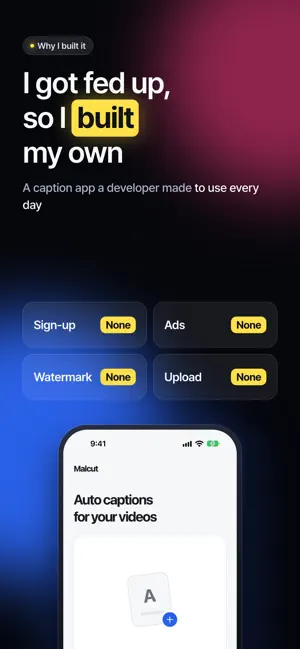
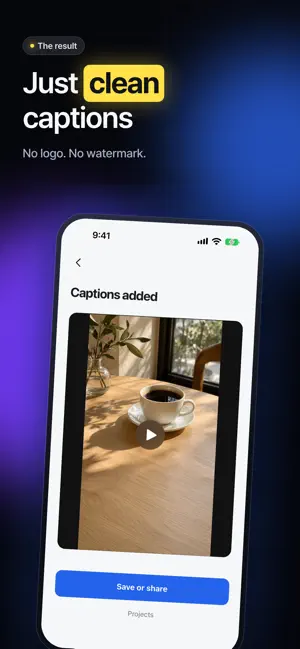
Captions for a 2-minute video in 3 seconds Every auto caption app I found was paid, so I built my own. Malcut turns the speech in your video into captions and saves the video with the captions burned in. No sign-up, no payment, no ads, no watermark. Done in 3 seconds On an iPhone 17, captions for a 2-minute video were ready in 3 seconds. Your video is processed right on your phone instead of being uploaded, so there is no upload to wait for. Processing time depends on your device and video. That is why it is free Your video, audio and captions are never sent to a server. With no server costs, every feature is free. Just clean captions No logo and no watermark on your video. Switch between box, outline and plain styles, and change size, color and position. Spoken word highlight The word being spoken lights up in yellow. Great for Shorts and Reels. Edit captions Fix the text and timing. Split or merge captions, and undo a delete right away. Mixed-language captions Choose 2–3 of 17 languages, including English, Korean and Japanese. Whisper detects the language of each speech segment and keeps captions in the original language. You can add a translated line under each caption. Choose a section of up to 5 minutes from a longer video. Supported iPhones use Apple speech recognition; otherwise a Whisper model is downloaded once. Your work is saved automatically. On supported iPhones, choose Apple speech recognition or Whisper for multilingual captions. Short phrases and words mixed within a sentence may be misrecognized.
What’s new
Version 1.3 · Updated November 1, 2026
• Added Urdu captions. • Choose a section of up to 5 minutes from longer videos. • Find and replace, caption length, undo and redo. • Reuse your caption style and share SRT or text files.
App privacy
The developer, Seyong Oh, reported these privacy practices to Apple.
Data Not Collected
The developer does not collect any data from this app.
Alternatives to Malcut - Auto Captions
Looking for apps like Malcut - Auto Captions? Here are 6 similar apps on the App Store. The highest rated is Captioner: Quick Add Captions (5.0/5), and all 6 are free to download.
-
 CaptionsPro: AI Captions
-
 Jimakuru: Auto Captions
-
 Watermark Stamp: Photo & Video
-
 Loomur: AI Captions
-
 Captioner: Quick Add Captions
5.0
-
 SubTitler - Auto Captions
| App | Rating | Price | Last updated | Compare |
|---|---|---|---|---|
| Malcut - Auto Captions | – | Free | November 1, 2026 | |
| CaptionsPro: AI Captions | – | Free | Aug 8, 2026 | Compare |
| Jimakuru: Auto Captions | – | Free | Oct 6, 2026 | Compare |
| Watermark Stamp: Photo & Video | – | Free | Oct 30, 2026 | Compare |
| Loomur: AI Captions | – | Free | Oct 25, 2026 | Compare |
| Captioner: Quick Add Captions | 5.0 / 5 (3) | Free | Oct 29, 2026 | Compare |
| SubTitler - Auto Captions | – | Free | Oct 11, 2026 | Compare |