

Redact Tap
Ahmed Gedi Utilities iPhoneiPadiPod touch
Redact Tap is a free Utilities app for iPhone and iPad by Ahmed Gedi. Rated 5.0/5 from 1 ratings. Requires iOS 18.2. Updated September 16, 2025.
- Rating
- 5.0
- 1 ratings
- Price
- Free
- on the App Store
- Size
- 7 MB
- Age 4+
- Updated
- Sep 16
- 2025 · v1.0.1
Screenshots


About Redact Tap
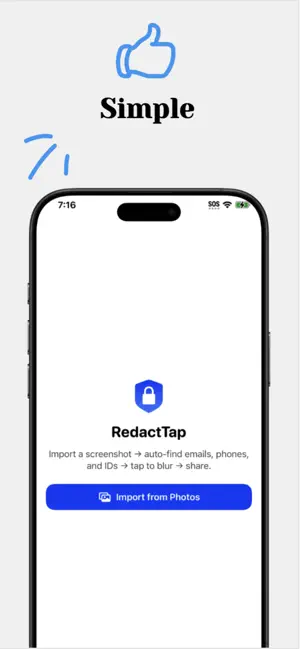
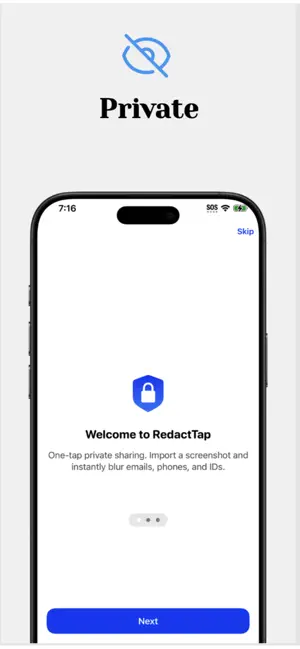
RedactTap makes private sharing effortless. Import a screenshot, it instantly highlights emails, phone numbers, and IDs—then you tap boxes to blur or unblur. Long-press to draw your own box anywhere. Export a crisp, high-resolution image and share it in seconds. Everything runs on your device. How it works Import from Photos Tap boxes to toggle blur (or long-press and drag to add your own) Export or share Features One-tap blur for detected info Long-press to add manual boxes High-resolution PNG export (original detail preserved) Share sheet built-in; save to Photos if you like Private by design — processing stays on device Clean, fast, and portrait-focused UI Dark Mode ready Protect what matters, without the hassle.
App privacy
The developer, Ahmed Gedi, reported these privacy practices to Apple.
Data Not Collected
The developer does not collect any data from this app.
Alternatives to Redact Tap
Looking for apps like Redact Tap? Here are 6 similar apps on the App Store. The highest rated is UHF BLE Helper (3.0/5), and all 6 are free to download.
-
 SnapRedact: Blur & Censor
-
 Maskly - Auto Photo Privacy
-
 DocuVault: AI Document Scanner
-
 Redacto - Redact & Blur Photos
-
 Expi: Expiry & Renewal Tracker
-
 UHF BLE Helper
3.0
| App | Rating | Price | Last updated | Compare |
|---|---|---|---|---|
| Redact Tap | 5.0 / 5 (1 rating) | Free | September 16, 2025 | |
| SnapRedact: Blur & Censor | – | Free | Oct 15, 2026 | Compare |
| Maskly - Auto Photo Privacy | – | Free | Sep 15, 2026 | Compare |
| DocuVault: AI Document Scanner | – | Free | Oct 24, 2026 | Compare |
| Redacto - Redact & Blur Photos | – | Free | Jul 10, 2026 | Compare |
| Expi: Expiry & Renewal Tracker | – | Free | Oct 10, 2026 | Compare |
| UHF BLE Helper | 3.0 / 5 (1) | Free | Oct 13, 2025 | Compare |
Compare Redact Tap with the top alternatives: ratings, updates, ASO score and keyword gaps →