Cast to TV - Screen Mirroring
Cast to TV, mirror your screen, and stream videos, photos and music to Smart TVs
About Cast to TV - Screen Mirroring
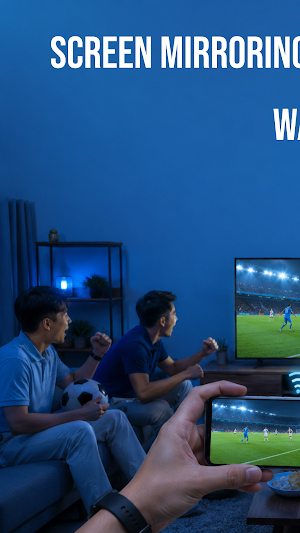
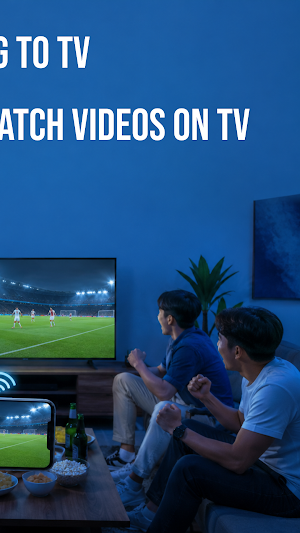
Cast to TV - Screen Mirroring helps you display content from your phone on a larger screen. You can cast videos, photos, music, and mirror your screen to compatible Smart TVs using the same Wi-Fi network.
Whether you're watching videos, sharing photos with family, playing music, or browsing the web, the app provides an easy way to enjoy your content on TV. It also includes a built-in browser, media casting, playback controls, and device management in one place.
Key Features of this Screen Mirroring App:
📺 Mirror Your Screen To TV
Mirror your phone screen to a compatible Smart TV for presentations, apps, games, or everyday viewing. Connect both devices to the same Wi-Fi network and start screen mirroring in a few steps.
🎥 Cast Videos From Your Phone
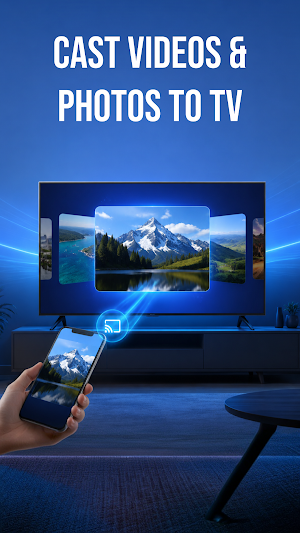
Browse videos stored on your device and cast them to your TV. Watch your favorite clips and movies on a larger screen without moving your files.
🖼️ View Photos On Television
Display your photo collection on a Smart TV to enjoy memories with family and friends. Browse albums comfortably on a bigger screen.
🎵 Play Music Through TV
Cast audio files from your phone to your TV or supported cast devices. Listen to music using your TV speakers while controlling playback from your phone.
🌐 Browse Websites And Cast Videos
Open websites with the built-in browser and cast supported online videos to your TV. Continue browsing while enjoying content on a larger display.
▶️ Watch Online Videos On TV
Search for videos through the browser and cast supported media to your Smart TV. Enjoy online entertainment without downloading additional files.
🎮 Control TV Playback Easily
Manage playback directly from your phone with play, pause, stop, volume, mute, and seek controls. Switch playback modes or manage your current session without using the TV remote.
⚙️ Connect With Smart Devices
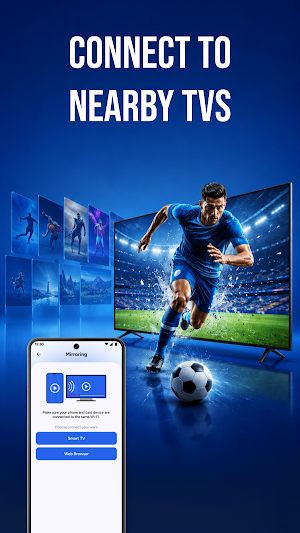
Use the app with many compatible Smart TVs and wireless display devices that support casting. A simple connection process helps you start sharing your content quickly.
Cast to TV - Screen Mirroring brings together screen mirroring, video casting, photo sharing, music streaming, web browsing, and playback controls in one app. Whether you're relaxing at home, sharing photos, or presenting content, you can access the tools you need from a simple interface.
Download Cast to TV - Screen Mirroring today to mirror your phone, cast videos, photos, music, and browse web content on your TV. If you enjoy using the app, please leave a rating and review to help us continue improving future updates.
Similar Apps
Product Lens Pro
Scan any product barcode to reveal its info, brand, and country of origin

MultiTools Pro
20 professional tools for technicians: networking, sensors, passwords, QR codes, and more.

Pulse Browser: Private Browser
Fast and simple web browser with tab management and language support
VoltPlay: Game Booster
Boost games, unlock high FPS & refresh rate, block interruptions. Play better.
File Manager & File Explorer
File manager, storage cleaner, recycle bin & file organizer.

猫日誌
This is an app to record your beloved cat.
