About Ace Video Downloader
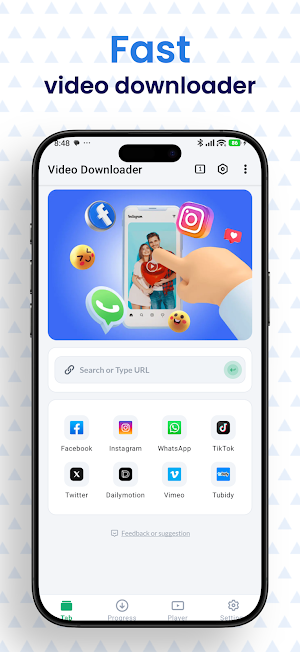
Ace Video Downloader helps you download and manage supported videos, audio files, and images from websites directly on your device.
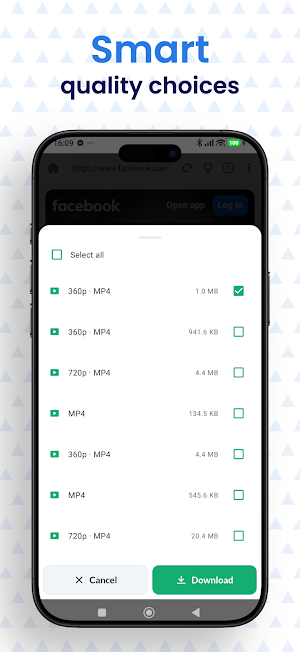
Use the built-in browser to visit a supported webpage. When downloadable media is detected, you can select the file you need, check its details, and start downloading. The download manager makes it easy to monitor, pause, resume, or remove your downloads.
📥 Download Supported Media
Ace Video Downloader can detect downloadable media from supported websites. Available file types and download options may vary depending on the website, device, and content source.
Supported file types may include:
• MP4, M4V, MOV, and AVI videos
• MP3 and M4A audio files
• Common image formats
• HD media when provided by the source website
• Large files, depending on your device storage and network connection
🌐 Built-In Browser
Browse supported websites without switching between multiple applications. You can also save bookmarks for websites you visit regularly.
The built-in browser helps you:
• Open supported webpages
• Detect available downloadable media
• Preview media before downloading
• Save useful websites as bookmarks
⚙️ Download Manager
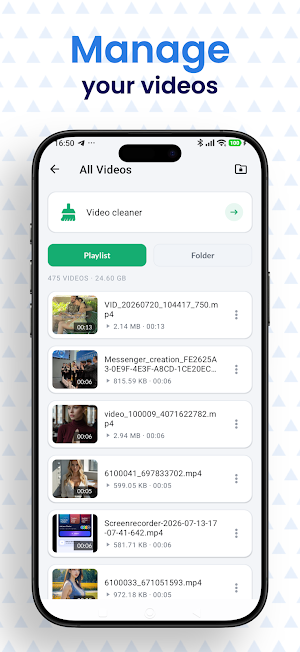
Manage your downloaded files from one convenient place.
Available download controls include:
• Pause and resume active downloads
• Restart interrupted or failed downloads
• Download multiple supported files
• View download progress
• Remove unwanted download tasks
• Continue downloads in the background
• Play downloaded videos with the built-in player
🔒 Protected Folder
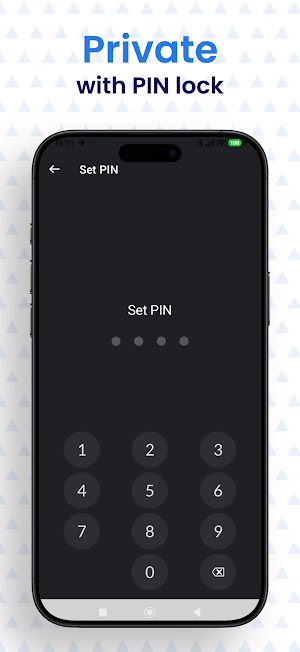
Store selected downloaded files in a password-protected folder. This feature helps prevent other people using your device from casually opening those files.
Please remember that password protection inside the app does not replace your device’s security settings or encryption features.
📂 File Storage
Downloaded files can be saved to supported storage locations on your device. Storage options may depend on your Android version, device model, and available storage space.
▶️ How to Download
1. Open a supported website using the built-in browser.
2. Play or open the media you want to save.
3. Wait for Ace Video Downloader to detect available files.
4. Select the supported file and download option.
5. View and manage the file from the download section.
🔐 Permissions
Ace Video Downloader may request the following permissions when required:
• Internet access: Used to open websites and download selected files.
• Notifications: Used to display download progress and completion status.
• Storage or media access: Used to save, display, and manage downloaded files, depending on your Android version.
Permissions are used only to provide the related application features.
⚠️ Important Notice
Ace Video Downloader is intended for downloading content that you own or have permission to save. Users are responsible for complying with copyright laws, website terms, and content usage restrictions.
The application does not grant rights to download, distribute, modify, or reuse copyrighted material. Some websites may restrict downloads or may not be supported.
Similar Apps

Focus Video - Video Compressor
Compress & Convert video, audio, photo, image efficiently and quickly

Download Twitter Videos - GIF
Download Twitter videos and gif, play or share the video with your friends

Fortect Mobile Security
Fortect Mobile Security: Secure Your Phone. Requires Fortect Premium Account

Startpage
Start here, stay private

Web Browser - Fast & Privacy
Web browser can bring you better, faster, secure browsing experience.

Fiery Browser - Fast & Private
Fast, simple, and secure. download video in the private browser downloader
