Free website generator for mobile apps; privacy policy, app-ads.txt support and more...
AppPage.net
About Orange Payroll VIVO
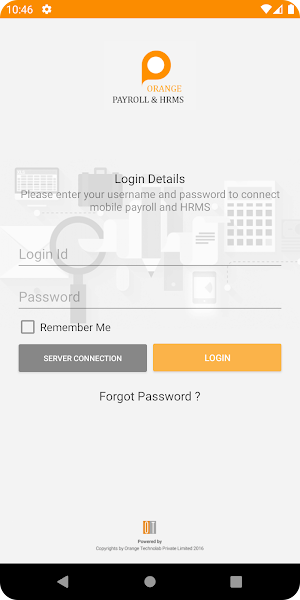
1. Server Connection and Login.
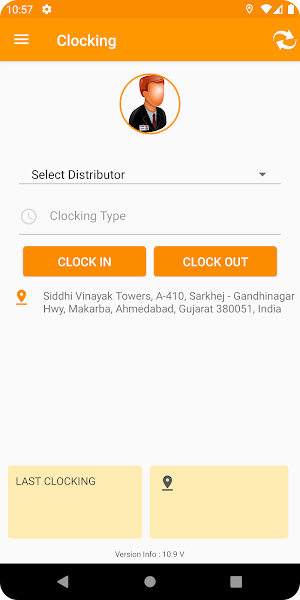
2. After clicking on the “Clock-In” Button, the Work Plan Pop-up will be shown. This will be for all the employees except VBA. The same applies for the “Clock-Out”. This both will be bounded with Attendee’s Clock In and Out.
3. For VBA before the “Clock-Out”, he needs to Submit the Stock Details and this pop-up will be displayed to VBA only.
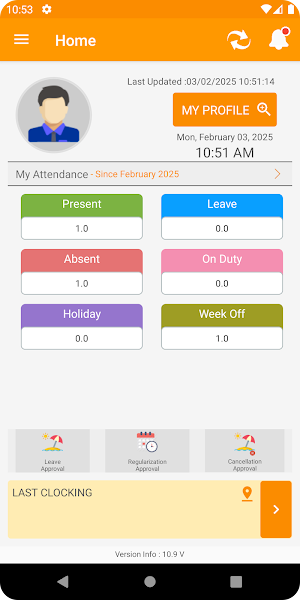
4. Attendance.
5. Leave.
6. Approvals.
Similar Apps

Orange Payroll VIVO
Payroll Solution

MY VIR
MY VIR is a mobile application by VIR Laminates.

Orange Payroll
Payroll Solution for Daily Stock Updates Users.

JJC Business World
JJC Business World application and its services are designed to make daily task.

Ultimatix Payroll
One Stop HR Solution on Mobile

login nahi ho Raha

Best

👍
