Photo Compressor: Reduce Size
Shrink photo file size for email, resumes & social — no quality loss. Free.
About Photo Compressor: Reduce Size
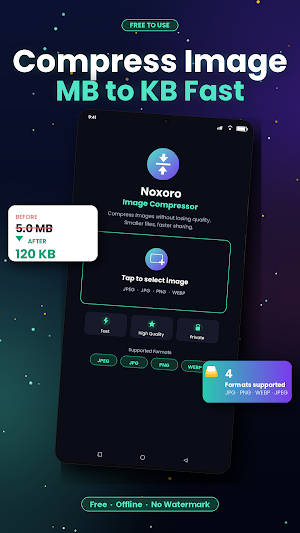
Got a photo that's too large to email, attach to a job application, or upload to your favorite platform? Photo Compressor reduces any image to a much smaller file size in seconds — without making it look bad.
WHO THIS APP IS FOR
• Job seekers attaching a resume with a profile photo (LinkedIn, Indeed, company portals)
• Anyone trying to email photos through Gmail or Outlook's attachment limits
• Real estate agents and home sellers preparing photos for Zillow, Realtor.com, or MLS listings
• Etsy and eBay sellers compressing product photos for faster page loads
• Students applying through Common App, FAFSA, or scholarship portals that require small photo uploads
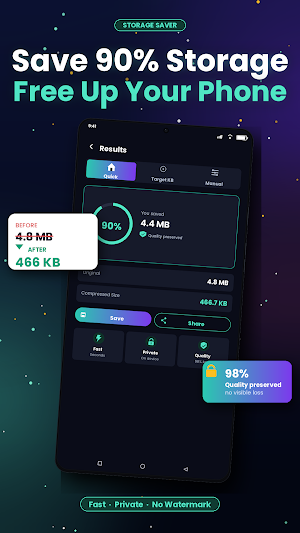
• Anyone backing up phone storage without deleting memories
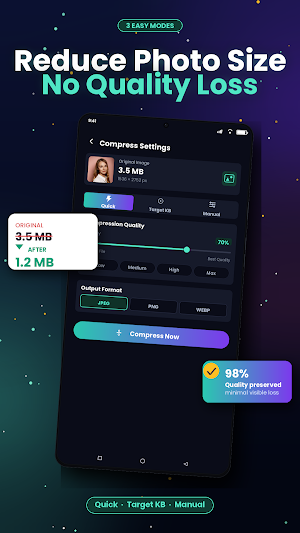
THREE WAYS TO COMPRESS
1. Quick Compress
Pick Low, Medium, or High quality and let the app do the work. Best for everyday sharing on Instagram, Discord, or Reddit.
2. Target File Size
Need to be under 5 MB for an email attachment? Or exactly 200 KB for an application portal? Type the target size and the app hits it within one kilobyte.
3. Manual
Full control over quality and dimensions. For users who want to fine-tune every detail.
WHAT'S INCLUDED
• Batch compress multiple photos at once
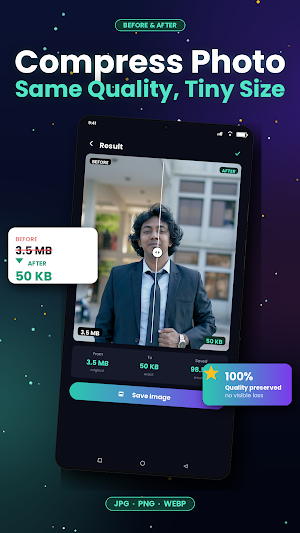
• Before/after preview slider — see exactly what changes
• Supports JPEG, PNG, and WEBP files
• Your photos never leave your device — no cloud upload, no account, no sign-up
• Works completely offline
YOUR PHOTOS, YOUR DEVICE
We don't upload your photos anywhere. All compression happens locally on your phone. No registration required. Read our full privacy policy for details.
FREE & PREMIUM
Core compression is free, supported by ads. A one-time Premium upgrade permanently removes ads and unlocks: batch processing up to 50 photos at once, custom watermarks, photo metadata preservation (date, camera, GPS), built-in photo editor (crop, rotate, flip, adjust), and premium themes.
Questions or feedback? Reach us through the Contact option in Settings. We respond within 48 hours.
Similar Apps
PicMaster - AI Photo Editor
Professional-grade photo editing tool featuring stickers, effects, filters, text

Geulgram - Text on Photo
Write words on photos & Save your emotions in photos

PhotoSpot: For Travel Planning
Photospot: Find The Right Spot For Your Next Shot

Optimalprint: Photo Gifts
Designs & photos into Cards, Calendars, Photo Books, Posters, Canvas & more!

Panorama Scroll Carousel Maker
Create Professional Scroll Posts for Insta using Panorama Scroll Carousel Maker.

yescan - PDF OCR Scanner
Yescan is a scanner application that can quickly scan various types of documents