Schlage Mobile Access
The new Schlage® Mobile Access app is convenient, easy to use and secure.
About Schlage Mobile Access
The Schlage Mobile Access app was developed for multifamily, commercial and institutional properties that use Schlage mobile enabled devices including Schlage Control, MTB readers, as well as NDEB and LEB wireless locks. Please note, homeowners who wish to manage Schlage Encode™, Sense™ or Connect™ smart locks should use the Schlage Home app.
For multifamily residents and end users:
The new Schlage® Mobile Access credentials enable residents and end users to utilize a mobile device instead of a physical badge to securely unlock an opening. Available for Android phones 6.0 and above, the Schlage Mobile Access app is convenient and easy to use.
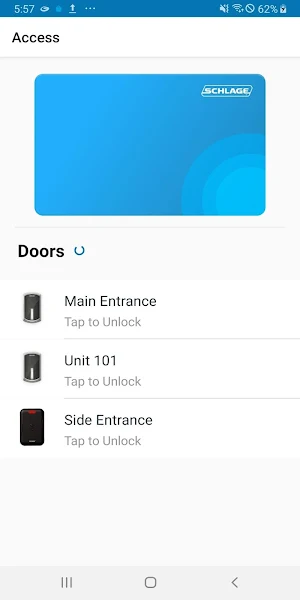
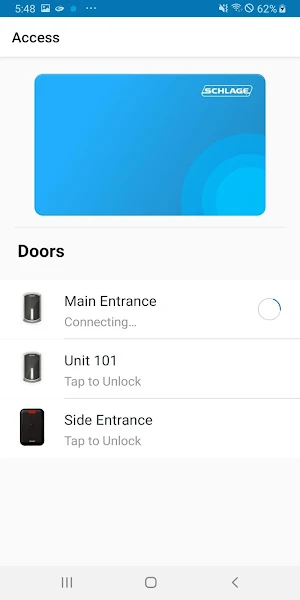
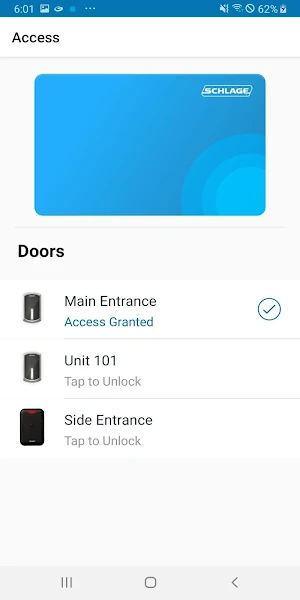
Your property manager or site administrator will set up your mobile credential to work with specific doors. Once the app has been downloaded to your phone and opened, you will see a list of doors within range. Simply select a specific door; if access is granted an unlock signal will be sent from the phone to the mobile enabled lock or reader. For added peace of mind, the app features best-in-class asymmetric credential encryption that has been validated by trusted industry experts.
For property managers and site administrators:
Schlage Mobile Access credentials are designed for properties and facilities that manage access control using ENGAGE™ web & mobile apps. They are compatible with the following:
-Schlage Control™ mobile enabled smart lock
-Schlage MTB mobile enabled multi-technology readers and CTE single door controller
-Schlage NDEB mobile enabled wireless cylindrical lock
-Schlage LEB mobile enabled wireless mortise lock
The ENGAGE™ web app is used to enroll users and assign mobile credential access to openings. Schlage Mobile Access credentials can be added/deleted immediately by syncing the ENGAGE™ mobile app with the device at the opening, or they can be added/deleted automatically overnight to Wi-Fi connected devices.
Similar Apps
Schlage Home
Schlage helps protect what matters most – peace of mind. The Schlage...
Allegion ENGAGE
Welcome to ENGAGE™ technology, the new connectivity platform from Allegion that makes...
Schlage Utility Software - SUS
The Schlage Utility Software (SUS) mobile app is designed specifically for use...
Overtur™ Mobile
Overtur™ Mobile provides a suite of tools for Overtur users to stay...
Frequently Asked Questions (FAQ)
