About Video Downloader for Twitter
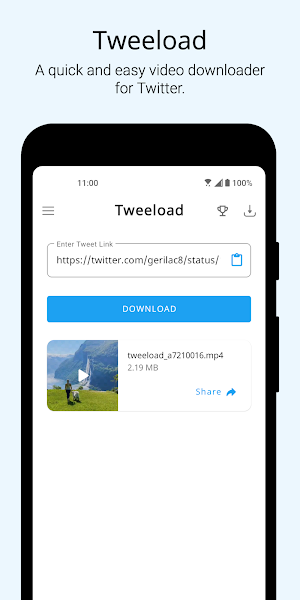
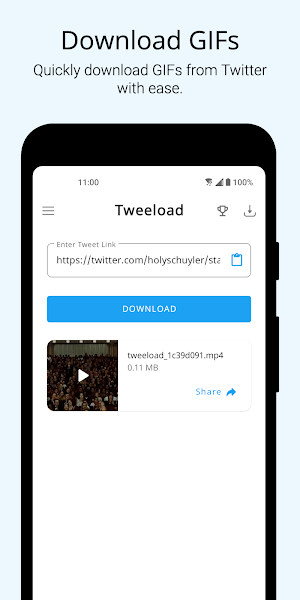
Tweeload offers a quick and easy way to download videos and GIFs from Twitter. Tweeload makes it a breeze to download GIFs and videos from Twitter.
Features:
- Easily download GIFs and videos from Twitter.
- Share the videos to any app directly from the Tweeload app.
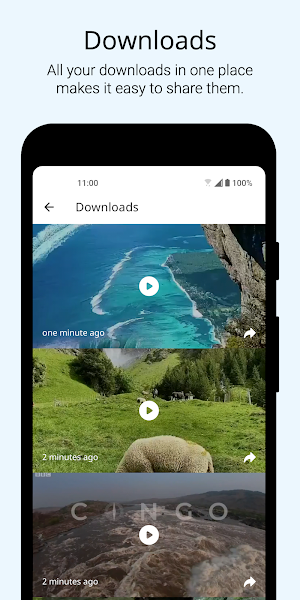
- Access all your downloaded videos right inside the app.
- Play downloaded videos right from the app.
How to use:
Method - 1 (Recommended)
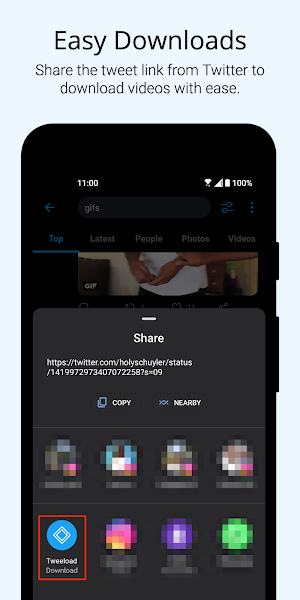
1. Open the Tweet with the video that you want to download.
2. Tap on the Share icon below the tweet to open the share sheet.
2. Select Tweeload from the list of the apps to begin downloading the video.
Method - 2
1. Copy the link to the Tweet with the video that you want to download.
2. Open the Tweeload app and use the clipboard icon to paste the link.
3. Tap on Download to begin downloading the video inside the app.
We would love to hear from you. Feel free to reach out to us at [email protected] for feedback or any queries.
Cheers! :)
Similar Apps

Meetly - Secure Video Meetings
Meetly is a free video meeting and video conferencing app to make...

Video Downloader for Reddit
Viddit offers a quick and easy way to download videos from Reddit....

Video Downloader for Twitter
Tweeload offers a quick and easy way to download videos and GIFs...

OCR - Image to Text - Extract
Smart Text Recognizer uses machine learning APIs to scan and extract text...

Video Downloader for Twitch
Dwitch offers a quick and easy way to download videos from Twitch....

Image Compressor - MB to kB
Image Compressor helps you compress multiple JPG and PNG images in a...
Frequently Asked Questions (FAQ)
What does Tweeload offer?
Can I share the downloaded videos to other apps?
Where can I find all my downloaded videos?
Can I play the downloaded videos from the app?
What is the recommended method to download videos?
Is there an alternative method to download videos?
How can I provide feedback or ask any questions?