

Imagor
Photography Contains ads
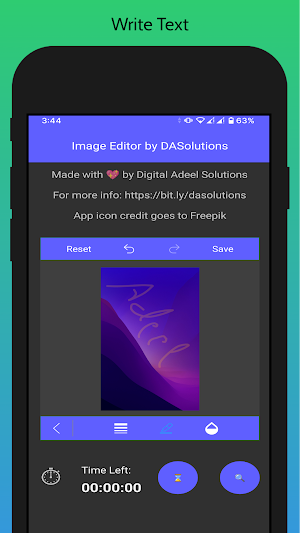
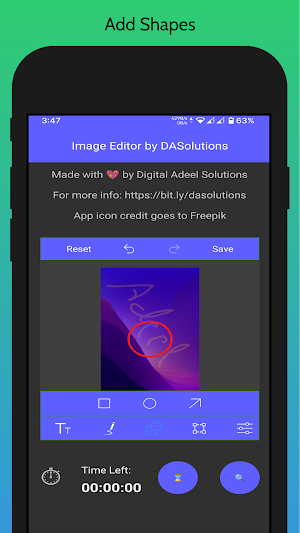
Quick and easy to use image/photo editor with crop, shapes and more.
- Downloads
- 10+
- on Google Play
- Price
- Free
- No in-app purchases
- Updated
- Dec 14
- 2021 · v1.4
Screenshots
About Imagor
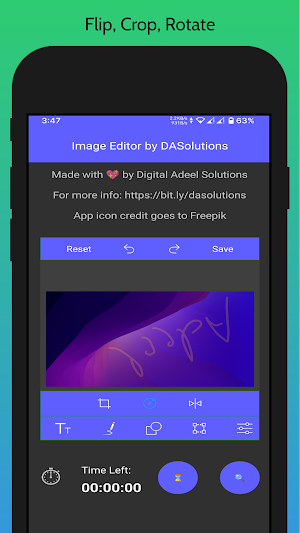
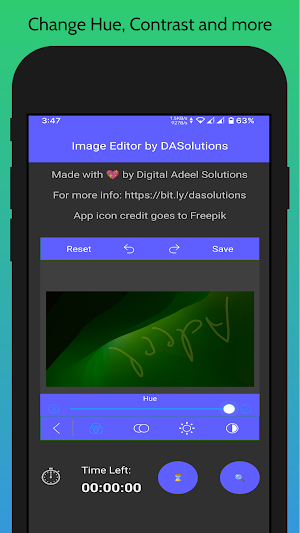
Using Imagor you can add text, shapes to your photos. You can also crop, rotate, flip and do more with your photos.
More features will be added if requested.
-------------------------------
How to use
-------------------------------
Just browse and select image using Search icon and do whatever you wanna do with your image but to save it you need to view an ad to enable save button for 5 minutes. This app is completely free and to earn revenue, ad integration was required.
More features will be added if requested.
-------------------------------
How to use
-------------------------------
Just browse and select image using Search icon and do whatever you wanna do with your image but to save it you need to view an ad to enable save button for 5 minutes. This app is completely free and to earn revenue, ad integration was required.
What’s new
Version 1.4 · Updated December 14, 2021
Bug fixes and More colors to choose for shapes, drawing and so on.
Alternatives to Imagor
Looking for apps like Imagor? Here is 1 similar Android app on Google Play.

| App | Rating | Price | Installs | Last updated | Compare |
|---|---|---|---|---|---|
| Imagor | – | Free | 10+ | Dec 14, 2021 | |
| ABM - AB Marketplace | – | Free | 100+ | Apr 17, 2023 | Compare |
Compare Imagor with the top alternatives: ratings, updates, ASO score and keyword gaps →