Lower Brightness Setting
dim screen to zero, reduces brightness, saves battery, and eases eye strain
About Lower Brightness Setting
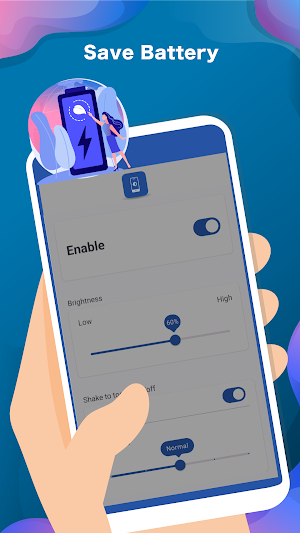
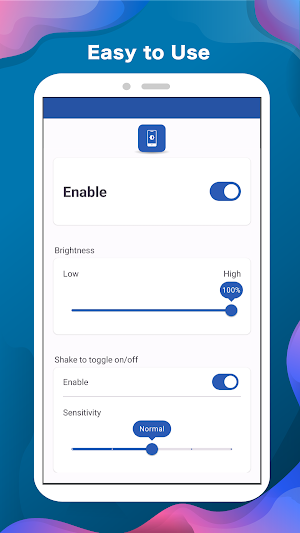
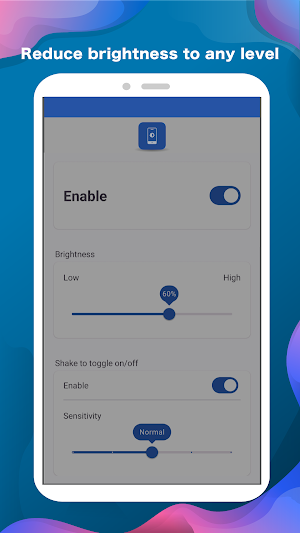
"Lower Brightness Setting" is a handy Android application designed to minimize screen brightness to zero, offering users the ability to dim their device's display to the lowest level possible. With a simple interface and easy-to-use controls, this app provides a convenient solution for reducing screen brightness in low-light environments or at night, enhancing user comfort and reducing eye strain.
features:
- Reduces screen brightness to zero
- Sleek Material Design interface ensures intuitive user experience
- Low memory usage for smooth performance on all devices
- Helps conserve battery life by minimizing screen brightness
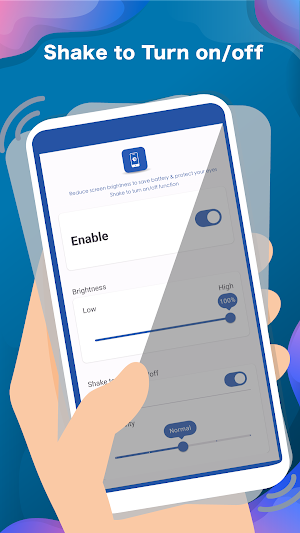
- Unique feature: shake device to quickly disable screen dimming
- Enhances visibility and reduces eye strain in low-light environments
Accessibility Service Usage:
Lower Brightness Setting requires accessibility service permission to enable core functionality. Rest assured, the application does not read sensitive data or screen content, nor does it collect or share data with any third-party.
By enabling the service, the app can dim the entire screen, including the status bar, notification panel, navigation bar, and more.
Disabling the accessibility service will hinder the proper functioning of the main features.
Similar Apps

Psync - Capture, Sync, Share
Life, Every Moment in SightPsync allows you to maintain a close emotional...

24GO by 24 Hour Fitness
Achieve the fitness results you want – inside and outside of the...

MEGA Pass Password Manager
Securely and easily manage all of your passwords with MEGA Pass.Sign up for...

Zaparoo
Take your Zaparoo experience to the next level with the official Zaparoo...

AT&T Personal Cloud
Protect your precious memories with AT&T Personal Cloud. Securely store photos, videos,...

TAP Kiln Control Mobile
Maintaining complete control over your kiln is crucial, however, what happens when...