About K keyboard - Myanmar
•HOW TO ENABLE “K KEYBOARD”:
•Step1: Press “Enable Keyboard” and select Kkeyboard”
•Step2: Press “Set Default Android Keyboard” set “K keyboard”
•“K keyboard” is working on android version 5.0 and up.
•Language "Myanmar(Zg) , Myanmar(Uni) , Shan(Zt) , Shan(Uni) , Paoh(Zg) , Paoh(Uni) , Thai(10key & 12key)"
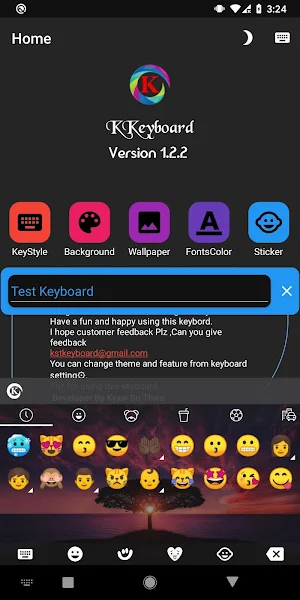
•1000+ Cute and Smart Emoji & Emotion & Emoticon & Smiley faces.
• Translate as you type in the keyboard
•Translate Button LongPress By Select Language
•Clipboard to Auto Myanmar Text Converter and Favorite
•SmartPopup Myanmar Text Auto Converter
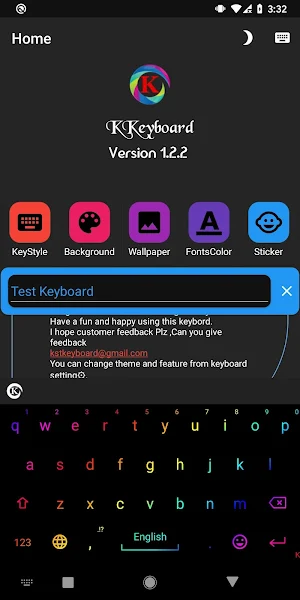
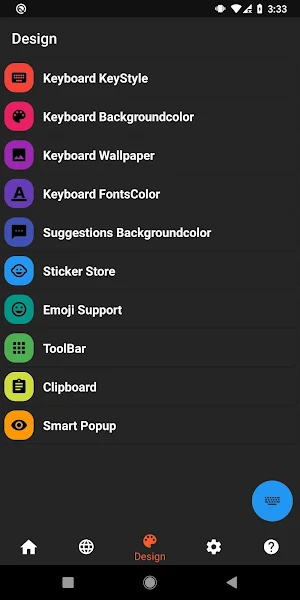
•Background Color.
•Background Wallpaper.
•Suggestion Background Color.
•KeyBoard Key Style.
•RGB Mode Support.
•KeyBoard Fonts Color.
•Keyboard Key Effects.
•Keyboard Key Color.
•Emoji Store.
•Dark Mode .
•Myanmar(Uni) Easily Typing.
- And more...
• if you like this app, you will click fbpages and like
https://www.facebook.com/kkeyboard.apk
Similar Apps

K Keyboard
•HOW TO ENABLE “K KEYBOARD”:•Step1: Press “Enable Keyboard” and select Kkeyboard”•Step2: Press...
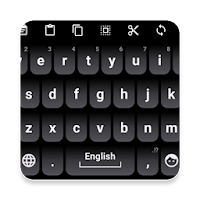
KKeyboard GreyMix Theme
This is an extension pack for Kkeyboard. Make sure you installed Kkeyboard...
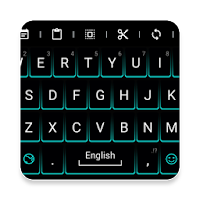
K Keyboard Neon Green Theme
This is an extension pack for K Keyboard. Make sure you installed...
Frequently Asked Questions (FAQ)
How do I enable "K keyboard"?
Which android versions is "K keyboard" compatible with?
Which languages does "K keyboard" support?
How many emojis are available in "K keyboard"?
Does "K keyboard" have translation capabilities?
What features does "K keyboard" offer for customization?
What additional features does "K keyboard" have?
Where can I find more information about "K keyboard" or show my support for the app?