About Elf Magical Girls Watch Face
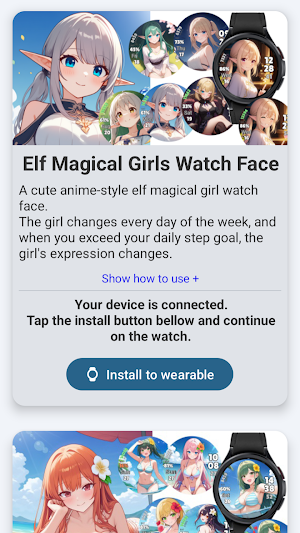
Elf magical girls watch face for Wear OS.
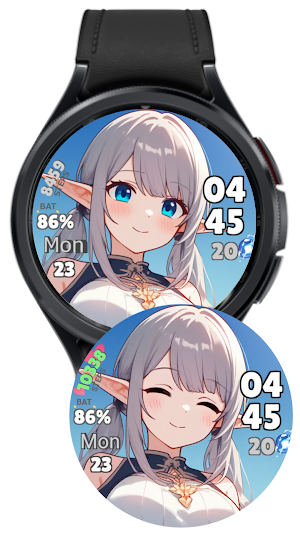
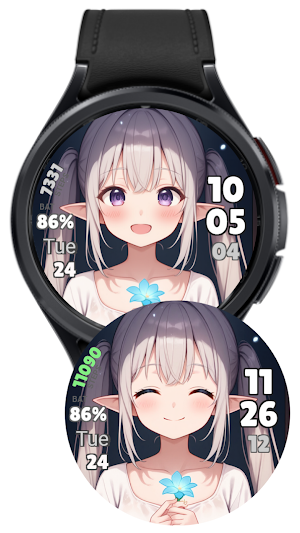
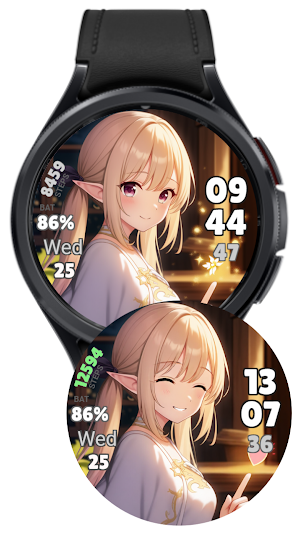
A different elf girl appears on each day of the week, and her expression changes when you exceed your target number of steps for that day.
The watch face displays hours, minutes, seconds, day of the week, date and steps.
How to change your step goal:
1. Open the Fitbit app on the smartphone that is paired with your WearOS smartwatch.
2. Tap "You" in the bottom right.
3. Tap "Show all" to the right of the "Goals" item.
4. Tap "Steps" and change the number of steps you want.
How to change the 12/24 hour format:
1. Open Setting on the smartphone that is paired with your WearOS smartwatch.
2. Tap "System."
3. Tap "Date and Time."
4. Tap "Use 24-hour format" to switch the setting. If you cannot switch, disable "Use default formats for language/region" and then switch.
Similar Apps
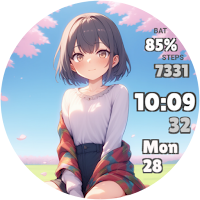
Moe Anime Girls Watch Face
This is a watch face of a girl from a moe anime...
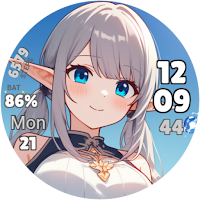
Elf Magical Girls Watch Face
Elf magical girls watch face for Wear OS.A different elf girl appears...

Bikini Girls Watch Face
Bikini Girls Watch Face for Wear OS.You can choose the background from...

Anime Girls Analog Watch Face
This is an anime-style girl analog watch face for Wear OS. You...
