About ChessTick
Your ideal solution for fast and easy time tracking in chess games! Specially designed for chess players of all levels, our app offers an intuitive interface and features that help you focus on playing strategy rather than timing.
How to use a timer to play chess
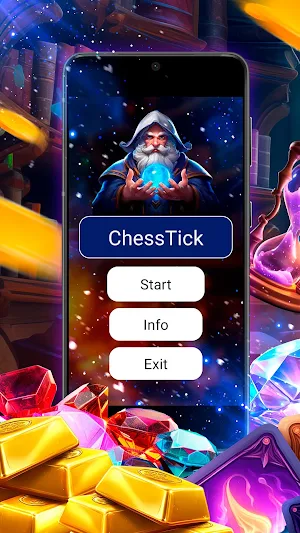
1. Open the application. After installing the application on your device, open it. You will have an intuitive interface with the option to select a timer.
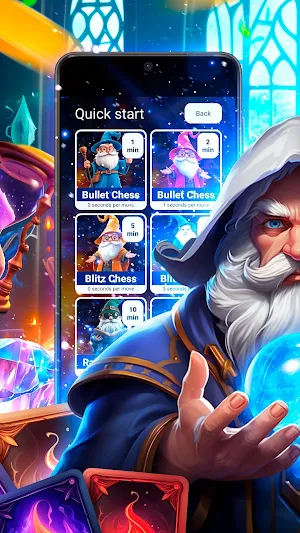
2. Select a game format.
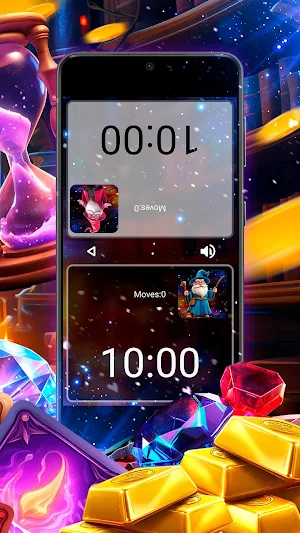
3. Start the game. Once you have chosen the game format, start the game. The timer will start counting down and you can start playing.
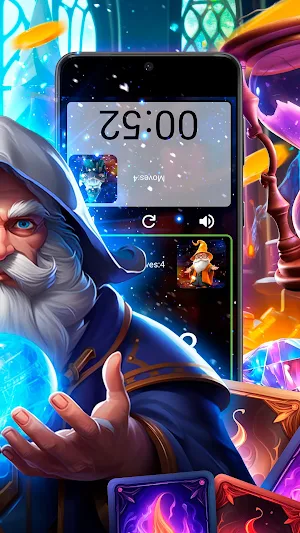
4. Keep track of the time. As you play, you will see how much time each player has left.
This is the ideal assistant for every chess player who is ready for games of any level. Whether you're a beginner looking to improve your skills or an experienced player looking to reach new heights, our app will help you reach greater heights in the world of chess.
ChessTick details
ChessTick is a free Tools app for Android with 5,000+ installs on Google Play and a 5.0/5 average rating from 1 rating. It was released on August 13, 2024 and last updated on November 1, 2024. It's developed by silas masimango. It requires Android 8.0 or later. The app contains ads.
- Category
- Tools
- Rating
- 5.0 / 5 (1 rating)
- Installs
- 5,000+
- Price
- Free
- In-app purchases
- No
- Ads
- Contains ads
- Current version
- 3.0
- Requires Android
- 8.0
- Content rating
- PEGI 3
- Released
- August 13, 2024
- Last updated
- November 1, 2024
- Developer
- silas masimango
Similar Apps

knXpresso Alexa V2
PlugIn for knXpresso to manage voice commands from ALEXA.

Jeebly NoW
Deliver anything anytime, anywhere: Fast, Reliable Delivery.

Text Repeater
Text repeater is simple App Repeat any text up to 15,000 times with a single tap

Full HD Wallpaper
Full HD Wallpaper provides lots of full HD wallpapers.

Device Unlock & Secret Codes
Unlock Device & IMEI check IMEI status, and secure your phone with ease.

7Max VPN
NetVPN is an abbreviation for "Virtual Private Network".
