

Flipocus
Hyojeong Kim Productivity iPhoneiPadiPod touch
Flipocus is a free Productivity app for iPhone and iPad by Hyojeong Kim. Requires iOS 14.0. Updated March 17, 2026.
- Price
- Free
- on the App Store
- Size
- 43 MB
- Age 4+
- Updated
- Mar 17
- 2026 · v1.0.2
Screenshots
About Flipocus
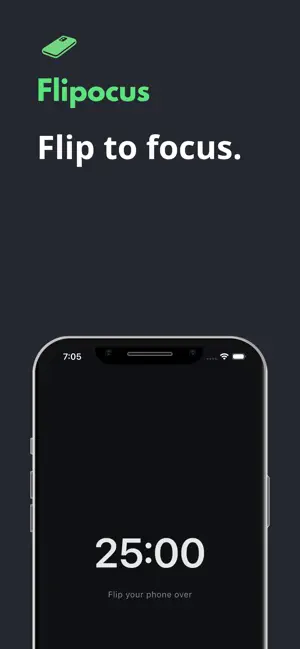
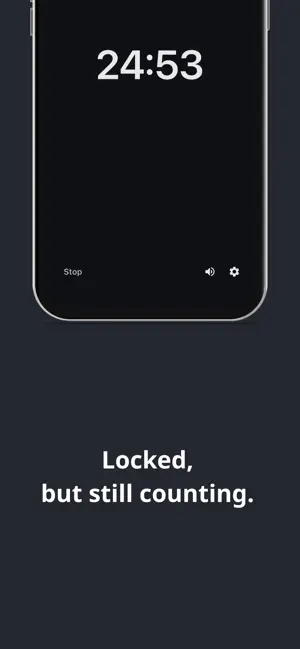
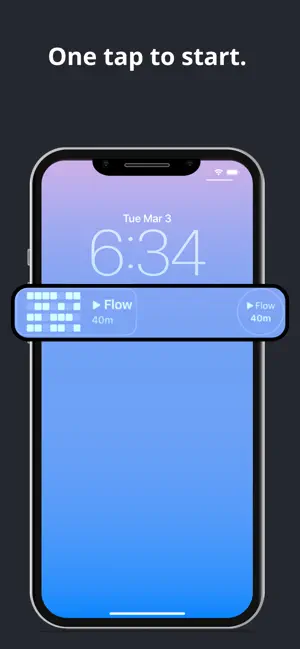
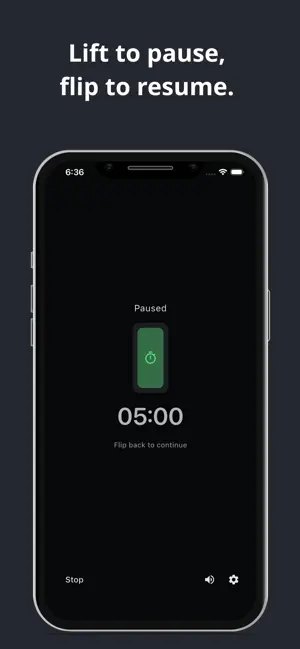
[Intro] A small ritual can help you instantly switch into focus mode. With Flipocus, the moment you flip your phone face-down, your deep work begins—no extra taps needed. [Key Features] • Flip to Start – Place your phone face-down to trigger the timer instantly. • Stays Active when Locked – Your timer and focus sounds continue even with the screen off. • Session Alerts – Get a gentle notification when your focus session ends. Focus Logs (Grid) – Track your daily progress with a visual grid at a glance. • Lock Screen Widget – Check your total focus time without unlocking your phone. • Ambient Sounds – Stay in the zone with curated background sounds. [This app is for you if:] • You want to boost productivity with timed focus sessions. • You want to reduce screen time and stay away from distractions. • You love tracking your consistency and seeing your progress grow. Start your next flow by simply flipping your phone with Flipocus.
What’s new
Version 1.0.2 · Updated March 17, 2026
Fixed an issue where focus sound did not loop when starting a session again right after the previous one.
App privacy
The developer, Hyojeong Kim, reported these privacy practices to Apple.
Data Not Collected
The developer does not collect any data from this app.
Alternatives to Flipocus
Looking for apps like Flipocus? Here are 6 similar apps on the App Store. The highest rated is still – phone-down study timer (5.0/5), and all 6 are free to download.
-
 Timer for ADHD: FlipTimer
-
 도파톡스 - 앱잠금,스크린타임,도파민 디톡스,할일,습관
-
 PhoneDown-Focus Pomodoro Timer
-
 FocusSprint Timer
-
 still – phone-down study timer
5.0
still – phone-down study timer
5.0
-
 Social Media Blocker: SnapBack
| App | Rating | Price | Last updated | Compare |
|---|---|---|---|---|
| Flipocus | – | Free | March 17, 2026 | |
| Timer for ADHD: FlipTimer | – | Free | Jun 8, 2026 | Compare |
| 도파톡스 - 앱잠금,스크린타임,도파민 디톡스,할일,습관 | – | Free | Aug 20, 2026 | Compare |
| PhoneDown-Focus Pomodoro Timer | – | Free | Nov 17, 2025 | Compare |
| FocusSprint Timer | – | Free | Apr 1, 2025 | Compare |
| still – phone-down study timer | 5.0 / 5 (1) | Free | Jan 15, 2026 | Compare |
| Social Media Blocker: SnapBack | – | Free | Jun 24, 2026 | Compare |
Compare Flipocus with the top alternatives: ratings, updates, ASO score and keyword gaps →