

Intentional: Screen Time Ctrl
Nicholas Kneafsey Productivity iPhoneiPadiPod touch
Intentional: Screen Time Ctrl is a free Productivity app for iPhone and iPad by Nicholas Kneafsey. Rated 5.0/5 from 3 ratings. Requires iOS 17.0.
- Rating
- 5.0
- 3 ratings
- Price
- Free
- on the App Store
- Size
- 1 MB
- Age 4+
- Updated
- Apr 27
- 2026 · v1.1
Screenshots
About Intentional: Screen Time Ctrl
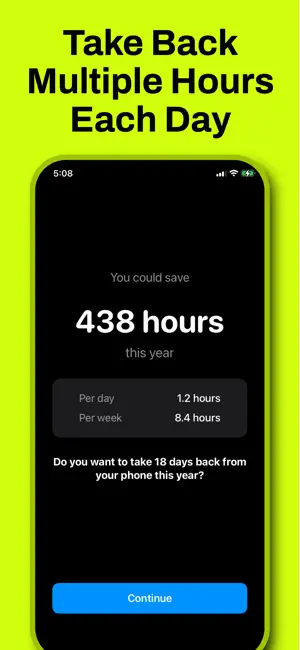
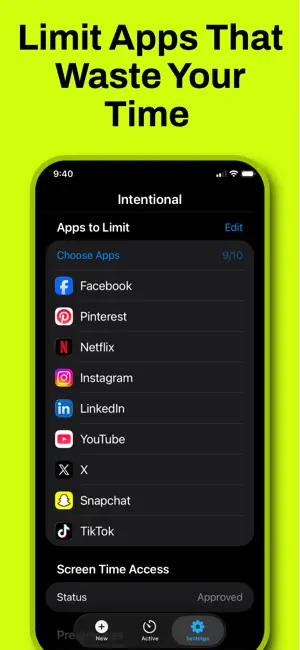
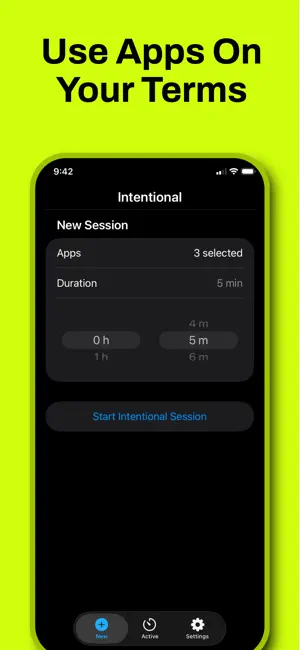
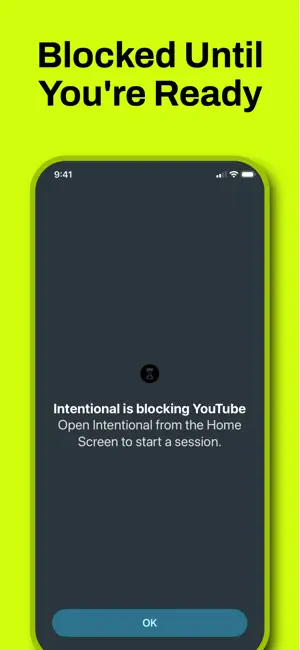
Your phone takes hours from you every day. Intentional gives them back. Instead of blocking your apps, Intentional adds one simple step — a brief pause before you open them. That moment is enough to break the autopilot and put you back in control. Pick the apps that waste your time. Set a time limit. Use them on your terms. When your session ends, they lock again — no willpower required. Features include game mode during countdowns, session reminders, background enforcement, and a clean distraction-free design. Subscription required for core app features. The average person spends over 4 hours a day on their phone. Intentional can help you reclaim over 400 of those hours this year.
What’s new
Version 1.1 · Updated April 27, 2026
Bug fixes and improved onboarding
App privacy
The developer, Nicholas Kneafsey, reported these privacy practices to Apple.
Data Not Collected
The developer does not collect any data from this app.
Alternatives to Intentional: Screen Time Ctrl
Looking for apps like Intentional: Screen Time Ctrl? Here are 6 similar apps on the App Store. The highest rated is ScreenTime Budget (5.0/5), and all 6 are free to download.
-
 ScreenTime Budget
5.0
-
 Armadillo: Block Apps & Sites
-
 Fifteen - Hardcore Lock
5.0
-
 LockHour Pro: Block Apps
-
 AppTimeLock: Block Apps
-
 Intentional - Earn Screen Time
4.4
| App | Rating | Price | Last updated | Compare |
|---|---|---|---|---|
| Intentional: Screen Time Ctrl | 5.0 / 5 (3 ratings) | Free | April 27, 2026 | |
| ScreenTime Budget | 5.0 / 5 (1) | Free | Sep 12, 2026 | Compare |
| Armadillo: Block Apps & Sites | – | Free | Oct 16, 2026 | Compare |
| Fifteen - Hardcore Lock | 5.0 / 5 (2) | Free | Aug 3, 2026 | Compare |
| LockHour Pro: Block Apps | – | Free | Oct 23, 2026 | Compare |
| AppTimeLock: Block Apps | – | Free | Oct 19, 2026 | Compare |
| Intentional - Earn Screen Time | 4.4 / 5 (7) | Free | Jul 11, 2026 | Compare |