

Splashtop Remote Desktop
Splashtop Inc. Business iPhoneiPadiPod touch
Splashtop Remote Desktop is a free Business app for iPhone and iPad by Splashtop Inc. Rated 4.7/5 from 4,555 ratings. Requires iOS 17.0.
- Rating
- 4.7
- 4.5K ratings
- Price
- Free
- on the App Store
- Size
- 17 MB
- Age 4+
- Updated
- Sep 9
- 2026 · v3.8.6.2
Screenshots
About Splashtop Remote Desktop
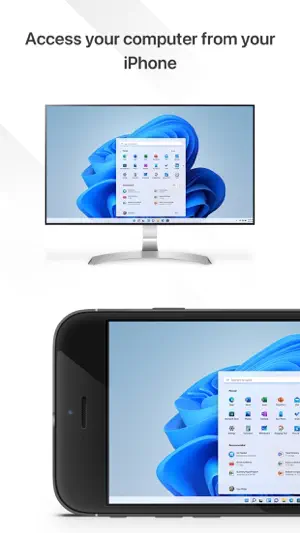
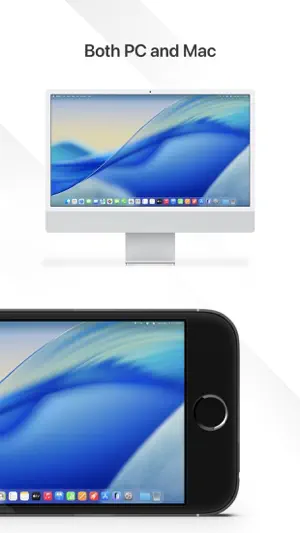
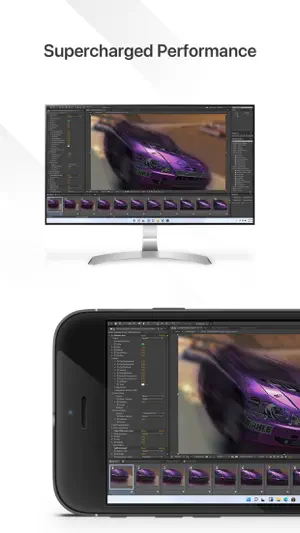
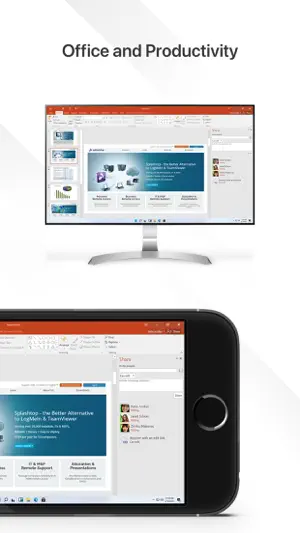
NEED ACCESS RIGHT NOW? FORGOT SOMETHING ON YOUR COMPUTER? Your computer, anywhere you are. Access your Mac or PC securely from your phone or tablet – anytime, anywhere. Whether you’re traveling, helping family, or need something urgently from your Mac or PC, Splashtop gives you fast, reliable remote access in seconds. No complicated setup. No lag. Just control. GET STARTED IN 3 STEPS 1. Install Splashtop on your phone or tablet 2. Install the free Splashtop Streamer on your computer 3. Log in and connect instantly. That’s it. WHAT PEOPLE USE SPLASHTOP FOR • Accessing full apps, files, and tools they left at home • Working remotely when plans change • Helping parents or friends fix computer issues • Staying productive while traveling • Getting peace of mind knowing their computer is always reachable WHY SPLASHTOP Splashtop is trusted by millions of users and IT teams worldwide for one reason: it works when it matters. • ULTRA-FAST Smooth, high-resolution streaming with low latency. • SIMPLE SETUP Install, log in, and connect. No IT degree required. • SECURE Bank-grade encryption keeps your data and your screen private. • RELIABLE Works even on limited bandwidth or mobile data. This is the same remote access technology used by professionals – made simple for personal use. FREE VS ANYWHERE ACCESS • FREE Access your computer on the same local network • ANYWHERE ACCESS (UPGRADE) Securely connect from anywhere, on any network When remote access becomes important – not just occasional – upgrading unlocks full freedom without changing tools. KEY FEATURES • Access your Mac or Windows computer anytime • High-quality audio & video streaming • Low-latency remote control • Blank screen mode for privacy • Remote webcam access • Cross-platform support (Windows, Mac, iOS) PERSONAL VS BUSINESS Splashtop Personal is designed for non-commercial use. For work or teams, try Splashtop Business for advanced features and management. A REMOTE ACCESS TOOL YOU CAN TRUST When your computer matters, access shouldn’t be complicated. Splashtop gives you control, clarity, and confidence – wherever you are. See our Terms of Service and Privacy policy at https://www.splashtop.com/terms/splashtop.
Ratings & reviews
4.7
4.5K ratings
What’s new
Version 3.8.6.2 · Updated September 9, 2026
- New guided setup flow makes it easier to set up and connect to a computer with simple step-by-step instructions. - Security improvements. - Various bug fixes. Note: For the best performance and experience, please update Splashtop Streamer to version 3.8.6.0 or later.
App privacy
The developer, Splashtop Inc., reported these privacy practices to Apple.
Data Not Collected
The developer does not collect any data from this app.
Alternatives to Splashtop Remote Desktop
Looking for apps like Splashtop Remote Desktop? Here are 6 similar apps on the App Store. The highest rated is RealVNC Viewer: Remote Desktop (4.8/5), and all 6 are free to download.
-
 Remote Desktop - RDP Lite
2.9
Remote Desktop - RDP Lite
2.9
-
 iRemoteDesktop Lite
3.8
iRemoteDesktop Lite
3.8
-
 UTM Remote Virtual Machines
3.7
UTM Remote Virtual Machines
3.7
-
 Shadow PC
3.7
Shadow PC
3.7
-
 RealVNC Viewer: Remote Desktop
4.8
RealVNC Viewer: Remote Desktop
4.8
-
 RemotePC Remote Desktop
4.6
RemotePC Remote Desktop
4.6
| App | Rating | Price | Last updated | Compare |
|---|---|---|---|---|
| Splashtop Remote Desktop | 4.7 / 5 (4,555 ratings) | Free | September 9, 2026 | |
| Remote Desktop - RDP Lite | 2.9 / 5 (147) | Free | Aug 10, 2025 | Compare |
| iRemoteDesktop Lite | 3.8 / 5 (75) | Free | Sep 9, 2026 | Compare |
| UTM Remote Virtual Machines | 3.7 / 5 (51) | Free | Jan 11, 2026 | Compare |
| Shadow PC | 3.7 / 5 (1,944) | Free | Aug 19, 2026 | Compare |
| RealVNC Viewer: Remote Desktop | 4.8 / 5 (15,274) | Free | Jun 9, 2026 | Compare |
| RemotePC Remote Desktop | 4.6 / 5 (3,537) | Free | Sep 18, 2026 | Compare |