
Relution Teacher
Education
Tablet-based teaching with just a few clicks
- Downloads
- 727+
- on Google Play
- Price
- Free
- No in-app purchases
- Updated
- May 5
- 2026 · v26.1.0
Screenshots
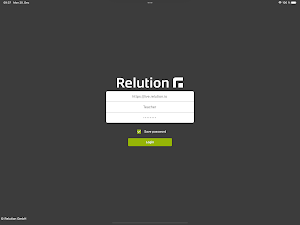


About Relution Teacher
When conducting interactive and location-independent lessons with tablets, it is essential to handle devices, apps and especially the sensitive data of the students in a well-thought-out manner. Only efficient, centralized management of the school's own and parent-funded devices ensures that school operations are secure, efficient, and goal-oriented.
Relution is a mobile device management (MDM) solution developed in Germany. The system enables cross-platform management of devices of different types such as smartphones, tablets, laptops, computers and Interactive Boards. Centralized and unified remote management ensures that all devices are up to date and running smoothly for school operations.
Teachers use preconfigured devices directly without having to set them up manually in class. This means that no valuable teaching time is lost. Relution automatically provides teachers with all pedagogically useful apps and web links. With just a few clicks, these can be applied to student devices. Device restrictions ensure that students concentrate on what is important and are not distracted unnecessarily.
For students, all relevant apps are automatically made available on the student devices for the respective lesson and functions that are not required are deactivated. Outside of class, all device functions and apps are available again.
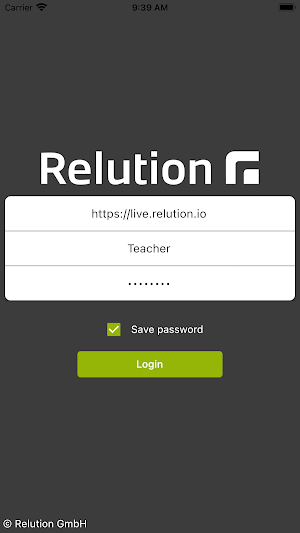
The Relution teacher app is part of the Relution platform and can only be used with the Relution backend component, an education license, and appropriate credentials. The installation of the app on the device should be done in coordination with the respective IT administrator of the organization.
Functions of the app:
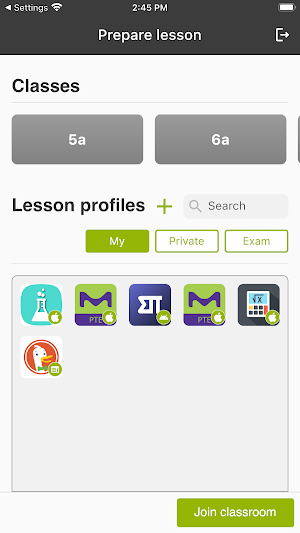
- Creation of public teaching profiles for lesson preparation
- Create private lesson profiles
- Manage and edit existing lesson profiles
- Adding and managing educational apps from the Store
- Provide and manage web links for accessing required web pages
- Restricting system features for student devices
- Use of predefined classes with assigned students from Relution
- Removal of absent students from class
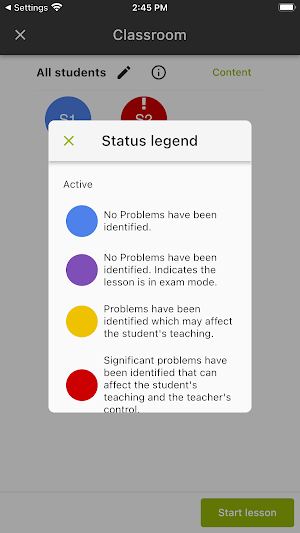
- Displaying problems on student devices
- Displaying school timetable from Relution
- Manual adjustment of class duration
- Execution of teaching mode and exam mode
- Automatic application of the selected teaching profile to student devices of the class
What’s new
Version 26.1.0 · Updated May 5, 2026
In this version: - Add refresh button to views - Display the total count of selected items - Missing permissions to use the app are now displayed on login - Fix selecting multiple users and proceeding to the configuration in Ad-Hoc Class shows only the last selected student - Fix starting a lesson was not possible, when Samsung Classroom should be configured - Fix design of dialogs - Fix retry button does not trigger a network request, when the device was offline
Alternatives to Relution Teacher
Looking for apps like Relution Teacher? Here are 4 similar Android apps on Google Play. All of them are free to download.


| App | Rating | Price | Installs | Last updated | Compare |
|---|---|---|---|---|---|
| Relution Teacher | – | Free | 500+ | May 5, 2026 | |
| Relution Companion for AE | – | Free | 100+ | Sep 24, 2026 | Compare |
| Relution Home Screen | – | Free | 100+ | Oct 9, 2025 | Compare |
| Relution Agent | – | Free | 1,000+ | – | Compare |
| Relution | – | Free | 10,000+ | Nov 17, 2025 | Compare |
Compare Relution Teacher with the top alternatives: ratings, updates, ASO score and keyword gaps →