SplitClip: Status Maker
Split, trim, preview and export videos into clean clips for social sharing.
About SplitClip: Status Maker
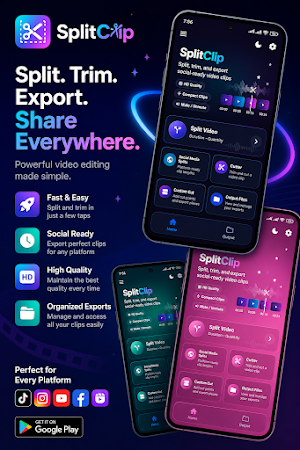
SplitClip is a simple video splitter and trimmer app made for creating clean video clips for status updates, stories, reels, shorts, and social sharing.
Select a video, preview it, split it into smaller parts, trim unwanted sections, adjust audio, choose output quality, and export clips that are ready to save or share.
Key Features:
• Split videos by duration
Choose a time length and create multiple clips automatically.
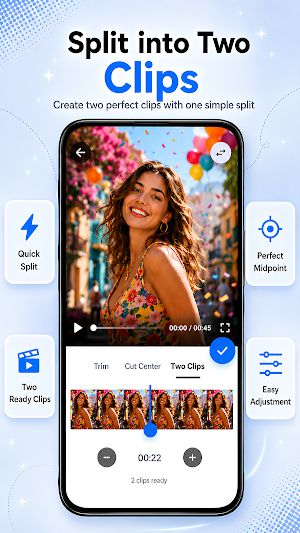
• Split videos by quantity
Select how many parts you want and divide your video into equal clips.
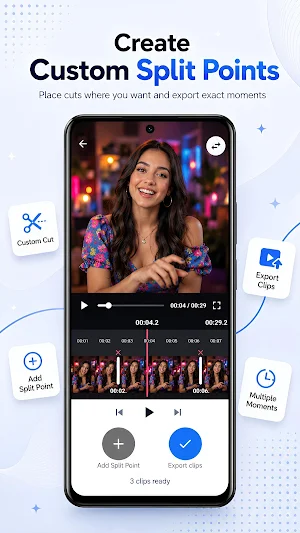
• Custom split points
Add custom cut points and export your video as separate pieces.
• Trim and cut videos
Select the exact part you want to keep and remove unwanted sections.
• Mute or keep audio
Export clips with original audio or mute the sound when needed.
• Choose output quality
Select the output quality that matches your needs before exporting.
• Compact export option
Create smaller clips for easier saving and sharing.
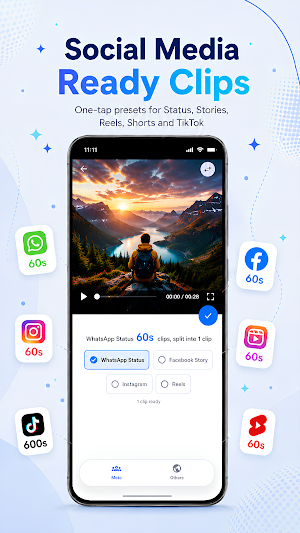
• Social media presets
Create clips for status updates, stories, reels, shorts, and other social video formats.
• Preview before export
Check your video and timing before saving clips.
• Save and share exported clips
Save clips to your gallery, open your output library, share clips, or delete unwanted exports.
SplitClip is useful for creating video status clips, story videos, reels, shorts, and smaller video parts from longer videos.
The app is designed to be simple, clean, and easy to use. Pick a video, choose how you want to split or trim it, preview the result, and export your clips.
Similar Apps

AI Video Editor Tools, Upscale
Upscale videos to HD, Convert to Slowmo, 30fps & 60fps with privacy focused AI

All Video Downloader
Easily download and manage files with Fast & Private All Video Downloader.

Amsdin Signage Studio
Create stunning digital signage with templates, animations, and screen control.

SplitClip: Status Maker
Split, trim, preview and export videos into clean clips for social sharing.

Edit By Words
Edit video like a document! Cut, move, and delete segments by editing text

LiteEdit
Edit videos in seconds: Trim, speed, convert, add captions, and create GIFs