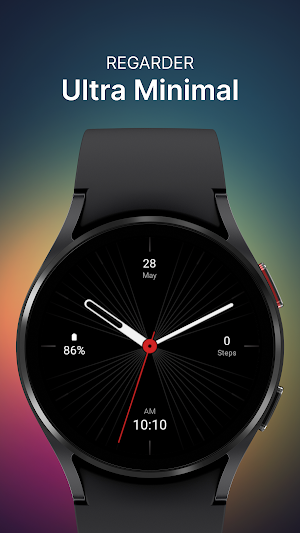
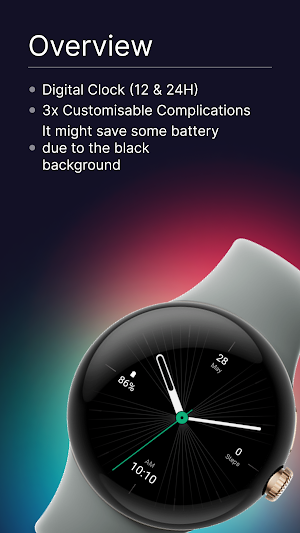
About Ultra Minimal Watch Face
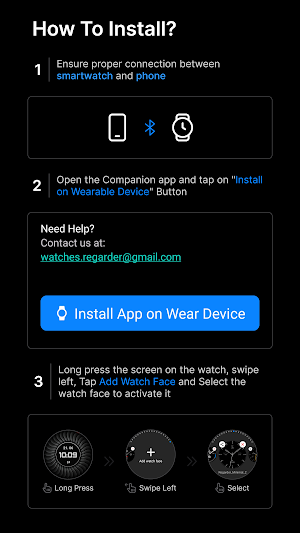
Installing Regarder Ultra Minimal Wath Face is easy:
Just open the Mobile Companion app and follow the instructions there.
In case this does not work. You can use a PC and install it from there
If this option still does not work you can install the watch face from your wear os Device, here are the instructions:
1. On your Wear OS smartwatch, open the Google Play Store.
2. Search for "Regarder Minimal 2" and select the app from the search results.
3. Tap "Install" to begin the installation process.
4. Once the installation is complete, you can find the watch face in the "Watch Faces" section of your smartwatch's settings.
5. Select Regarder Minimal 2 as your active watch face.
Similar Apps
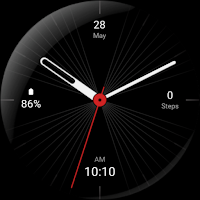
Ultra Minimal Watch Face
Installing Regarder Ultra Minimal Wath Face is easy:Just open the Mobile Companion...
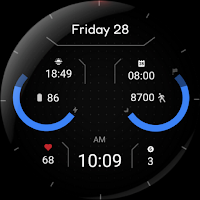
Falcon - Digital Watch Face
Minimalist watch face app for Wear OS devices. Clean design, customizable colors,...
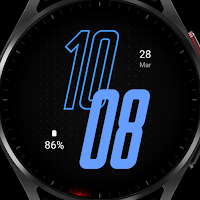
Minimal 74 Watch Face
This Wear OS watch face is customizable with colors, complications, and 4...

Vintage Bloom Watch Face
This watch face showcases a timeless floral design, offering sophisticated elegance for...
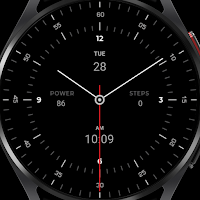
Minimal 49 Watch Face
Transform your smartwatch into a stylish timepiece with Regarder Minimal 49 watch...

Minimal 53 Hybrid Watch Face
Embrace simplicity with a clean and modern display. Get a sleek minimalist...
Frequently Asked Questions (FAQ)
How can I install Regarder Ultra Minimal Watch Face?