Pixel Style Digital Watch Face
A digital Wear OS style watch face. Read description before installing!
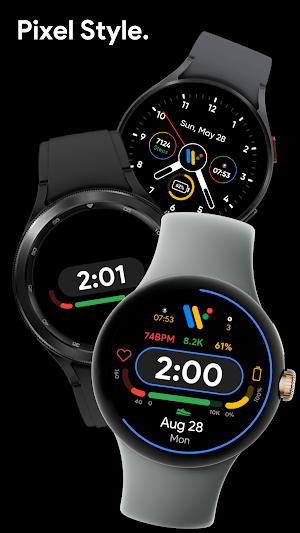
About Pixel Style Digital Watch Face
IMPORTANT #1: To use the watch face you must:
1. Hold down on your current watch face to enter selection mode.
2. Scroll to the right until you see "+" and click on it.
3. Scroll until you see "Pixel Style Digital", and select it.
4. Read "IMPORTANT #2".
IMPORTANT #2: Make sure you allow all permissions requested! In case you accidentally denied access to health data, restart your watch. To do this, you just need to power your watch off and turn it back on.
Features:
• 24hr/12hr time switching
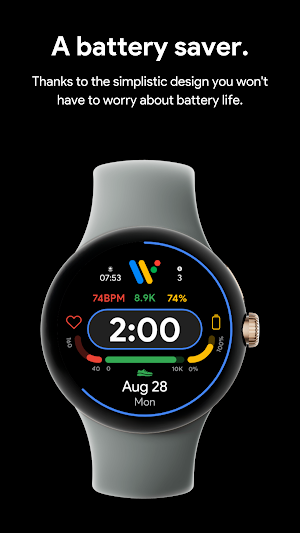
• Battery bar
• Steps bar
• HR bar
• Toggleable seconds bar
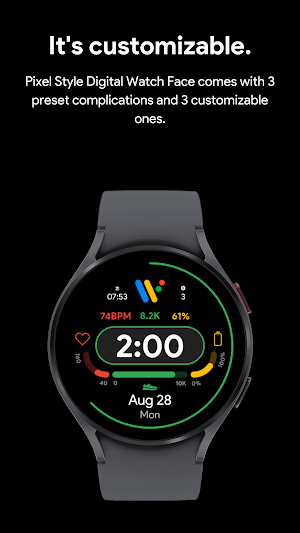
• 3 customizable complications
• 13 color combinations to choose from
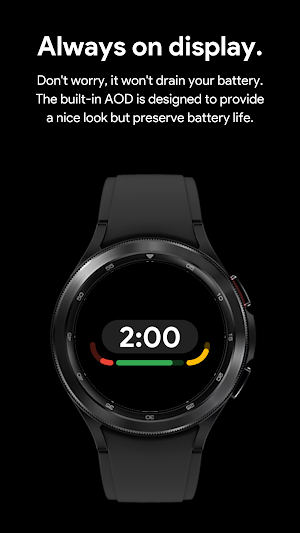
• AOD supported
• Does not store any of your personal data
• Battery efficient
Bug report & suggestions:
Contact [email protected]
Wear OS by Google and Pixel are trademarks of Google LLC.
Similar Apps
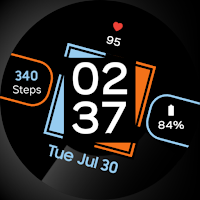
Galaxy Digital Watch Face
This watch face is designed for Wear OS 3.0 watches & newer.IMPORTANT...
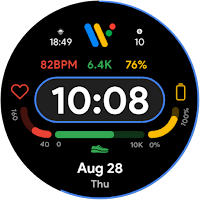
Pixel Style Digital Watch Face
IMPORTANT #1: To use the watch face you must:1. Hold down on...
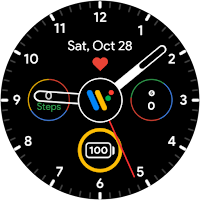
Pixel Style Analog Watch Face
Note: Only supports watches launched with WearOS 3.0 or higher.IMPORTANT #1: To...