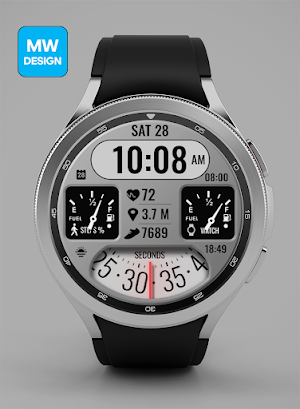
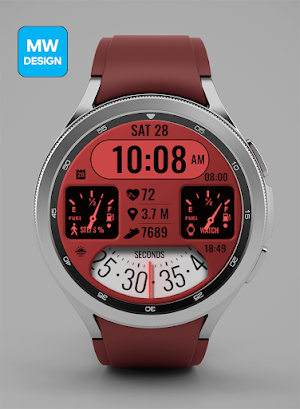
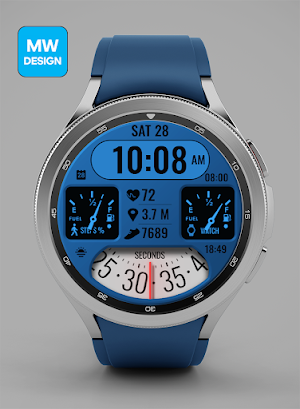
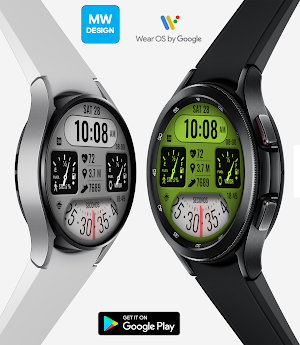
About MWD 2032 001
High Quality watch face designed by MW Design.
The watch face does not automatically measure and does not automatically display the HR result when installed.
To view your current heart rate data you’ll need to take a manual measurement. To do this, tap on the heart rate display area (see images). Wait a few seconds. The watch face will take a measurement and display the current result.
* Full Support for the new Galaxy Watch 4 Series.
* Supports Wear OS 2.0.
You can customize the complications
For example, you can select weather, steps, time zone, sunset/sunrise, barometer, next appointment and more.
***some features may not be available on some watches.
It contains 3 Preset App shortcuts, 2 customizable shortcuts, steps, heart rate, daily goals, date, 2 customizable complications where you can have the data you prefer such as "barometer", "weather".
Installation Notes:
1 - Make sure the watch is properly connected to the phone.
After a few minutes the watch face will transferred on watch : check the watch faces installed by the Wearable app on the phone.
or
2 - If you are having synchronization problems between your phone and Play Store, install the app directly from watch: search "MW" from Play Store on watch and hit on install button.
3 - Alternatively, try installing the watch face from web browser on your PC.
Please consider that any issues on this side are NOT developer dependent. The developer has no control over the Play Store from this side. Thank you.
This watch face supports all Wear OS devices with API Level 28+.
Watch face features:
* Customize Colors x 8
* 12/24H Automatic time.
* Customize Comps x2
* Distance Progress Miles/KM
* Steps Count and Steps Progress (10,000)
* Day Of Week, Day
* Battery %
* Steps %
* HR %
* AOD Mode.
*Heart Rate Notes:
The watch face does not automatically measure and does not automatically display the HR result when installed.
To view your current heart rate data you’ll need to take a manual measurement. To do this, tap on the heart rate display area (see images). Wait a few seconds. The watch face will take a measurement and display the current result.
After the first manual measurement, the watch face can automatically measure your heart rate every 10 minutes. Manual measurement will also be possible.
FAQ
Please contact us using email if you have any trouble with the app !!
You can visit my FB page for more details
https://www.facebook.com/MWGearDesigns
MWD 2032 001 details
MWD 2032 001 is a paid Personalization app for Android with 100+ installs on Google Play. It was released on January 17, 2023 and last updated on January 17, 2023. It requires Android 9 or later.
- Category
- Personalization
- Installs
- 100+
- Price
- $0.99
- In-app purchases
- No
- Ads
- No ads
- Current version
- 1.0.0
- Requires Android
- 9
- Content rating
- Everyone
- Released
- January 17, 2023
- Last updated
- January 17, 2023
Alternatives to MWD 2032 001
Looking for apps like MWD 2032 001? Here are 6 similar Android apps on Google Play. 1 of the 6 are free to download.
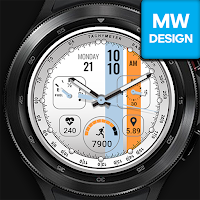
Racing Pro+ Watch Face
High Quality watch face designed by MW Design.* Full Support for the...
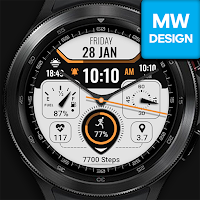
Elegant Pro+ Watch Face V1
High Quality watch face designed by MW Design.* Full Support for the...
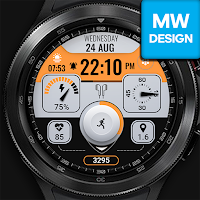
Elegant Pro+ V2 Watch Face
High Quality watch face designed by MW Design.* Full Support for the...
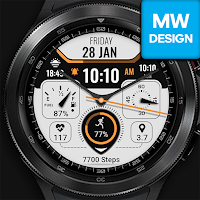
Elegant Pro+ Watch Face
High Quality watch face designed by MW Design.* Full Support for the...
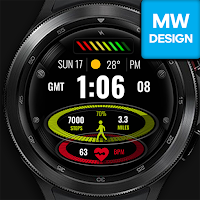
Sports Progress Pro
High Quality watch face designed by MW Design.* Full Support for the...
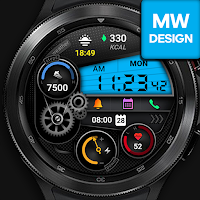
MWDesign Gear Sport Pro
High Quality watch face designed by MW Design.* Full Support for the...
| App | Rating | Price | Installs | Last updated |
|---|---|---|---|---|
| MWD 2032 001 | – | $0.99 | 100+ | Jan 17, 2023 |
| Racing Pro+ Watch Face | – | Free | 1,000+ | – |
| Elegant Pro+ Watch Face V1 | – | 0.99 USD | 100+ | – |
| Elegant Pro+ V2 Watch Face | – | 0.99 USD | 100+ | Jul 24, 2022 |
| Elegant Pro+ Watch Face | – | 0.99 USD | 100+ | – |
| Sports Progress Pro | – | 0.99 USD | 100+ | – |
| MWDesign Gear Sport Pro | – | 0.99 USD | 50+ | – |
