
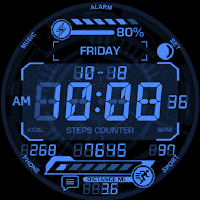
HUD Elements
Personalization
*This watch face supports wear OS devices.
- Downloads
- 50+
- on Google Play
- Price
- $0.99
- No in-app purchases
- Updated
- Nov 7
- 2024 · v1.0.0
Screenshots
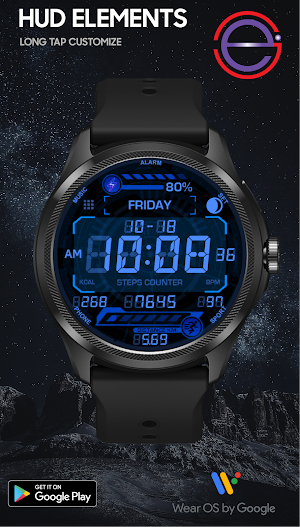


About HUD Elements
HUD Elements
WATCH FACE INSTALLATION NOTES:
Check your watch's compatibility with WEAR OS before proceeding with the installation.
(Note: Galaxy Watch 3 and Galaxy Active are not WEAR OS devices.)
✅ Compatible devices include API level 30+ Google Pixel, Galaxy Watch 4, 5, 6, 7 and other Wear OS models.
🚨 Watch faces don't automatically apply on your watch screen after the installation.
That's why you MUST set it on your watch's screen.
FEATURES:
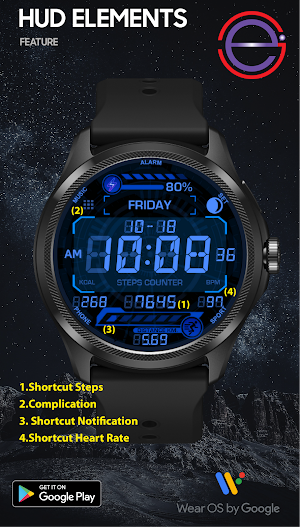
-Notification message
-Digital watch face switchable to 12H/24H via phone settings
-complication (editable)
-Steps Day
-Distance
- Switching Between MILE / KM (Auto)
-Heart rate
-Calrories
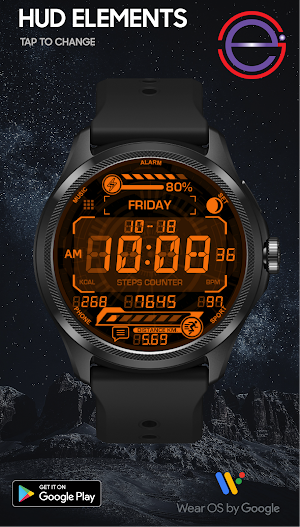
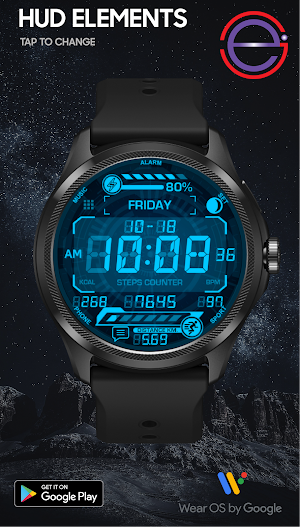
-Changeable colors
Ringout
-Music
-Alarm Clock
-Settings
-Sport
-Phone
Customization:
1. Touch and Hold Display
2. Tap on Customize Option
Complications:
You can customize with the any data you want.
For example , you can select weather , world clock , sunset/sunrise , barometer etc.
**Some features may not be available on some watches.
For further support, please contact: [email protected]
Thank you for Your support.
WATCH FACE INSTALLATION NOTES:
Check your watch's compatibility with WEAR OS before proceeding with the installation.
(Note: Galaxy Watch 3 and Galaxy Active are not WEAR OS devices.)
✅ Compatible devices include API level 30+ Google Pixel, Galaxy Watch 4, 5, 6, 7 and other Wear OS models.
🚨 Watch faces don't automatically apply on your watch screen after the installation.
That's why you MUST set it on your watch's screen.
FEATURES:
-Notification message
-Digital watch face switchable to 12H/24H via phone settings
-complication (editable)
-Steps Day
-Distance
- Switching Between MILE / KM (Auto)
-Heart rate
-Calrories
-Changeable colors
Ringout
-Music
-Alarm Clock
-Settings
-Sport
-Phone
Customization:
1. Touch and Hold Display
2. Tap on Customize Option
Complications:
You can customize with the any data you want.
For example , you can select weather , world clock , sunset/sunrise , barometer etc.
**Some features may not be available on some watches.
For further support, please contact: [email protected]
Thank you for Your support.
What’s new
Version 1.0.0 · Updated November 7, 2024
- Switching Between MILE / KM (Auto)
Alternatives to HUD Elements
Looking for apps like HUD Elements? Here are 6 similar Android apps on Google Play.
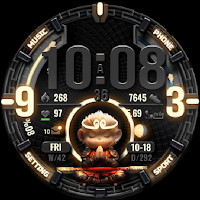
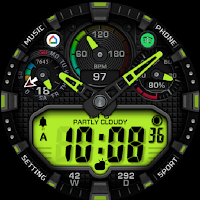
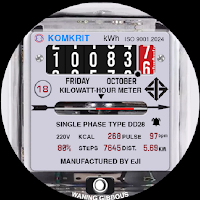
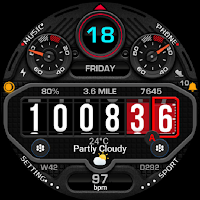
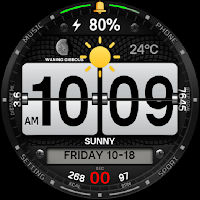
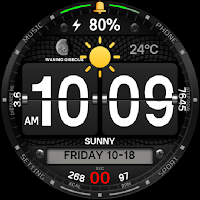
| App | Rating | Price | Installs | Last updated | Compare |
|---|---|---|---|---|---|
| HUD Elements | – | $0.99 | 50+ | Nov 7, 2024 | |
| Son Wukong | – | 0.99 USD | 50+ | – | Compare |
| NEKO | – | 1.49 USD | 50+ | Dec 28, 2024 | Compare |
| Electricity meter | – | 0.49 USD | 100+ | Dec 22, 2024 | Compare |
| XPleng | – | 0.99 USD | 100+ | Dec 22, 2024 | Compare |
| DIGITAL FLIP WHITE | – | 1.49 USD | 100+ | Dec 21, 2024 | Compare |
| DIGITAL FLIP BLACK | – | 1.49 USD | 100+ | Dec 19, 2024 | Compare |
Compare HUD Elements with the top alternatives: ratings, updates, ASO score and keyword gaps →
Similar apps on Google Play
- Son Wukong
- NEKO
- Electricity meter
- XPleng
- DIGITAL FLIP WHITE
- DIGITAL FLIP BLACK
- Turntable
- Windsurfer
- HUD Elements
- AE1200
- Tourbillion Ultra
- CYBER HUD
- MAGNUM
- B2000
- ELECT
- Evolution
- GAIDEN
- GLX
- G9300
- Super M
- KNIGHTC
- Illuminator
- Aurora
- NITOGEN
- ZORTS
- Alexas
- STR1000
- Retro Digital
- WS1500
- Demons
- KNIGHT
- KnightS
- KNIGHTG
- Neon HUD
- WS1700