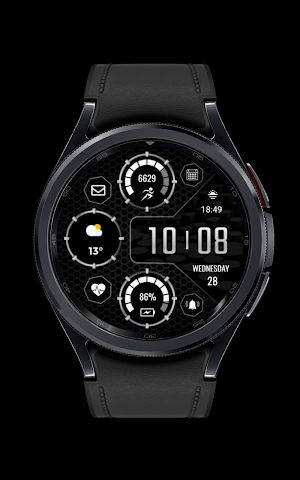
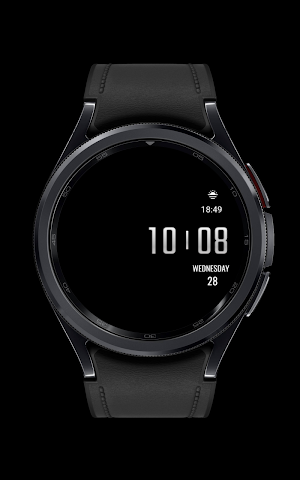
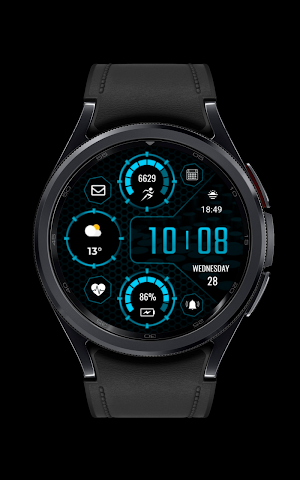
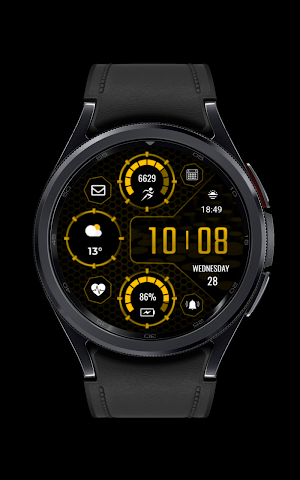
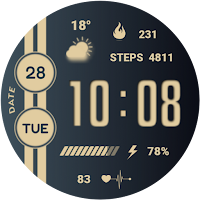
About CNRwatch013
Digital clock / Date
5 Different color option
Calender shortcut
Steps shortcut
Battery shortcut
Heart shortcut
Sunset - Sunrise
Alarm shortcut
Message shortcut
1 Complication
INSTALLATION MANUAL ↴
You may encounter various problems when trying to install a watch face from the official Google Play Android app.
In cases where the watch face is installed on your phone but not on your watch, the developer has added a helper app to improve visibility in the Play Store. You can uninstall the helper app from your phone and look for a triangular icon next to the Install button in the Play Store app (https://i.imgur.com/OqWHNYf.png). This symbol indicates a drop-down menu where you can select your watch as the installation destination.
Alternatively, you can try opening the Play Store in a web browser on your laptop, Mac or PC. This will allow you to visually select the correct device for installation (https://i.imgur.com/Rq6NGAC.png)
Similar Apps
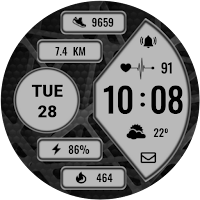
CNRwatch056
Digital Clock6 Color Option1 ComplicationDate - Alarm ClockSteps - DistanceBattery StatusHeart -...
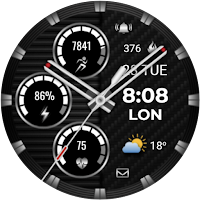
CNRwatch054
Analog ClockDual TimeAlarm - Date1 Complication5 Color OptionCalories - StepsHeart - MessageBattery...
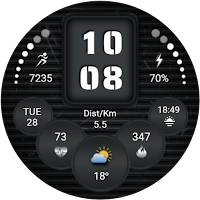
CNRwatch055
Watch Face Made for Wear OSDigital Clock - Date6 Color Option1 ComplicationSteps...
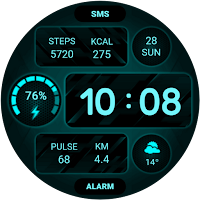
CNRwatch051
Digital Clock - Date1 Complication5 Color OptionSteps - CaloriesHeart - DistanceBattery StatusAlarm...
CNRwatch053
Digital Clock 1 Complication5 Color OptionBattery StatusSteps - HeartCalories - DateINSTALLATION NOTES:1...

CNRwatch052
Analog Clock 1 Complication6 Color OptionHeart - CaloriesDual Time - DateSteps -...
