Video Compressor: VidCompress
Reduce video size in MB for WhatsApp, email & Instagram. Fast & no watermark.
About Video Compressor: VidCompress
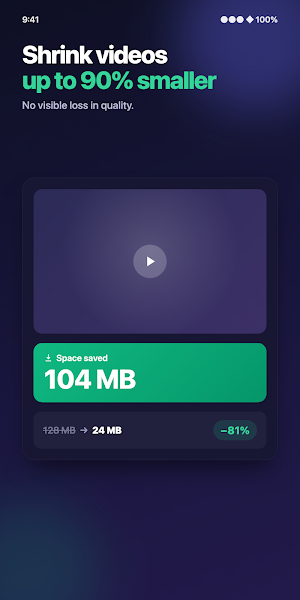
VidCompress is a video compressor that shrinks your videos while keeping them sharp. Compress video for WhatsApp, email, Instagram, TikTok, or Discord in seconds — no watermark on your output, no confusing settings, and everything runs offline on your device.
Video too large to send? Pick a preset, watch the size drop, and share. VidCompress reduces video size in MB so your clips fit email attachment limits, chat apps, and upload caps — without wrecking the quality.
WHY PEOPLE CHOOSE VIDCOMPRESS
✅ Smart presets — small size, balanced, or high quality, so you never have to guess at settings
✅ Resolution picker — 1080p, 720p, or 480p output
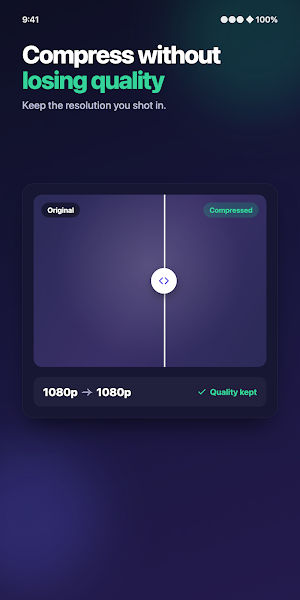
✅ Before/after compare — view the original and the compressed video side by side before you save
✅ No watermark, ever — your compressed videos stay clean
✅ Fully on-device — works offline, and your videos never leave your phone
✅ Wide format support — MP4, MKV, MOV, and AVI, including 4K and Full HD 1080p recordings
MORE THAN AN MP4 COMPRESSOR
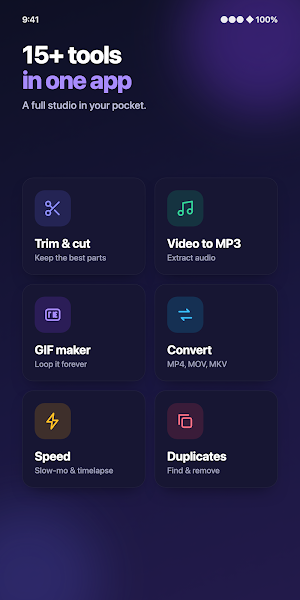
✂️ Video trimmer — cut clips down before you compress
🎵 Video to MP3 — pull the audio out of any video
🖼️ GIF maker — turn a moment into a shareable GIF
⚡ Speed control — create slow motion or fast motion
📸 Frame extractor — save any frame as a photo
💧 Watermark tool — add your own logo or text, only if you want it
SMART SCAN STORAGE CLEANER
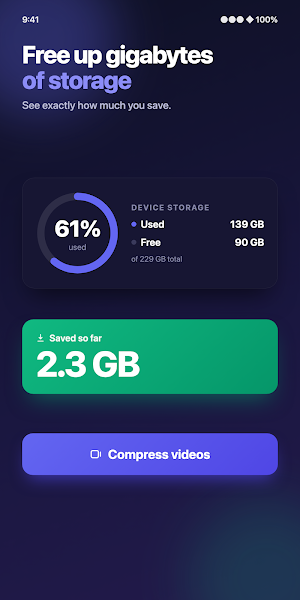
🧹 One tap finds the large videos, old videos, and duplicates hiding on your phone
🧹 See what's eating your storage and clear gigabytes in minutes
🧹 Works hand in hand with compression: shrink the keepers, delete the rest
MADE FOR EVERYDAY MOMENTS
📩 Shrink a video to fit under email limits like 25 MB and actually hit send
💬 Compress video for WhatsApp, Telegram, and Messenger without "file too large" errors
📱 Reduce video size for Instagram, TikTok, YouTube Shorts, and Discord uploads
💾 Compress 4K recordings and reclaim gigabytes of phone storage
🌐 Make videos smaller for slow connections and limited data plans
HOW IT WORKS
1. Pick a video from your gallery
2. Choose small size, balanced, or high quality — or set the resolution yourself
3. Compare before/after, then save or share
Privacy is built in. VidCompress processes everything on your device — nothing is uploaded to any server, no account is needed, and your private moments stay private.
Download VidCompress, the video size reducer that gets your clips small enough to share.
Similar Apps

LogsOff: Apps Internet Blocker
Block apps, notifications & internet. Beat phone addiction & stay focused.

Video Compressor: VidCompress
Reduce video size in MB for WhatsApp, email & Instagram. Fast & no watermark.

ScanFlow: PDF Scanner & OCR
Scan docs to PDF, extract text with OCR, sign & merge files. Fast & clear scans.

AuraWeather: Rain Alerts & AI
Will it rain today? AI forecast, live rain radar, hourly & 7-day, rain alerts.