About Budget Express
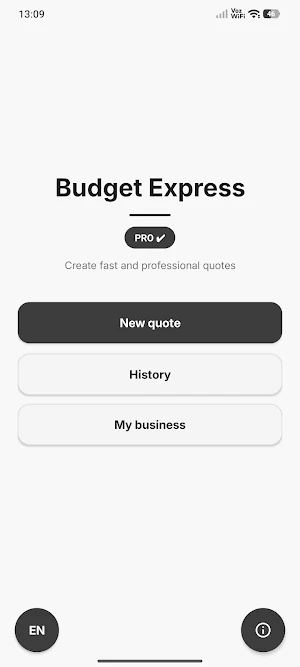
Budget Express is a fast and simple app for creating professional budgets and quotes from your phone.
Designed for freelancers, contractors, technicians, small businesses, and professionals, it helps you respond quickly to clients even while working in the field.
MAIN FEATURES
✔ Create budgets easily
✔ Add products or services
✔ Calculate totals and taxes automatically
✔ Generate professional PDFs
✔ Save your budget history
✔ Edit and duplicate budgets quickly
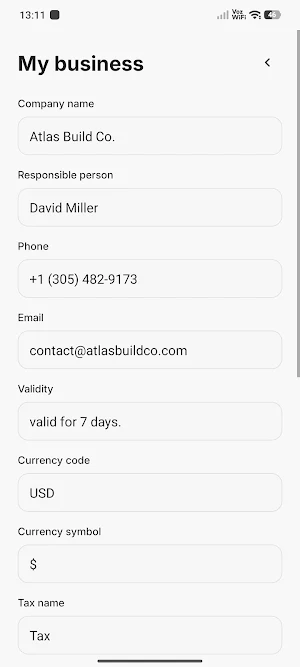
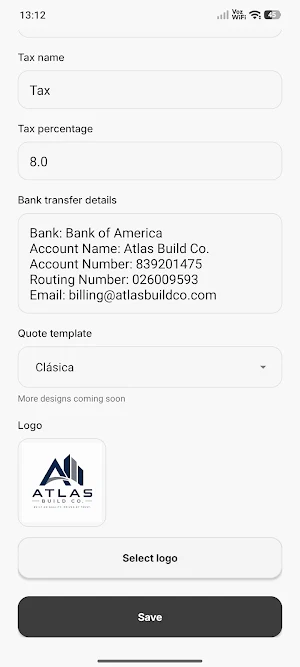
✔ Configure your business details
EXPORT YOUR BUDGETS AS PDF
Generate clear, organized documents ready to share with your clients by email, messaging apps, or other tools. Ideal for creating quick quotes without needing a computer.
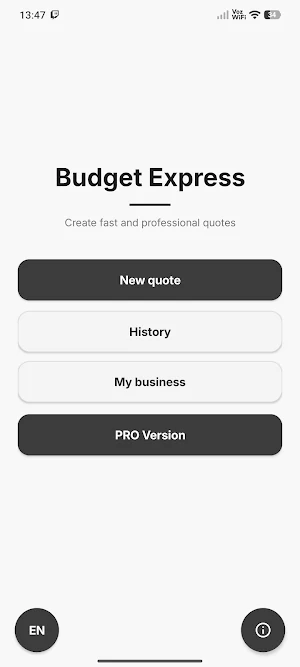
PRO VERSION
Unlock advanced features such as:
✔ Remove watermark
✔ Cleaner and more professional PDFs
✔ Add your business logo
IDEAL FOR FIELD WORK
Budget Express is designed for people who need to create quick budgets from their phone, save time, and present a more professional image to their clients.
SIMPLE, FAST, AND EFFECTIVE
No complex setup. Open the app, create your budget, generate the PDF, and share it in minutes.
Budget Express details
Budget Express is a free Finance app for Android with 1,000+ installs on Google Play. It was released on May 6, 2026 and last updated on September 24, 2026. It requires Android 5.0 or later. The app offers in-app purchases.
- Category
- Finance
- Installs
- 1,000+
- Price
- Free
- In-app purchases
- Yes
- Ads
- No ads
- Current version
- 2.3
- Requires Android
- 5.0
- Content rating
- Everyone
- Released
- May 6, 2026
- Last updated
- September 24, 2026
What’s new in Budget Express
• New Work Estimate mode with sections, subsections and items. • Automatic subtotals, taxable or tax-exempt items, and overall summary. • Classic and Work estimates share clean PDF credits and PRO features. • Improvements to History, reminders, notifications and multi-page PDFs. • Fixed an issue with business logos when the original image was no longer available. • General UI, stability and compatibility improvements.
Version 2.3 · Updated September 24, 2026
