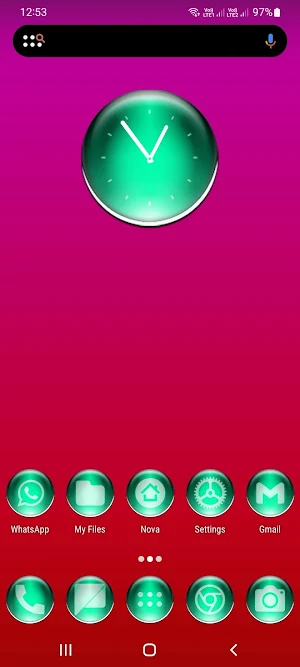
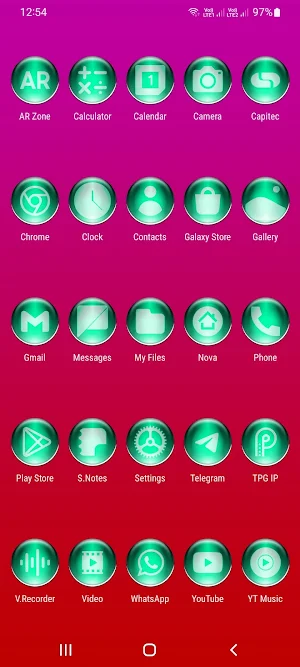
About Teal Pixl Glass Icon Pack
Tap on "See More" at the bottom of the page or search for "Ronald Dwk" for more icon packs, there are over 300 icon packs both free & paid to choose from in different colors, shapes and designs.
Website:✨✨✨
https://ronalddwk.com
Please feel free to contact me if you have any questions.😊😊😊
[email protected]
[email protected]
Install Notes:
---------------------
• Install and open the app.
• Tap on 'Apply' and select your launcher, Done.
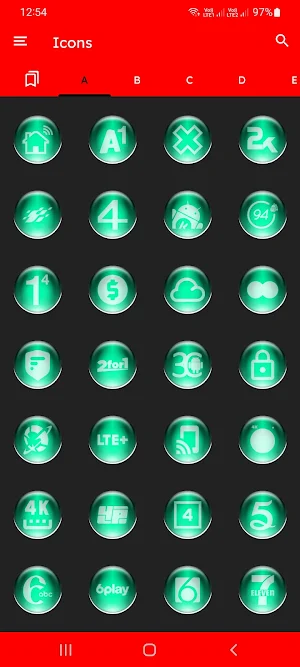
• Navigate to app drawer to preview icons, wallpaper, icon request, faqs and app settings.
Features:
---------------
• Icon Masking
• 30 Folder Icons
• 120 App Drawers
• 14 400+ HD Icons
• Analog Clock (Widget)
• 448 Dynamic Calendars
• Wallpaper save location
• App Light and Dark theme
• FAQs with search function
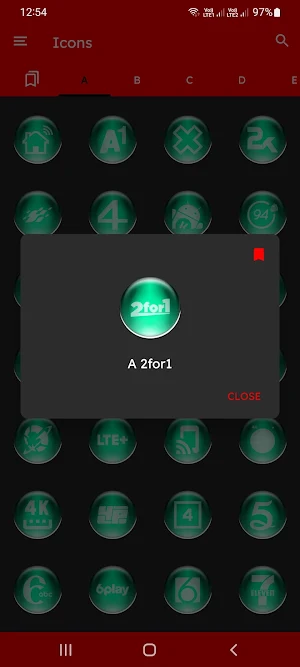
• Option To Bookmark Icons
• Option To Search Wallpapers
• 100 HD cloud based wallpapers
• Icon previews with search function
• Localization: Supports 19 languages
• Quick apply for your default launcher
• Regular & Premium Icon Request Options
• Firebase Cloud Messaging (Update Notifications)
• EXTRAS-Lots of alternatives to mix and match eg...System, WhatsApp etc...
• Supports 42 launchers, there might be more supported launchers which I haven't tested yet.
👍Compatible with the following Launchers:👍
ABC, Action, ADW, Apex, Atom, Aviate, Blackberry, CM Theme Engine, Evie, Flick, GO, GO-EX, Holo, Holo HD, Hyperion, Lawnchair, Lg Home, Lucid, M, Microsoft, Mini, Next, Niagara, Nougat, Nova, Pixel, Poco, Posidon, Smart , Solo, Square, V, ZenUI, Zero
Fully Compatible but not Included in Apply Section: Apply via your Launcher
Arrow, ASAP, Cobo, Line, Mesh, Open, Peek, Z, Launch by Quixey Launcher, Windows Launcher X Prime, Apolo Launcher, Computer Launcher Win 10 Gold, Novel Launcher
N.B: I have tested on the above launchers, there might be more supported launchers which hasn't been tested yet.
STOCK PHONE LAUNCHERS 🤷♂️DO NOT SUPPORT custom Icon Packs🤷♂️ , you can try 👌Awesome Icons👌 or 👌Unicon-Icon Themer👌 to change icons manually on your stock launcher.
N.B: Some Launchers require to change some icons Manually
How To Change Icons Manually
-------------------------------------------------
Youtube tutorial:
https://www.youtube.com/watch?v=meRNXf0QB9A
How To Change Icons Manually:
1.Tap and Hold down on the icon then release it, then a small pop-up will appear.
2.It will allow you to change the icon and the name.
3.Select the icon, this will show your icon packs, select TPG IP and choose your icon (Built-in Search Feature within the App), select it then tap Done.
• Launcher used in screenshots: Nova Launcher
Similar Apps
3D Purple Icon Pack
👍Available in Red, Blue, Light Blue, Cyan, Green, Gray, Magenta, Orange, Pink,...
3D Silver Icon Pack
👍Available in Red, Blue, Light Blue, Cyan, Green, Gray, Magenta, Orange, Pink,...

Red Pixl Glass Icon Pack
Tap on "See More" at the bottom of the page or search...

Green Pixl Glass Icon Pack
Tap on "See More" at the bottom of the page or search...
3D Colorful Icon Pack
👍Available in Red, Blue, Light Blue, Cyan, Green, Gray, Magenta, Orange, Pink,...

Yellow Pixl Glass Icon Pack
Tap on "See More" at the bottom of the page or search...
