About Mini Video Editor & Watermark
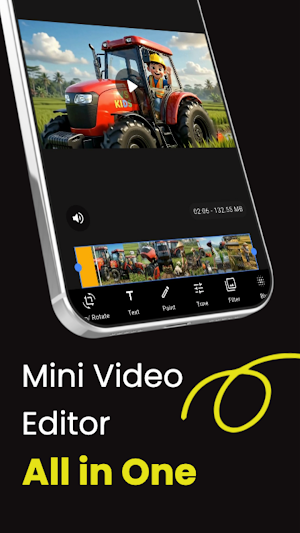
Mini Video Editor is an all-in-one app for all your video editing needs. Easily edit videos,
compress file size without losing quality, and add watermarks or logos as desired.
✨ Key Features
🎬 Video Editor
• Trim video
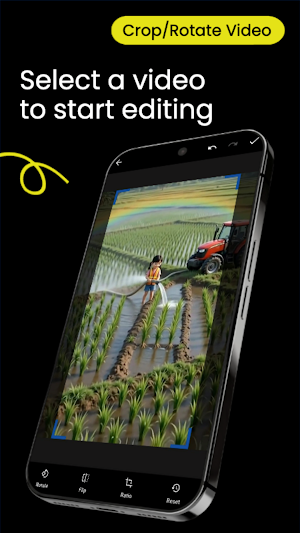
• Crop video
• Rotate video
• Add text
• Add music
• Filters
• Color adjustment
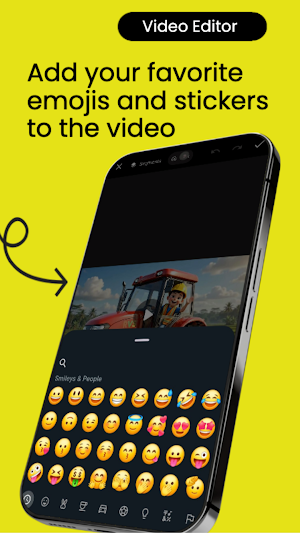
• Stickers
• And other editing features
📦 Video Compression
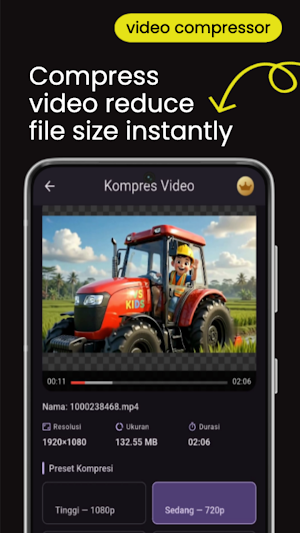
Reduce video size without excessive quality loss.
Several presets available:
• 1080p
• 720p
• 480p
• 360p
• 240p
💧 Video Watermark
Add a logo or watermark to your video.
Features:
• Import logo
• Adjust position
• Adjust size
• Preview before export
Perfect for content branding.
🚀 Fast Export
• Stable export process
• Real-time export progress
• Stays on during export
• Save directly to Gallery
Why Choose Mini Video Editor?
✔ Lightweight
✔ Fast
✔ Easy to use
✔ Modern interface
✔ Not confusing
✔ Suitable for beginners
✔ High-quality video results
Use Mini Video Editor to
✔ Edit videos
✔ Reduce video size
✔ Add watermarks
✔ Prepare videos before uploading
✔ Make videos more professional
Similar Apps

Mini Video Editor & Watermark
Edit, compress and add video watermarks easily

Mosaic Photo Privacy & Blur
AI-powered face & text sensors. Protect privacy, remove backgrounds, & compress photos.
Buat CV: Riwayat Hidup PDF
PDF resume CV maker Just fill in the form, choose a template and download the PDF CV

Pertaminiku - Cetak Struk
Pertaminiku is a BBM/POM Receipt Printing application

IndoPedia - Pengetahuan Umum
IndoPedia adalah aplikasi ensiklopedia digital pengetahuan umum Indonesia.

Flutter Material Widget
Aplikasi yang dirancang untuk membantu pengembang membuat UI Flutter Material
