
OnePlus Buds Pro 3 Guide
Books & Reference Contains ads
Application Guide on how to use OnePlus Buds Pro 3 and handle it
- Downloads
- 10.6K+
- on Google Play
- Price
- Free
- No in-app purchases
- Updated
- Aug 27
- 2024 · v2
Screenshots
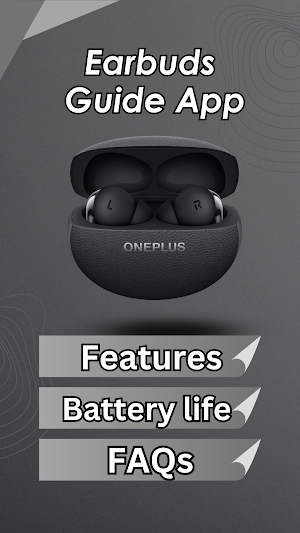
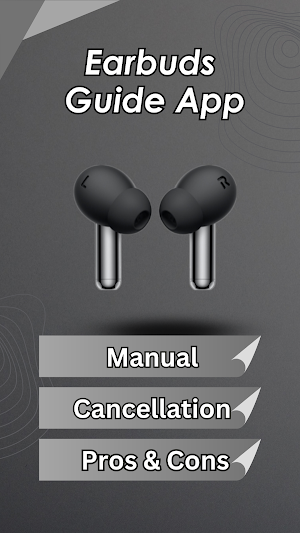
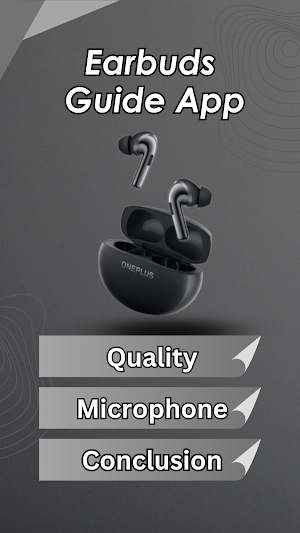
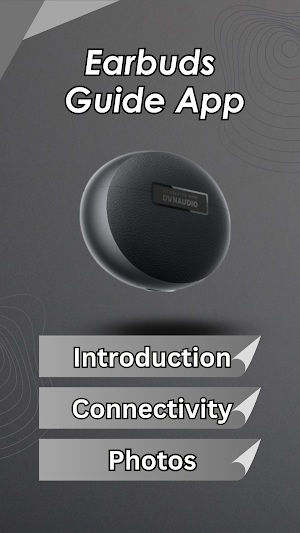


About OnePlus Buds Pro 3 Guide
Welcome to our app OnePlus Buds Pro 3 Guide.
Experience stunning audio with OnePlus Buds 3’s enhanced hardware,
adaptive noise cancellation, and hi-res sound that truly delivers “Harmony Unfiltered.”
Hi-res audio for low-key listening
Relax to your favorite high-resolution music courtesy of an LHDC 5.0 codec and Hi-Res audio certification that delivers natural,
studio-quality audio.
Get the ear-pleasing, personalized listening experience you deserve with OnePlus Audio ID 2.0⁵.
Make a quick ear scan to create a unique audio profile that hits all the right notes.
Welcome to 3D Audio6
Immerse yourself in OnePlus 3D Audio’s dynamic three-dimensional soundscape.
Multi-directional audio puts you centerstage for an experience that feels like a live concert.
Unbeatable noise control : With OnePlus Buds 3, you get a serene listening experience with smarter,
more accurate noise cancellation that blocks out nearly all background noise.
Features of the OnePlus Buds Pro 3 :
Audio and Calls:
Frequency response:15Hz - 40,000Hz
Microphone:3/ single side
Bluetooth version: BT 5.3
Wireless range: 10 Meters
Audio codec: LHDC5.0/SBC/AAC
Noise cancellation :
49dB Active Noise Cancelling
Triple-Microphone With AI Call Noise Reduction
Battery: 58mAh (Earbuds); 520mAh (Charging Case) :
Music play time (AAC, Default setting, 50% volume):
Max Noise Cancellation: 6.5h (single charge), 28 h (with charging case),
Noise Cancellation Off: 10 h (single charge), 44 h (with charging case)
Charging interface:
Charging time:80min(Earbuds) /110Min (Earbuds+ Charging Case)
Application Features:
- The application is easy to use and there is no complexity.
- The application size is small and does not take up much space on your device.
- Online application content update.
- The application colors are comfortable for the eye.
- The application was carefully designed to achieve user satisfaction,
including beautiful shapes and menus.
- A comprehensive explanation of how to deal with OnePlus Buds Pro 3.
- Are you looking for OnePlus Buds Pro 3 features, User Guide, Specifications,
photos, Battery life, FAQs, Pros & Cons, Cancellation, Microphone,
Conclusion, Introduction, Connectivity ?
Application Content :-
OnePlus Buds Pro 3 features
OnePlus Buds Pro 3 User's Guide
OnePlus Buds Pro 3 Specifications
OnePlus Buds Pro 3 photos
OnePlus Buds Pro 3 Battery life
OnePlus Buds Pro 3 FAQs
OnePlus Buds Pro 3 Cancellation
OnePlus Buds Pro 3 Microphone
OnePlus Buds Pro 3 Pros & Cons
OnePlus Buds Pro 3 Conclusion
OnePlus Buds Pro 3 Introduction
OnePlus Buds Pro 3 Connectivity
Elevate your OnePlus Buds Pro 3 experience with the OnePlus Buds Pro 3 Guide.
Download now and become a master of your Earbuds technology!
Disclaimer:
All images and content used in this application are the property of their respective owners.
The use of any copyrighted material is for illustrative purposes only and does not imply any endorsement
or association with the owners of the copyrighted material.
All rights to images and content are acknowledged and reserved by their original creators.
Experience stunning audio with OnePlus Buds 3’s enhanced hardware,
adaptive noise cancellation, and hi-res sound that truly delivers “Harmony Unfiltered.”
Hi-res audio for low-key listening
Relax to your favorite high-resolution music courtesy of an LHDC 5.0 codec and Hi-Res audio certification that delivers natural,
studio-quality audio.
Get the ear-pleasing, personalized listening experience you deserve with OnePlus Audio ID 2.0⁵.
Make a quick ear scan to create a unique audio profile that hits all the right notes.
Welcome to 3D Audio6
Immerse yourself in OnePlus 3D Audio’s dynamic three-dimensional soundscape.
Multi-directional audio puts you centerstage for an experience that feels like a live concert.
Unbeatable noise control : With OnePlus Buds 3, you get a serene listening experience with smarter,
more accurate noise cancellation that blocks out nearly all background noise.
Features of the OnePlus Buds Pro 3 :
Audio and Calls:
Frequency response:15Hz - 40,000Hz
Microphone:3/ single side
Bluetooth version: BT 5.3
Wireless range: 10 Meters
Audio codec: LHDC5.0/SBC/AAC
Noise cancellation :
49dB Active Noise Cancelling
Triple-Microphone With AI Call Noise Reduction
Battery: 58mAh (Earbuds); 520mAh (Charging Case) :
Music play time (AAC, Default setting, 50% volume):
Max Noise Cancellation: 6.5h (single charge), 28 h (with charging case),
Noise Cancellation Off: 10 h (single charge), 44 h (with charging case)
Charging interface:
Charging time:80min(Earbuds) /110Min (Earbuds+ Charging Case)
Application Features:
- The application is easy to use and there is no complexity.
- The application size is small and does not take up much space on your device.
- Online application content update.
- The application colors are comfortable for the eye.
- The application was carefully designed to achieve user satisfaction,
including beautiful shapes and menus.
- A comprehensive explanation of how to deal with OnePlus Buds Pro 3.
- Are you looking for OnePlus Buds Pro 3 features, User Guide, Specifications,
photos, Battery life, FAQs, Pros & Cons, Cancellation, Microphone,
Conclusion, Introduction, Connectivity ?
Application Content :-
OnePlus Buds Pro 3 features
OnePlus Buds Pro 3 User's Guide
OnePlus Buds Pro 3 Specifications
OnePlus Buds Pro 3 photos
OnePlus Buds Pro 3 Battery life
OnePlus Buds Pro 3 FAQs
OnePlus Buds Pro 3 Cancellation
OnePlus Buds Pro 3 Microphone
OnePlus Buds Pro 3 Pros & Cons
OnePlus Buds Pro 3 Conclusion
OnePlus Buds Pro 3 Introduction
OnePlus Buds Pro 3 Connectivity
Elevate your OnePlus Buds Pro 3 experience with the OnePlus Buds Pro 3 Guide.
Download now and become a master of your Earbuds technology!
Disclaimer:
All images and content used in this application are the property of their respective owners.
The use of any copyrighted material is for illustrative purposes only and does not imply any endorsement
or association with the owners of the copyrighted material.
All rights to images and content are acknowledged and reserved by their original creators.
Alternatives to OnePlus Buds Pro 3 Guide
Looking for apps like OnePlus Buds Pro 3 Guide? Here are 6 similar Android apps on Google Play. All of them are free to download.
-
Bose Ultra Open Earbuds Guide
-
Samsung Galaxy Buds 3 Guide
-
Apple Airpods Pro 2 Guide
-
Redmi Buds 6 Active Guide
-
JBL Tune Flex Earbuds Guide
-
Fitbit Charge 6 Guide
| App | Rating | Price | Installs | Last updated | Compare |
|---|---|---|---|---|---|
| OnePlus Buds Pro 3 Guide | – | Free | 10,000+ | Aug 27, 2024 | |
| Bose Ultra Open Earbuds Guide | – | Free | 5,000+ | May 8, 2026 | Compare |
| Samsung Galaxy Buds 3 Guide | – | Free | 10,000+ | Feb 14, 2026 | Compare |
| Apple Airpods Pro 2 Guide | – | Free | 10,000+ | Sep 13, 2024 | Compare |
| Redmi Buds 6 Active Guide | – | Free | 10,000+ | – | Compare |
| JBL Tune Flex Earbuds Guide | – | Free | 10,000+ | Sep 5, 2024 | Compare |
| Fitbit Charge 6 Guide | – | Free | 10+ | Apr 29, 2024 | Compare |
Similar apps on Google Play
- Bose Ultra Open Earbuds Guide
- Samsung Galaxy Buds 3 Guide
- Apple Airpods Pro 2 Guide
- Redmi Buds 6 Active Guide
- OnePlus Buds Pro 3 Guide
- JBL Tune Flex Earbuds Guide
- Fitbit Charge 6 Guide
- Galaxy Buds 3 Pro Guide
- Anker Soundcore P40i Guide
- TOZO A1 Mini Earbuds Guide
- Soundcore Sleep A20 Guide
- Levoit Air Purifier 300 Guide
- Fossil Gen 6 Watch Guide
- Galaxy Watch 7 App Guide
- CMF Nothing Watch Pro Guide
- Amazfit Bip 5 Guide
- Animal World
- Huawei Watch Fit 3 Guide
- Fitbit Versa 4 Guide
- Xiaomi Band 8 Guide
- Redmi Watch 3 Active Guide
- Huawei Band 8 Guide
- Huawei Band 9 Guide
- Garmin Forerunner 165 Guide
- Xiaomi Band 8 Active Guide
- Samsung Galaxy Fit3 Guide
- Apple Watch Series 9 AppGuide
- Galaxy Watch 6 App Guide
- P66XG Smart Watch App Guide
- Apple Watch Ultra 2 App Guide
- Redmi Watch 4 App Guide
- WMK IDW19 Watch App Guide
- Clean screen
- My weight