NW119한글: DIgital watch face
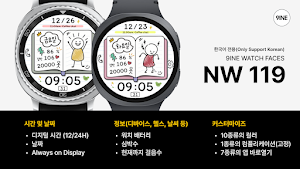
This is the NW119 digital watch face exclusively for Korean made by Nine Watch.
About NW119한글: DIgital watch face
[How to Install a Watch Face]
1. Install via the Companion App
Open the Companion App installed on your smartphone > Tap the Download button > Install the watch face on your watch.
2. Install via the Play Store app
Access the Play Store app > Tap the '▼' button to the right of the price button > Select your watch > Purchase
Long-press the watch screen to check if the watch face has been installed. If the watch face isn't installed after 10 minutes, install it directly from the Play Store website or from your watch.
3. Install via the Play Store web browser
Access the Play Store web browser > Tap the price button > Select your watch > Install and Purchase
4. Install directly from your watch
Access the Play Store > Search for "NW120" in Korean > Install and Purchase
---------------------------------------------------------------------------------------------------------------
This watch face supports only Korean.
#Information and Features
[Time and Date]
Digital Time (12/24H)
Date
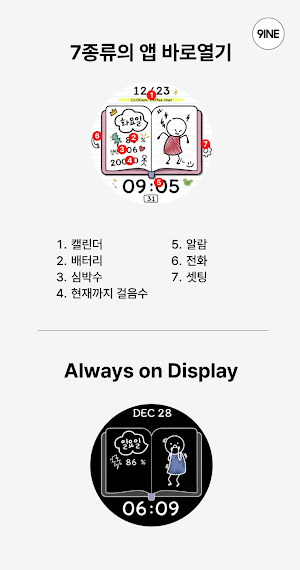
Always on Display
[Information (Device, Health, Weather, etc.)]
Watch Battery
Heart Rate
Current Step Count
[Customization]
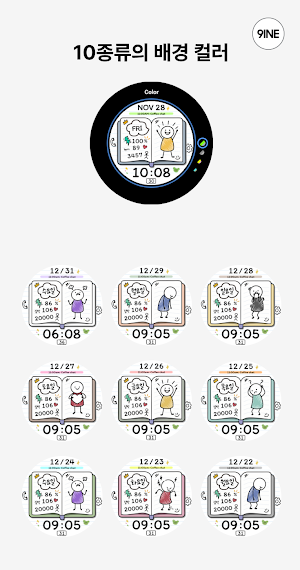
10 Colors
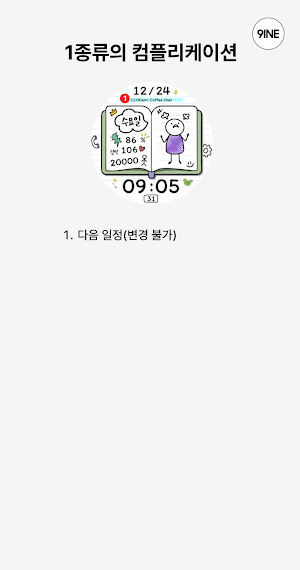
1 Complication (Fixed)
7 App Shortcuts
*This watch face supports Wear OS devices.
Similar Apps
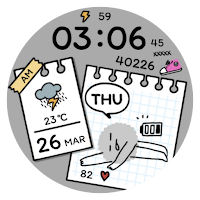
NW127: DIgital watch face
The NW127 Digital watch face made by 9INE.
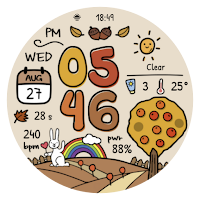
NW112: Digital watch face
The NW112 Digital watch face made by 9INE.
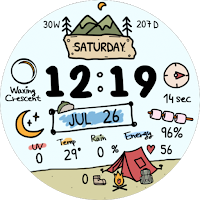
NW059: Digital watch face
The NW059 Digital watch face made by 9INE
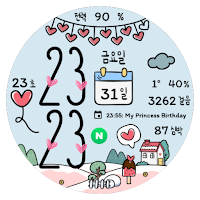
NW087한글: Digital watch face
This is the Korean-only NW087 digital watch face produced by Nine Watch.
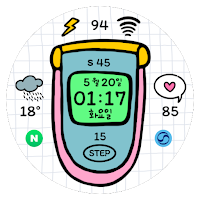
NW100한글: DIgital watch face
나인워치에서 제작한 한국어 전용 NW100 디지털 워치페이스 입니다.
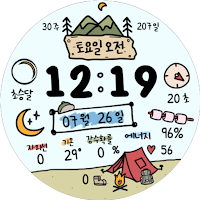
NW059 한글: Digital watch face
This is the Korean-only NW059 digital watch face produced by Nine Watch.
