Phoneguard: Find My Device
Locate, lock and alarm your lost phone by SMS or web dashboard.

About Phoneguard: Find My Device
PhoneGuard helps you locate, lock, and recover a lost or stolen Android phone — using either the web dashboard or a simple SMS command sent from any phone.
HOW IT WORKS
1. Install PhoneGuard and set a secure keyword.
2. Add one or more trusted contacts ("Safety Numbers") who are allowed to send recovery commands.
3. If your phone is lost, send your keyword by SMS from any phone, or sign in to the web dashboard, to locate, lock, or sound an alarm on your device.
CORE FEATURES
Remote GPS Location
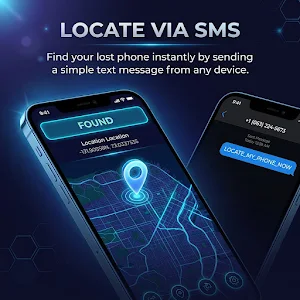
Get your phone's current location as a Google Maps link with exact GPS coordinates, sent to you by SMS or shown on the web dashboard.
Live Tracking
Request continuous location updates, refreshed roughly every 3 minutes, so you can follow the phone in real time while it's on the move.
Remote Alarm
Trigger a loud alarm on the phone remotely — it sounds even if the phone is set to silent, helping you find it nearby or discourage a thief.
Remote Device Lock
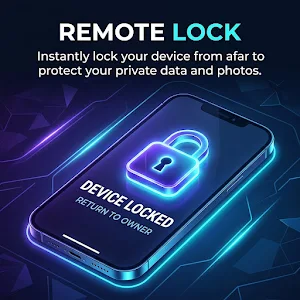
Lock your phone's screen remotely to block access to your data the moment you realize it's missing.
Intruder Selfie
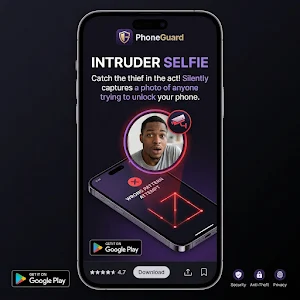
If someone enters the wrong PIN or pattern while trying to unlock your phone, PhoneGuard automatically takes a photo with the front camera and uploads it to your private cloud storage.
SIM Change Detection
If your SIM card is swapped for another one, PhoneGuard automatically sends the new number and current location to your trusted contacts.
SMS Remote Commands
Send GET LOCATION, START ALARM, LOCK DEVICE, or LIVE TRACK as a text message from any phone, and PhoneGuard carries out the command over the cellular network. The lost phone needs a cellular signal to receive the command, even if it has no mobile data or Wi-Fi.
Uninstall Protection
Once enabled as a device administrator, PhoneGuard cannot be uninstalled without your PIN, so a thief can't simply delete the app to disable protection.
Web Dashboard
Manage your device from any browser: view location history, see intruder photos, and send the same lock/locate/alarm commands you can send by SMS.
Police / FIR Report
Generate a printable report with your device's last known location and incident details, to support a police complaint for a lost or stolen phone.
WHY PHONEGUARD ASKS FOR THESE PERMISSIONS
- Location — to show your device's position when you request it.
- SMS — to receive your remote commands and send back location links, alerts, and SIM-change notices over the cellular network.
- Camera — only to capture the Intruder Selfie photo after a failed unlock attempt.
- Device Administrator — to lock the screen remotely and to prevent the app from being uninstalled without your PIN.
PREMIUM
A one-time purchase unlocks the full web dashboard (intruder-photo gallery, location history, and police report generation), removes ads, and keeps protection active with no recurring renewal.
PRIVACY
Location data and intruder photos are stored in your own private Firebase cloud storage and transmitted using SSL/TLS encryption. PhoneGuard does not share this data with third parties.
Similar Apps

Phoneguard: Find My Device
Locate, lock and alarm your lost phone by SMS or web dashboard.

Bhumitra: GPS Land Measure
Accurate GPS Land Area Calculator. Measure fields, plots & distance on map