

FS Notebook
Tools
A simplified app for tracking personal field ministry activities and records.
- Downloads
- 50+
- on Google Play
- Price
- Free
- No in-app purchases
- Updated
- Apr 7
- 2023 · v1.1.007
Screenshots
About FS Notebook
FS Notebook (or field service notebook) is a simplified app for tracking personal field service/ministry activities and notes. It is designed to provide an intuitive, simple and pleasant user experience. It is expected that this app will prove helpful as a simple complement to paper notes, since in many cases a mobile device is likely more reachable. This 'unofficial' app is free, and does not display ads.
Features at a Glance
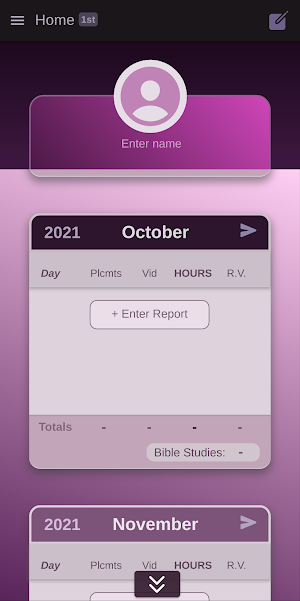
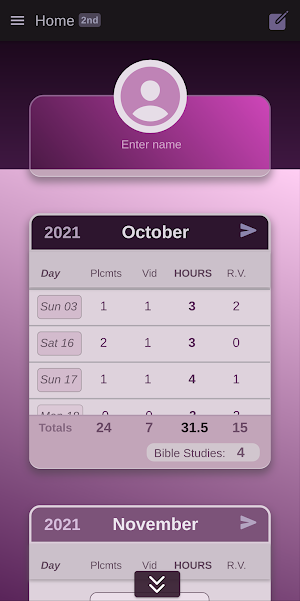
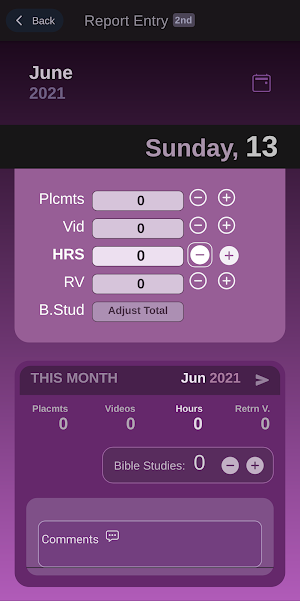
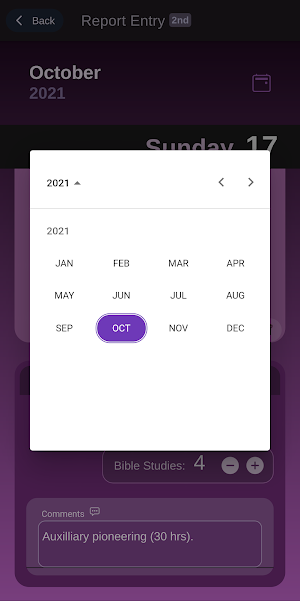
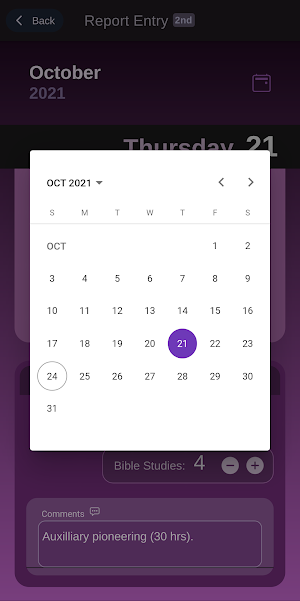
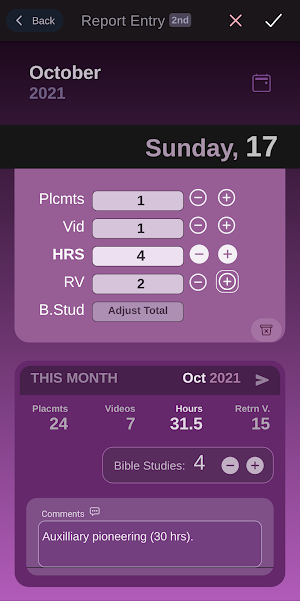
- Enter field service report for each day of the month.
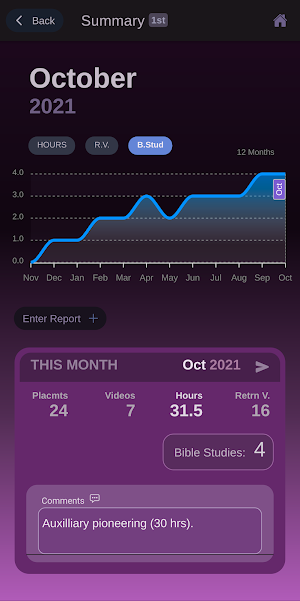
- View report totals for each month.
- View and update Bible studies and comments for each month.
- View trend of hours, return visits and Bible studies over 12 months.
- Share/send report totals including comments.
- Enter field service notes such as study progress, new interests, etc.
- Search through field service notes.
- Share field service notes.
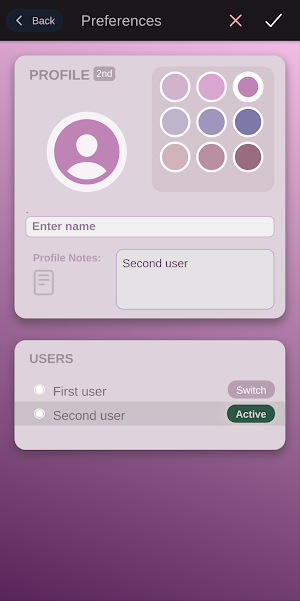
- Enter reports data for a second user (such as spouse).
Tips
- Report items in a month card are scrollable. Sliding each item to the left reveals a button.
- The send or share button on the month cards can be used to share/send report totals and comments for each month.
- When sharing report with send button, the user name entered will be used.
- Clicking on a month opens a chart (of 12 months) while indicating the selected month.
- Clicking or scrubbing over the chart (of 12 months) will display the figure corresponding to each month.
- On the chart (of 12 months), the upward or downward direction of the curve helps to visualize relative progress on hours, return visits and Bible studies.
- Report time less than 1hr can be entered as fractions in decimal (e.g. 15min is a quarter of an hour which equals 0.25hr).
- A report can be saved only when 'hours' is greater than zero.
- In the notes page, you can enter text as well as various emojis. You can also search using emojis as search criteria.
- Since emojis are searchable, they can be selectively added to make notes more organized and findable.
- Delete a note from notes list by sliding each item to the left to reveal a delete button.
This offline app does not provide extra backup or data encryption at this time. However, a user may consider a system wide backup as provided by device (if necessary).
See full disclaimer on site.
Features at a Glance
- Enter field service report for each day of the month.
- View report totals for each month.
- View and update Bible studies and comments for each month.
- View trend of hours, return visits and Bible studies over 12 months.
- Share/send report totals including comments.
- Enter field service notes such as study progress, new interests, etc.
- Search through field service notes.
- Share field service notes.
- Enter reports data for a second user (such as spouse).
Tips
- Report items in a month card are scrollable. Sliding each item to the left reveals a button.
- The send or share button on the month cards can be used to share/send report totals and comments for each month.
- When sharing report with send button, the user name entered will be used.
- Clicking on a month opens a chart (of 12 months) while indicating the selected month.
- Clicking or scrubbing over the chart (of 12 months) will display the figure corresponding to each month.
- On the chart (of 12 months), the upward or downward direction of the curve helps to visualize relative progress on hours, return visits and Bible studies.
- Report time less than 1hr can be entered as fractions in decimal (e.g. 15min is a quarter of an hour which equals 0.25hr).
- A report can be saved only when 'hours' is greater than zero.
- In the notes page, you can enter text as well as various emojis. You can also search using emojis as search criteria.
- Since emojis are searchable, they can be selectively added to make notes more organized and findable.
- Delete a note from notes list by sliding each item to the left to reveal a delete button.
This offline app does not provide extra backup or data encryption at this time. However, a user may consider a system wide backup as provided by device (if necessary).
See full disclaimer on site.
What’s new
Version 1.1.007 · Updated April 7, 2023
Already made improvements to item indication when returning from note details view as well as change detection while using device back button. Correct icons have been properly fixed to appear properly after installation. Each notes search result now displays in same layout as note items. Sightly improved and added helpful links on the about page. Fixed issue of regarding plash screen on some devices. Known Issue: On some (older) devices, splash screen may flash twice.
User reviews

The interface look simple and unique. An excellent tool that is handy.

I love the design and colors! So beautiful. Very user friendly with so many great features! Kudos!
Alternatives to FS Notebook
Looking for apps like FS Notebook? Here is 1 similar Android app on Google Play.

| App | Rating | Price | Installs | Last updated |
|---|---|---|---|---|
| FS Notebook | – | Free | 50+ | Apr 7, 2023 |
| Field Ministry Record | – | Free | 500+ | Mar 23, 2026 |