
ClickChat with Unsaved Contact
Productivity
Chat in Whatsapp with any contact without saving them
- Downloads
- 100+
- on Google Play
- Price
- Free
- No in-app purchases
- Updated
- Jul 20
- 2022 · v1.0
Screenshots


About ClickChat with Unsaved Contact
ClickChat with Unsaved Contact
- ClickChat is a great tool for your favorite messenger app to send messages to any numbers those are not saved in your contacts.
------------------
Did you know you can open a chat in WhatsApp with any number without saving first into contacts by opening in your browser the link 'wa.me/123456789' (using the prefix+number desired)?
Source: https://faq.whatsapp.com/en/android/26000030/
Originally that link was longer and more difficult to remember, so I made this tiny app to help in the process.
------------------
- How it works?
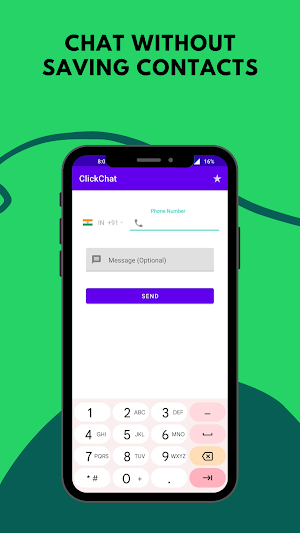
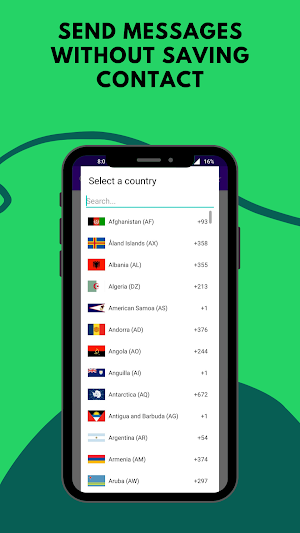
1. Enter a number to which you are going to send message.
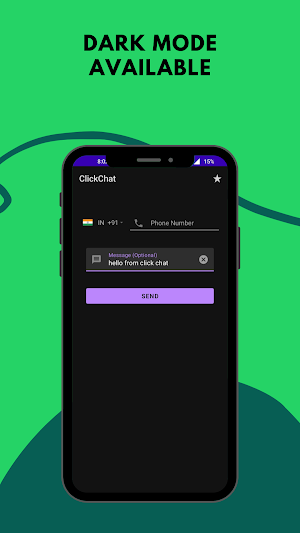
2. Type your text message and tap on send button.
3. This will take you to the your favorite messenger then a chat window is created with given number.
------------------
Note -
- favorite is using official public API available from your favorite messenger app.
- Please note this app is only for personal use.
------------------
Disclaimer: This app is not affiliated with nor endorsed by WhatsApp Inc.
- ClickChat is a great tool for your favorite messenger app to send messages to any numbers those are not saved in your contacts.
------------------
Did you know you can open a chat in WhatsApp with any number without saving first into contacts by opening in your browser the link 'wa.me/123456789' (using the prefix+number desired)?
Source: https://faq.whatsapp.com/en/android/26000030/
Originally that link was longer and more difficult to remember, so I made this tiny app to help in the process.
------------------
- How it works?
1. Enter a number to which you are going to send message.
2. Type your text message and tap on send button.
3. This will take you to the your favorite messenger then a chat window is created with given number.
------------------
Note -
- favorite is using official public API available from your favorite messenger app.
- Please note this app is only for personal use.
------------------
Disclaimer: This app is not affiliated with nor endorsed by WhatsApp Inc.
What’s new
Version 1.0 · Updated July 20, 2022
ClickChat open is a great tool for your favorite messenger app to send messages to any numbers that are not saved in your contacts.🎉 The easiest way is to click on send a message on WhatsApp without saving a number 🚀 - How does it work? 1. Enter a number to which you are going to send a message 2. This will take you to your favorite messenger Whatsapp then a chat window is created with the given number.
User reviews

Good application

Very useful app.

Very usefull app 😇

Very much helpful sending messages without saving the number really required
Alternatives to ClickChat with Unsaved Contact
Looking for apps like ClickChat with Unsaved Contact? Here is 1 similar Android app on Google Play.