Duodraw AR: Kawaii Sketches
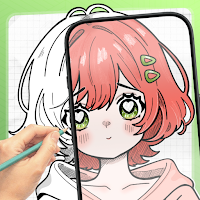
Turn photos into sketch guides. Trace kawaii, anime & aesthetic art with AR.
About Duodraw AR: Kawaii Sketches
Learn to draw from your own photos with your phone camera. Duodraw AR: Kawaii Sketches helps you turn images from your gallery into clean sketch guides, place a reference over paper, and trace your drawing step by step.
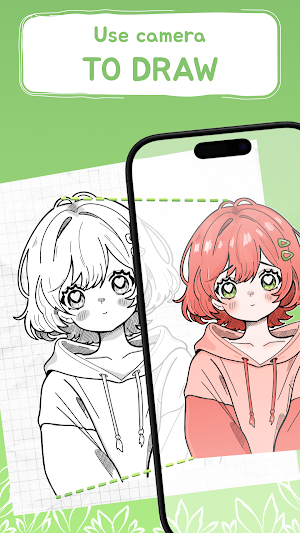
The main idea is simple: choose a photo, make it easier to draw, place it over your paper with the camera, and follow the lines. Duodraw AR is designed for people who want to practice drawing from real images, cute templates, anime-style references, aesthetic ideas, and personal photos without starting from a blank page.
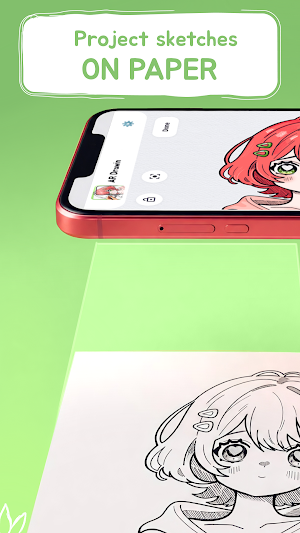
Start with your own gallery photo, an AI sketch, a cute kawaii template, an anime-style drawing, or a ready-made lesson. Import an image from your gallery, turn it into a simple sketch-style reference on your device, then use the AR camera overlay to position it on your paper. Adjust opacity, scale, rotation, position, and mirror mode until the guide fits your page and your drawing style.
Duodraw AR is made for beginners, hobby artists, students, sketchbook fans, and anyone who wants an easy way to draw from photos. You do not need to sketch perfectly from scratch. Use your own photo as a drawing reference, follow the lines, and practice clean outlines at your own pace.
Use Duodraw AR for:
- Drawing from photos in your gallery
- Photo-to-sketch practice
- Kawaii sketches and cute characters
- Anime-style faces, eyes, hair, and poses
- Aesthetic doodles, flowers, stars, butterflies, and decor ideas
- Stickers, coloring pages, tattoo ideas, and school projects
- Pet drawings, portraits, outfits, objects, and everyday sketch ideas
- Practicing proportions, outlines, and hand control
Main features:
- Import photos from your gallery and use them as drawing references
- Turn photos into sketch-style guides on your device
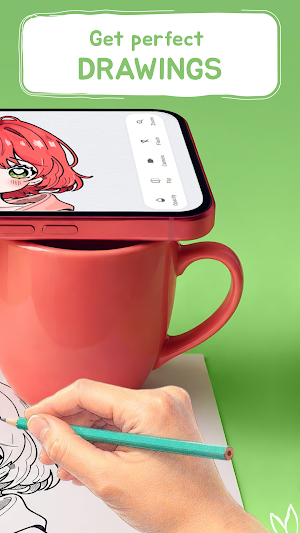
- AR camera overlay for tracing drawings on paper
- AI Sketches and ready-made drawing ideas
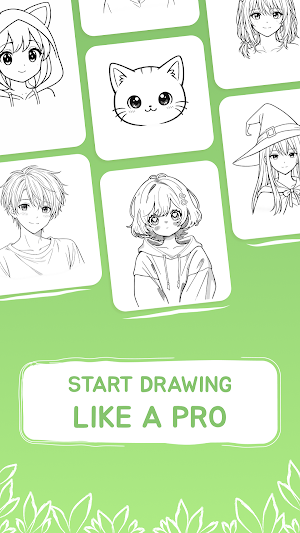
- Kawaii, anime, aesthetic, character, and everyday templates
- Drawing lessons for simple step-by-step practice
- Opacity, zoom, rotation, mirror, and position controls
- Flashlight support for clearer tracing
- Timelapse recording to save your drawing process
The gallery workflow is great when you already have a picture you want to draw. Open a photo, create a sketch guide, place it over your sheet, and trace the main lines. You can use it for cute photos, character references, outfit ideas, pet pictures, tattoo inspiration, stickers, school art projects, and aesthetic sketchbook pages.
The AR overlay helps you keep the reference aligned with your paper. You can make the guide more transparent, zoom in, rotate it, mirror it, or move it around until it feels comfortable. Use the flashlight when the paper is dark or when you need clearer tracing lines.
Duodraw AR also includes templates and lessons for days when you do not know what to draw. Try simple kawaii art, anime-inspired sketches, aesthetic drawings, character ideas, and everyday objects. Start with easy outlines, then practice more detailed drawings as you improve.
Whether you are looking for an AR drawing app, tracing app, photo-to-sketch app, sketch maker, anime drawing guide, kawaii drawing app, aesthetic sketch app, or an easy way to learn drawing from photos, Duodraw AR gives you a fast and friendly way to start.
Download Duodraw AR: Kawaii Sketches and turn your photos, templates, and ideas into drawings on paper.
Similar Apps
Poster Maker & Flyer Designer
Create business posters, banners, ads & festival posts with AI design templates!
Home Remodel AI, Room Decor
Redesign any room from one photo: AI interior design, decor & virtual staging

HeyPixel : Ai Motion Generator
Turn Photos into AI Motion Videos, Mimic Movement & Animate Any Image
Duodraw AR: Kawaii Sketches
Turn photos into sketch guides. Trace kawaii, anime & aesthetic art with AR.
BlackInk : AI Tattoo Generator
AI Tattoo Generator , Design
goMission :Draw & Earn
Turn your doodles into cash! Draw, get hearts, and earn rewards.
