Print Dymolabels from phone
Print DYMO labels from your Android phone over WiFi. No computer needed!
About Print Dymolabels from phone
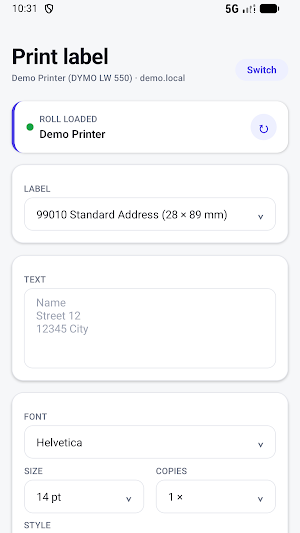
Print DYMO LabelWriter labels directly from your Android phone over WiFi.
No computer needed. No DYMO Connect crashes. Open the app, connect to your printer, type your label and print.
FEATURES:
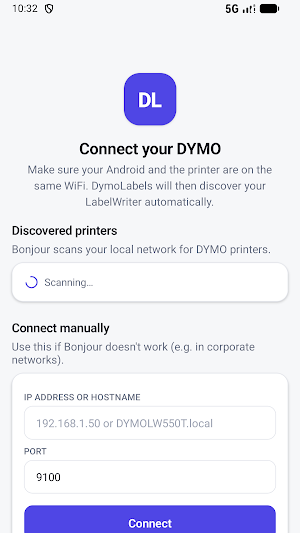
- Auto-discover DYMO LabelWriter printers on your local WiFi network (only Dymo 550 LAN)
- Manual connection by IP address or hostname
- Choose from all standard DYMO label sizes
- Set font, size and style (Bold, Italic, Underline)
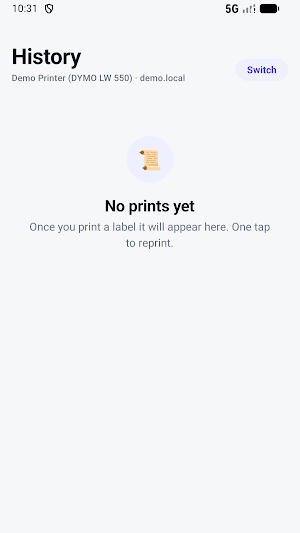
- Print history: reprint a previous label with one tap
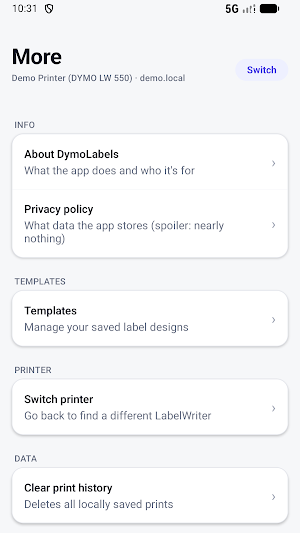
- Save designs as templates for later use
- Demo mode: try the app without any hardware
COMPATIBLE WITH:
DYMO LabelWriter 450, 450 Turbo, 550, 550T and compatible models (USB models only by printer server or shared by Mac) App is specially designed for 550XL with LAN connection.
PRIVACY:
The app does not send any data to external servers. What you type stays on your device and your own local network.
More info or support? www.verleijservices.nl/dymo
Similar Apps
Smart tachograph 2 simulator
Practise the digital tachograph, Smart Tacho simulator for VDO and Stoneridge
GPX navigate with Google Maps
Use real Google Maps with GPX navigation routes!

Email tracker Brevo&Mailchimp
Track Brevo email delivery

Yatespool Mining Monitor
Monitor your InitVerse INI miners, pools and local rigs in real time
The Gong connect Ring to Sonos
Ring your Sonos or HEOS speakers when the doorbell rings
