About Video To A Photo
Save that "this is it!" moment from your favorite videos as a high-quality photo with a single tap.
Whether it's the sparkle of a night view, a pet's perfect moment, or a dynamic sports scene,
you can easily save any moment you couldn't pause as a still image with this app.
Plus, since it extracts frames with perfect accuracy, there's no need to worry about image degradation.
It's free, so feel free to give it a try.
Key Features
- High-precision capture, frame by frame.
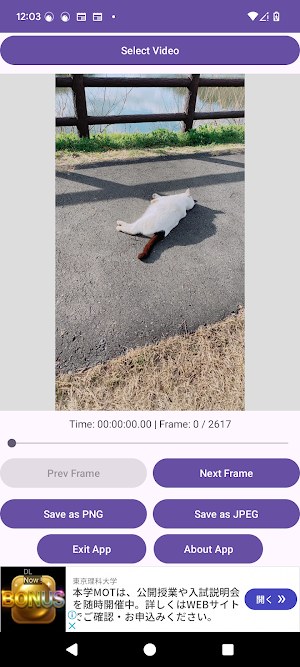
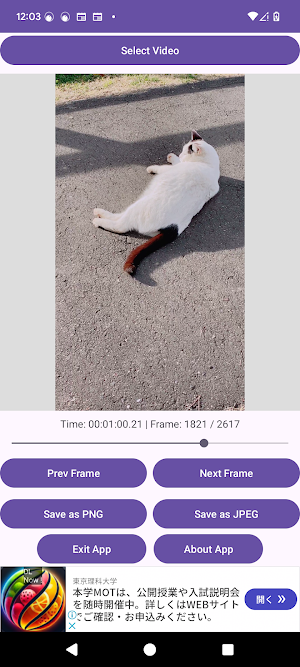
- Fine-tune the position with a slider, ±1 frame buttons, or by specifying the frame time.
- Save in the original video's quality.
- Output in your preferred format: either PNG or JPEG.
- Smooth performance & fast saving - no annoying encoding wait times.
【How to Use】
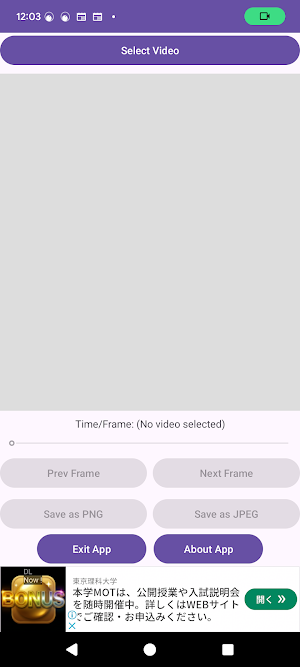
1. Tap "Select Video" to load your video.
2. Find the best shot by moving the slider, using the ±1 frame buttons, or specifying the frame time.
3. Check the still image in the preview screen (center).
4. Tap "Save as PNG" or "Save as JPEG", specify a file name, and save the image!
Similar Apps

Apowersoft Background Eraser
transparent background*photo background eraser*remove background*eraser*remover

Glitch Photo Editor & Glitch V
Highlight your photo with 500+ Glitch effect, Neon, VHS, frames, vapor stickers.

Video Converter Pro
All-in-one video converter & editor. Fast, powerful, and intuitive.
Color Grab (color detection)
"Take Colors From The World Around You"

The Mantrailing App
Record, file and analyse your trail data and maps comfortable in your smartphone

Nelko
Design & Print
