

Grameenphone Vehicle Tracking
Grameenphone Limited Navigation iPhoneiPadiPod touch
Grameenphone Vehicle Tracking is a free Navigation app for iPhone and iPad by Grameenphone Limited. Rated 3.3/5 from 17 ratings. Requires iOS 12.0.
- Rating
- 3.3
- 17 ratings
- Price
- Free
- on the App Store
- Size
- 84 MB
- Age 4+
- Updated
- Aug 13
- 2025 · v4.5.0
Screenshots

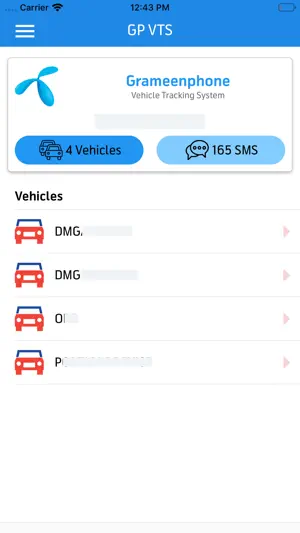
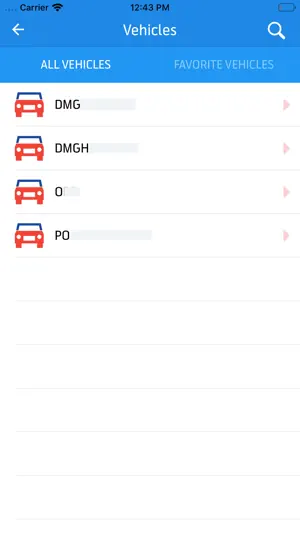

About Grameenphone Vehicle Tracking
Grameenphone Vehicle Tracking Service Mobile Client. Three easy steps to get started in less than ONE minute: **************************************************************** 1. Installation GP VTS is easy to install. Just a couple of clicks, and you are there. 2. Login You can use your existing GP VTS account user name and password to login to GP VTS mobile App. Please use the SAME account to login to all devices. 3. Enjoy your protection Once you have logged-in, you can monitor, track all of your vehicle. Support ********* E-mail: [email protected]. If you have any issues or suggestions. We'd love to hearing from you.
Ratings & reviews
3.3
17 ratings
What’s new
Version 4.5.0 · Updated August 13, 2025
- Performance improved
App privacy
The developer, Grameenphone Limited, reported these privacy practices to Apple.
Data Not Collected
The developer does not collect any data from this app.