

Sleep Music Timer
Maksim Tolstov Utilities iPhoneiPadiPod touch
Sleep Music Timer is a free Utilities app for iPhone and iPad by Maksim Tolstov. Rated 4.6/5 from 7,662 ratings. Requires iOS 12.0. Updated July 1, 2024.
- Rating
- 4.6
- 7.6K ratings
- Price
- Free
- on the App Store
- Size
- 10 MB
- Age 4+
- Updated
- Jul 1
- 2024 · v1.10
Screenshots



About Sleep Music Timer
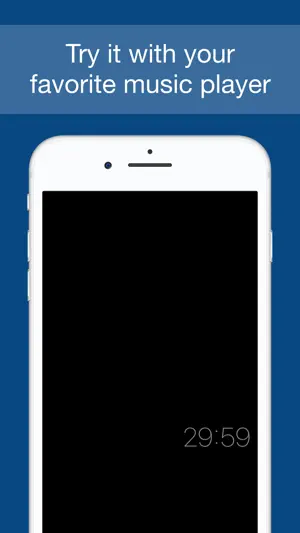
This app allows you to fall asleep with favorite music. It stops music after selected time for device battery saving. How it works: 1. Open music player and start music. For example, default iPhone player. 2. Return to this app, select time and press 'START' button. 3. Don't quit from app! Display will work on minimum brightness. 4. Music will be stopped and display will be turned off soon when timer fires. No ads! Enjoy!
Ratings & reviews
4.6
7.6K ratings
What’s new
Version 1.10 · Updated July 1, 2024
+ Minor bug fix.
App privacy
The developer, Maksim Tolstov, reported these privacy practices to Apple.
Data Not Collected
The developer does not collect any data from this app.