

SwitchCam - Live Camera Switch
优尔公司 Photo & Video iPhoneiPadiPod touch
SwitchCam - Live Camera Switch is a free Photo & Video app for iPhone and iPad by 优尔公司. Requires iOS 17.0. Updated October 17, 2026.
- Price
- Free
- on the App Store
- Size
- 6 MB
- Age 4+
- Updated
- Oct 17
- 2026 · v1.1.1
Screenshots


About SwitchCam - Live Camera Switch
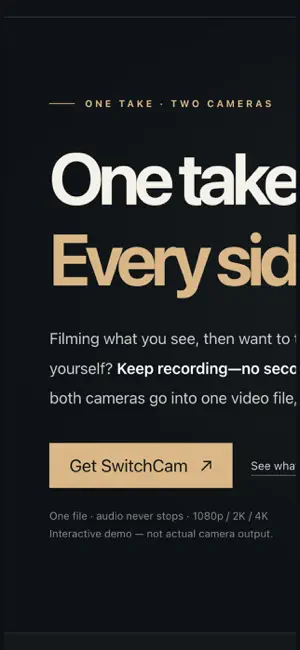
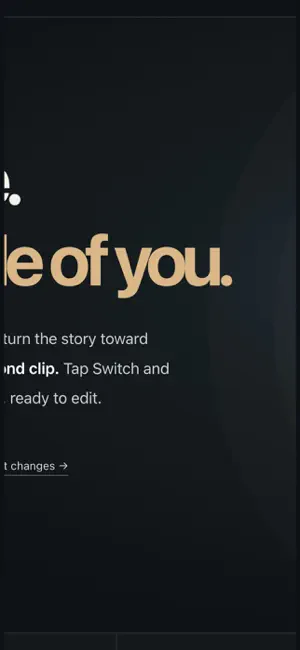
One sentence: switch between the front and rear cameras while you record — something the built-in Camera app cannot do. ■ Why we built it With the built-in iPhone Camera app, once you press Record you can no longer switch between the front and rear cameras. To switch, you have to stop, change cameras, and start a new clip. SwitchCam solves that: switch whenever you like, and it is still one single video file. ■ How switching works · While recording, tap Switch and the picture moves to the other camera right away · Both cameras work at the same time (in 1080p), so the switch is nearly seamless (a measured gap of 2–21 ms on real devices) · The front and rear cameras are matched to the same resolution and frame rate first, so nothing jumps after a switch · Audio never drops: the microphone is captured independently of the camera session, so your voice stays continuous ■ Quality and specs · Three settings — 1080p / 2K / 4K — one tap to change, frame rate fixed at 30 · 2K is captured at 4K and scaled down to 2560×1440, so the framing matches 4K exactly (it is not upscaled 1080p) · 1080p runs both cameras at once for nearly seamless switching; 2K and 4K put image quality first ■ The interface (just three buttons) · Three buttons at the bottom: Photos / Record / Switch — one tap on Photos opens the system Photos app · The picture cuts straight over with no stutter and no black frame, and the audio stays a single continuous track from start to finish · Tap to focus, pinch to zoom (up to 10x) · While recording, a red dot and a timer stay on screen, so you always know you are rolling ■ Privacy · No data collected: no server, no account, no ads, no third-party analytics · Finished videos are saved straight to your own Photos library, with no copy left behind in the app ■ Good to know · The first launch asks for Camera, Microphone, and Photos (add-only) access · Running both cameras at once uses more battery, so plug in for long recordings
What’s new
Version 1.1.1 · Updated October 17, 2026
What is new in 1.0.1 (build 54): · Removed the unused Beauty / Color entry — the bottom bar is now just Photos / Record / Switch · Focused on the main idea: switch between the front and rear cameras while recording, one file, with audio that never drops
App privacy
The developer, 优尔公司, reported these privacy practices to Apple.
Data Not Collected
The developer does not collect any data from this app.
Alternatives to SwitchCam - Live Camera Switch
Looking for apps like SwitchCam - Live Camera Switch? Here are 6 similar apps on the App Store. The highest rated is Trimio – Crop & Trim Videos (5.0/5), and all 6 are free to download.
-
 Dual: Front & Back Recorder
-
 Anonymask: Faceless Video
-
 专业相机 Pro - 单反级拍照修图
-
 Pictro: Dual Camera Recorder
-
 Video Splitter: Story Splitter
-
 Trimio – Crop & Trim Videos
5.0
| App | Rating | Price | Last updated | Compare |
|---|---|---|---|---|
| SwitchCam - Live Camera Switch | – | Free | October 17, 2026 | |
| Dual: Front & Back Recorder | – | Free | Sep 25, 2026 | Compare |
| Anonymask: Faceless Video | – | Free | Oct 12, 2026 | Compare |
| 专业相机 Pro - 单反级拍照修图 | – | Free | Apr 6, 2026 | Compare |
| Pictro: Dual Camera Recorder | – | Free | Jul 22, 2026 | Compare |
| Video Splitter: Story Splitter | – | Free | Aug 11, 2026 | Compare |
| Trimio – Crop & Trim Videos | 5.0 / 5 (1) | Free | Feb 26, 2026 | Compare |