

Fleefoot
OGUZHAN GURAY Lifestyle iPhoneiPadiPod touch
Fleefoot is a free Lifestyle app for iPhone and iPad by OGUZHAN GURAY. Requires iOS 16.4. Updated September 23, 2026.
- Price
- Free
- on the App Store
- Size
- 48 MB
- Age 12+
- Updated
- Sep 23
- 2026 · v1.1.1
Screenshots


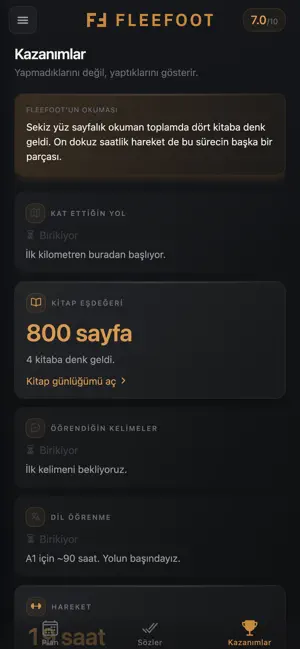

About Fleefoot
• By default your records stay on your device only; you can choose to back them up to the cloud with your account. Export, restore or delete them whenever you want.
What’s new
Version 1.1.1 · Updated September 23, 2026
Five things are new in this version. • Each promise can carry its own reminder: set your own time, and it comes back in your own words, not Fleefoot's. • Focus Timer: work on one thing at a time and keep your breaks regular. You estimate how many blocks it will take, and over time you get to know your own estimates. • Finance Tracker: income, fixed expenses, debts and instalments in one place, with what you can spend today and how the coming months look. Your budget stays on your device only. • Week, month and year totals in Analysis: "how did this month go?" now has an answer on screen. The denominator is days lived — days that haven't arrived never count against you. • Optional account and cloud backup: sign in with Google or Apple and, with your separate consent, back up your history so it comes back when you change phones. An account is never required — Fleefoot works fully as a guest. You can delete your account and its server records from Settings. Your scoring, your promises and your history are unchanged.
App privacy
The developer, OGUZHAN GURAY, reported these privacy practices to Apple.
Data Linked to You
The following data, which may be collected and linked to your identity, may be used for the following purposes:
- Health & Fitness: Fitness
- Contact Info: Name, Email Address
- User Content: Other User Content
- Financial Info: Other Financial Info
- Identifiers: User ID
- Usage Data: Product Interaction
Used for: Product Personalization, App Functionality, Other Purposes