

QRFast - Code Helper
Fuzhou Yuhui Technology Co., Ltd. Utilities iPhoneiPadiPod touch
QRFast - Code Helper is a free Utilities app for iPhone and iPad by Fuzhou Yuhui Technology Co., Ltd. Requires iOS 17.6. Updated October 15, 2026.
- Price
- Free
- on the App Store
- Size
- 73 MB
- Age 4+
- Updated
- Oct 15
- 2026 · v1.2.0
Screenshots
About QRFast - Code Helper
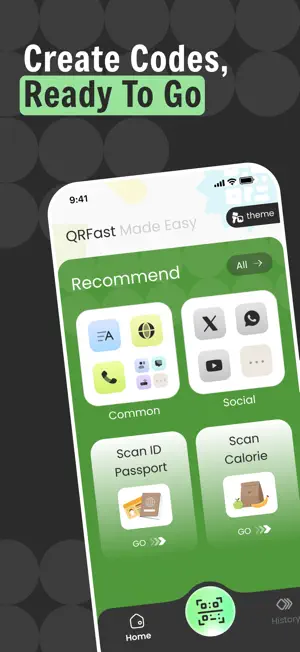
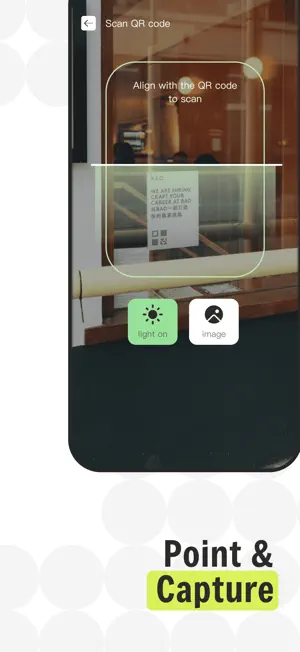
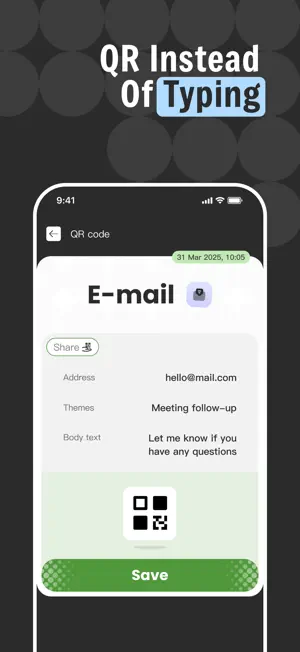
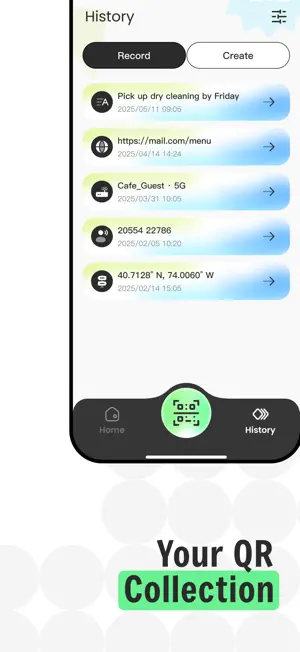
Make everyday codes easier to use with QRFast. QRFast brings scanning, code creation, and recent activity together in a focused workspace. Point your camera at a code, pick one from a saved image, or create a new QR code from information you want to share. Whether a code is printed on a package, shown on another screen, saved in a screenshot, or shared with you digitally, QRFast helps you quickly turn it into useful information. Scan from Camera or Photos Use your iPhone camera to recognize QR codes and supported barcodes, or choose an existing image from your photo library. QRFast can handle many common types of encoded information, including website addresses, text, contact details, phone numbers, email addresses, messages, Wi-Fi information, locations, and more. Turn Information Into a QR Code QRFast also works in the other direction. Choose the type of information you want to share and turn it into a scannable QR code. Create QR codes for: • Websites • Plain text • Contact details • Phone numbers • Email • SMS messages • Wi-Fi information • Locations • Social profile links Once created, your QR code is ready to save or share when you need it. Keep Recent Scans Within Reach Previously scanned codes can be kept in your local history, making it easier to return to useful information without scanning it again. Review recent results, copy their contents, reopen links, or remove records you no longer need. Built for Simple, Everyday Use QRFast does not require an account for its core features. QR code recognition is primarily performed on your device. Camera frames and photos selected for code recognition are not uploaded to our servers for scanning, and your scan history is stored locally on your device. From checking a code on a poster to creating a QR code for Wi-Fi or contact information, QRFast keeps the process straightforward from start to finish.
What’s new
Version 1.2.0 · Updated October 15, 2026
1. Fix some issues.
App privacy
The developer, Fuzhou Yuhui Technology Co., Ltd., reported these privacy practices to Apple.
Data Used to Track You
The following data may be used to track you across apps and websites owned by other companies:
- Identifiers: Device ID
Data Not Linked to You
The following data, which may be collected but is not linked to your identity, may be used for the following purposes:
- Identifiers: Device ID
- Diagnostics: Crash Data, Other Diagnostic Data
Used for: Third-Party Advertising, Analytics, App Functionality, Other Purposes
Alternatives to QRFast - Code Helper
Looking for apps like QRFast - Code Helper? Here are 6 similar apps on the App Store. The highest rated is ReadQR & Barcode Creator (5.0/5), and all 6 are free to download.
-
 PhotoSure
-
 ReadQR & Barcode Creator
5.0
ReadQR & Barcode Creator
5.0
-
 MyQR Tool
-
 QR Atelier
5.0
QR Atelier
5.0
-
 PDF Expert Viewer
-
 Translate Bridge
5.0
Translate Bridge
5.0
| App | Rating | Price | Last updated | Compare |
|---|---|---|---|---|
| QRFast - Code Helper | – | Free | October 15, 2026 | |
| PhotoSure | – | Free | Oct 12, 2026 | Compare |
| ReadQR & Barcode Creator | 5.0 / 5 (6) | Free | Oct 15, 2026 | Compare |
| MyQR Tool | – | Free | Sep 29, 2026 | Compare |
| QR Atelier | 5.0 / 5 (7) | Free | Oct 15, 2026 | Compare |
| PDF Expert Viewer | – | Free | Sep 20, 2026 | Compare |
| Translate Bridge | 5.0 / 5 (4) | Free | Jul 26, 2026 | Compare |