

Flickaro: Swipe Notes
Michal Milczarski Productivity iPhoneiPadiPod touch
Flickaro: Swipe Notes is a free Productivity app for iPhone and iPad by Michal Milczarski. Requires iOS 18.0. Updated September 15, 2026.
- Price
- Free
- on the App Store
- Size
- 1 MB
- Age 4+
- Updated
- Sep 15
- 2026 · v1.40
Screenshots
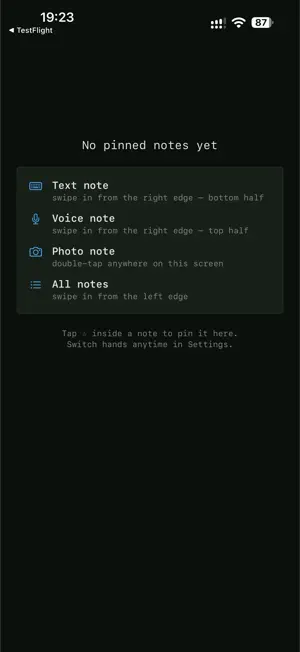
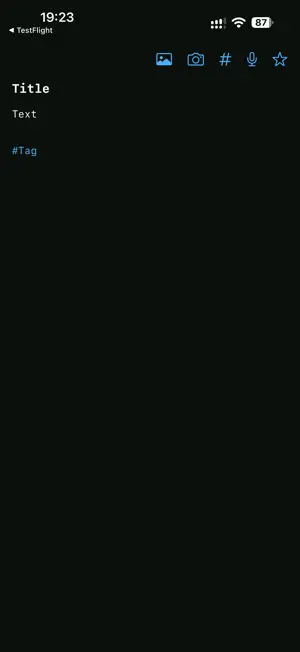
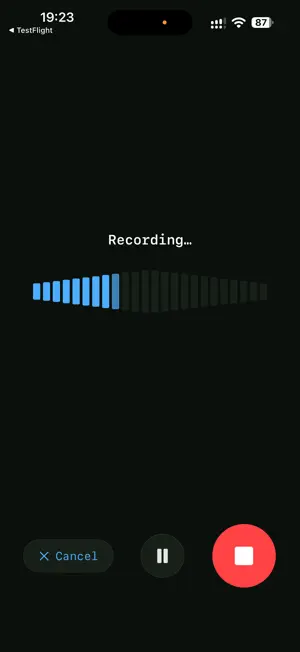
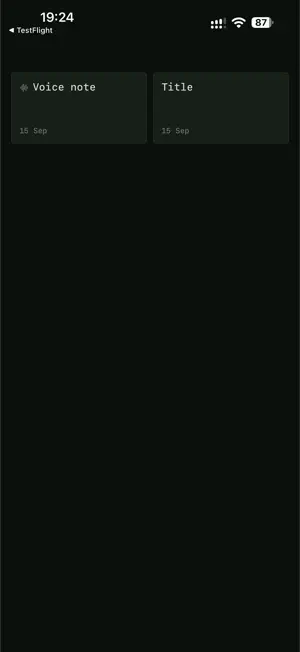
About Flickaro: Swipe Notes
FIND IT AGAIN • File notes into folders — the list groups itself, and folders fold shut. • Write #tags anywhere in a note, or add one from the # button. • Search reads note text, tags and folder names alike. • Optional Markdown: headings, bold, italic, strikethrough and code, styled from what you type.
What’s new
Version 1.40 · Updated September 15, 2026
Folders — plus titles you can see and Markdown if you want it. FOLDERS • Long-press a note and file it under a folder. The list then groups itself, one section per folder, and each section folds shut with a tap. • Filter to a single folder from the menu, or turn grouping off entirely. • Search now finds notes by their folder name too. • A folder exists for as long as a note names it — nothing to create, nothing to clean up. TAGS FROM INSIDE A NOTE • The # button in a note offers the tags you already use, or takes a new one. Tags land on their own line at the end, never in the title. TITLES AND MARKDOWN • The first line of a note now reads as its title in the editor — the same line the list shows. Move it and the styling follows. • New in Settings → Appearance: Markdown. It styles # headings, **bold**, *italic*, ~~struck~~ and `code` straight from what you type, with the markers kept in view, and the formatting bar writes those markers for you. Off until you ask for it. ALSO • Ticked-off tasks read as done wherever the note came from. • VoiceOver no longer reads the screen behind an open panel, and taps near the top of a panel land where you aimed them. • Larger screens get more notes rather than wider ones: the layout adapts to the space it is given.
App privacy
The developer, Michal Milczarski, reported these privacy practices to Apple.
Data Not Collected
The developer does not collect any data from this app.
Alternatives to Flickaro: Swipe Notes
Looking for apps like Flickaro: Swipe Notes? Here are 6 similar apps on the App Store. The highest rated is Chorphin (5.0/5), and all 6 are free to download.
-
 Chorphin
5.0
Chorphin
5.0
-
 Chore Chart for Roommates
-
 Chore Calendar
-
 Jotable - Simple Notes
-
 Reward Chores
5.0
Reward Chores
5.0
-
 Minimalist Habit Tracker
| App | Rating | Price | Last updated | Compare |
|---|---|---|---|---|
| Flickaro: Swipe Notes | – | Free | September 15, 2026 | |
| Chorphin | 5.0 / 5 (1) | Free | Jul 29, 2026 | Compare |
| Chore Chart for Roommates | – | Free | Sep 14, 2026 | Compare |
| Chore Calendar | – | Free | Sep 7, 2026 | Compare |
| Jotable - Simple Notes | – | Free | Oct 15, 2026 | Compare |
| Reward Chores | 5.0 / 5 (2) | Free | Jun 6, 2026 | Compare |
| Minimalist Habit Tracker | – | Free | Apr 27, 2024 | Compare |