

CameraBuddy: Remote Shutter
Daniil Bondarenko Photo & Video iPhoneiPadiPod touch
CameraBuddy: Remote Shutter is a free Photo & Video app for iPhone and iPad by Daniil Bondarenko. Requires iOS 26.0. Updated August 11, 2026.
- Price
- Free
- on the App Store
- Size
- 26 MB
- Age 4+
- Updated
- Aug 11
- 2026 · v1.0.1
Screenshots

About CameraBuddy: Remote Shutter
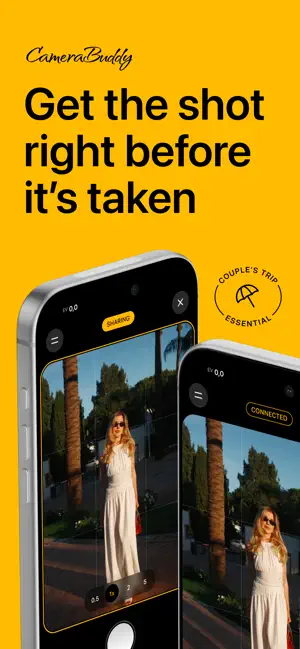
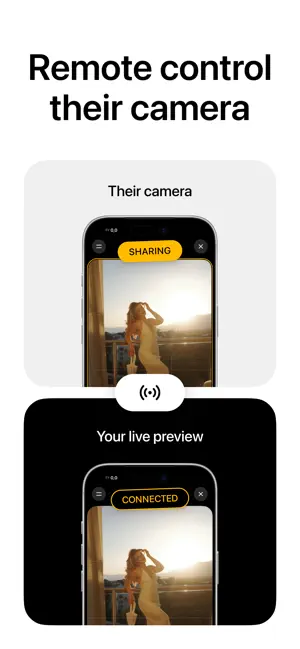
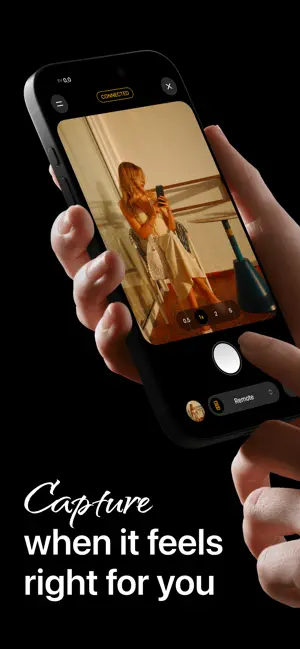
CameraBuddy turns two iPhones into a camera with a remote viewfinder and controls. Hand one iPhone to the person taking your photo, or place it on a tripod. On your own iPhone, you can see the shot live before it’s taken, check how you look, and ask the photographer to raise or lower the camera, zoom in, or zoom out. Don’t want to explain? Control the other iPhone’s camera yourself. Switch between lenses, adjust zoom, focus, and exposure, and take the photo when everything looks right. The photo appears instantly for a quick preview, then saves in full quality to both phones in the CameraBuddy album in Photos. No internet connection is required to take or transfer photos. Just keep Wi‑Fi enabled on both iPhones and they connect directly, without a router or server. Key features: • Live viewfinder on the second iPhone • Remote shutter release • Lens switching and smooth zoom • Focus and exposure controls • Grid, level, flash, and Live Photos • Instant preview and full-quality photo saving • Built-in gallery CameraBuddy is perfect for couples, group portraits, travel, tripod photography, and content creation, whenever you want to be in the shot while staying in control of the result. One active subscription covers both iPhones. Available plans, prices, and trial details are shown in the app before purchase. Terms of Use: https://camerabuddy.app/terms End User License Agreement (EULA): https://www.apple.com/legal/internet-services/itunes/dev/stdeula/ Privacy Policy: https://camerabuddy.app/privacy
What’s new
Version 1.0.1 · Updated August 11, 2026
• Improved the first-launch experience and setup for Camera, Photos, and Local Network access • Refreshed the menu and camera controls • Improved connections between iPhones, role switching, and the gallery experience • Fixed bugs and improved stability
App privacy
The developer, Daniil Bondarenko, reported these privacy practices to Apple.
Data Not Linked to You
The following data, which may be collected but is not linked to your identity, may be used for the following purposes:
- Purchases: Purchase History
- Identifiers: User ID
Used for: App Functionality