

PicLoom - Photo Studio
新浩 陈 Photo & Video iPhoneiPadiPod touch
PicLoom - Photo Studio is a paid Photo & Video app for iPhone and iPad by 新浩 陈. Requires iOS 18.0. Updated October 19, 2026.
- Price
- 6.99 USD
- on the App Store
- Size
- 105 MB
- Age 4+
- Updated
- Oct 19
- 2026 · v2.1
Screenshots


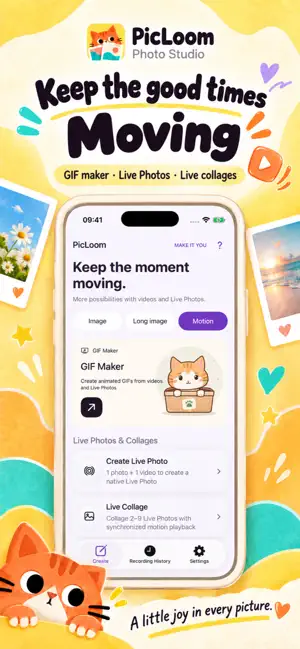

About PicLoom - Photo Studio
PicLoom brings photo editing, collages, long screenshots and animated creations together. Media is processed on your device, with no account registration or ads. PHOTOS: Crop, draw, add text, mosaic and watermarks; adjust light, color and portraits. Create pixel effects, template collages and free-form unlimited collages. LONG SCREENSHOTS: Stitch scrolling recordings, preview and adjust seams, then export. Steady scrolling in one direction works best. MOTION: Make GIFs from videos or Live Photos, combine Live Photos, or create a new Live Photo from an image and a video. Portrait detection depends on pose, visibility and lighting. Strong reshaping can affect nearby backgrounds. Portrait adjustments apply to still images. GIFs have no audio. Pay once to download from the App Store, then use all tools. Existing users also get full access after updating. Export images, GIFs and Live Photos without daily limits or added app branding. You can still add your own watermarks. Privacy Policy: https://picloom.cxh930605.workers.dev/privacy Terms of Use (EULA): https://www.apple.com/legal/internet-services/itunes/dev/stdeula/
What’s new
Version 2.1 · Updated October 19, 2026
We’ve refined the overall app experience, streamlined editing and export workflows, and improved translations for a smoother creative experience.
App privacy
The developer, 新浩 陈, reported these privacy practices to Apple.
Data Not Collected
The developer does not collect any data from this app.