

PDFUnlock: Add/Remove password
DIEGO ALEJANDRO VILLA CARDENAS Utilities iPhoneiPadiPod touchMac
PDFUnlock: Add/Remove password is a free Utilities app for iPhone and iPad by DIEGO ALEJANDRO VILLA CARDENAS. Requires iOS 26.0. Updated June 10, 2026.
- Price
- Free
- on the App Store
- Size
- 2 MB
- Age 4+
- Updated
- Jun 10
- 2026 · v1.0
Screenshots



About PDFUnlock: Add/Remove password
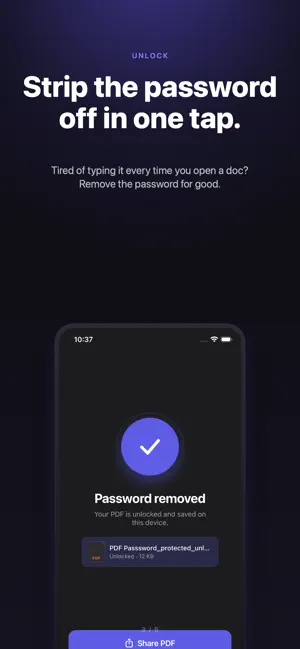
Unlock or password-protect any PDF — instantly, privately, and without an internet connection. Whether you need to open a locked document or secure one before sharing, this app handles both in seconds. No accounts, no uploads, no waiting. · Remove passwords from encrypted PDFs · Add passwords to protect sensitive documents · Works entirely on your device — files never leave · Available on iPhone, iPad, and Mac · No internet connection required Your files are yours. Nothing is sent to any server — ever. All processing happens locally, so your documents stay completely private. Try it free with your first 3 PDFs. After that, unlock unlimited use with a single one-time purchase — no subscription, no auto-renewal, no surprises.
App privacy
The developer, DIEGO ALEJANDRO VILLA CARDENAS, reported these privacy practices to Apple.
Data Not Collected
The developer does not collect any data from this app.