

Clear Pick: AI Photo Picker
昊天 吴 Photo & Video iPhoneiPadiPod touch
Clear Pick: AI Photo Picker is a free Photo & Video app for iPhone and iPad by 昊天 吴. Requires iOS 26.0. Updated October 22, 2026.
- Price
- Free
- on the App Store
- Size
- 12 MB
- Age 4+
- Updated
- Oct 22
- 2026 · v1.1.3
Screenshots



About Clear Pick: AI Photo Picker
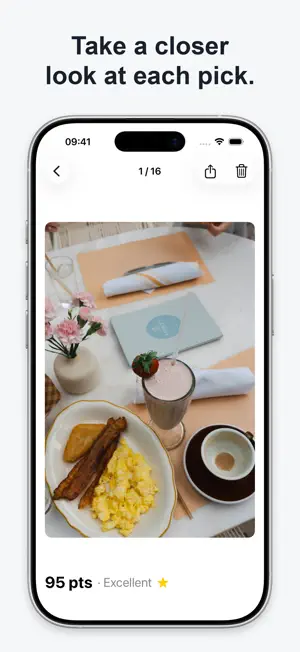
Find the photos you meant to keep without scrolling through your whole library. Choose today, yesterday, the last 7 or 30 days, an exact date range, a place saved with your photos, an album, or photos you select manually. Clear Pick scores only that batch on your device, groups similar and burst shots, and puts its best picks first. Pick the best • Choose how many photos you want. • Compare each pick with the other shots in its group. • Open any photo to review it up close. Clean up the rest • Review photos Clear Pick did not choose. • Select similar extras or low-score shots. • Nothing is deleted automatically. You see the photos first, then confirm deletion in Photos. Privacy Photo scoring happens on your device. Clear Pick does not upload your photos and does not require an account. Date and location filtering uses metadata saved with your photos; place names come from Apple Maps when available. Pricing Your first 5 batches are free. Unlock unlimited picking with one purchase. No subscription and no auto-renew. Clear Pick works with the batch you choose. It is not an automatic whole-library duplicate scanner. Available on iPhone and iPad. Terms of Use (EULA): https://www.apple.com/legal/internet-services/itunes/dev/stdeula/ Questions or feedback: [email protected]
What’s new
Version 1.1.3 · Updated October 22, 2026
Added support for German, French, Spanish, Italian, Dutch, Portuguese (Brazil), Turkish, Japanese, and Korean.
App privacy
The developer, 昊天 吴, reported these privacy practices to Apple.
Data Not Linked to You
The following data, which may be collected but is not linked to your identity, may be used for the following purposes:
- Diagnostics: Crash Data
Used for: App Functionality