

EL Locator
Consolidated Capital LLC Navigation iPhoneiPadiPod touch
EL Locator is a free Navigation app for iPhone and iPad by Consolidated Capital LLC. Requires iOS 16.6. Updated August 6, 2026.
- Price
- Free
- on the App Store
- Size
- 64 MB
- Age 4+
- Updated
- Aug 6
- 2026 · v2.0
Screenshots
About EL Locator
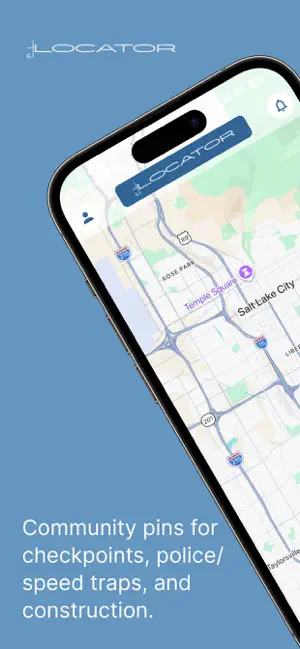
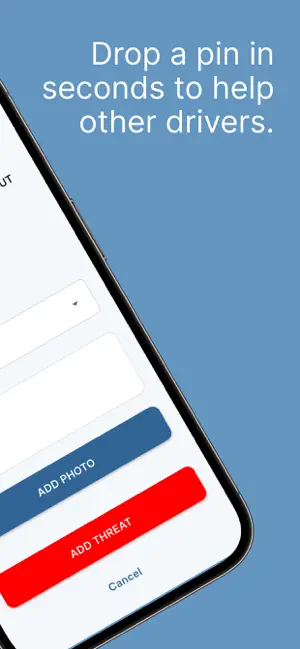
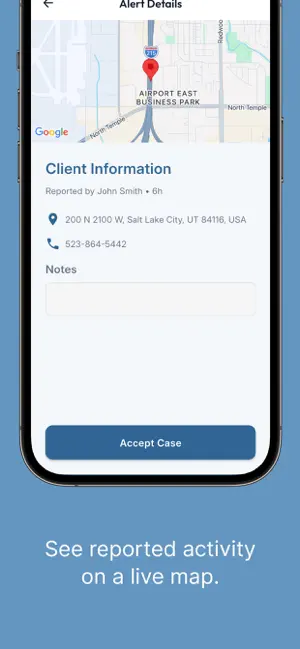
EL Locator is a community-powered road awareness app that helps you stay informed about what’s around you while you’re on the road. See and share real-time pins for: - Checkpoints - Police / speed traps - Construction zones When you spot something on your route, just drop a pin on the EL Locator map. Your alert appears for other users right away—using GPS and Google Maps to pinpoint the location. LEGAL ALERT (PANIC BUTTON) If you’re arrested, tap Legal Alert to: 1) Notify an attorney in your area 2) Inform your designated emergency contact So legal help can be contacted quickly when it matters most. WHY DRIVERS USE EL LOCATOR - Drive with awareness instead of surprises - Community-powered updates (drivers helping drivers) - Simple reporting: tap, choose the type, and post - Privacy-minded: pins share location, not your personal details USE RESPONSIBLY EL Locator is designed to promote safer, more informed driving. Always obey speed limits and local laws, and never drive impaired. Reports are user-generated and may be inaccurate or outdated. Do not interact with your phone while driving—use hands-free features where available or have a passenger operate the app. In-app purchase and subscription disclosure - EL Locator (Member): Free plan for threat detection and alerts. - Legal Alert (Lawyer): $25/year subscription with a first-month free trial (for attorneys who want to receive Legal Alert notifications). Privacy Policy: https://www.ellocator.com/privacy-policy.php Terms of Use: https://www.ellocator.com/terms.php
What’s new
Version 2.0 · Updated August 6, 2026
Functionality enhancements
App privacy
The developer, Consolidated Capital LLC, reported these privacy practices to Apple.
Data Not Linked to You
The following data, which may be collected but is not linked to your identity, may be used for the following purposes:
- Location: Precise Location
- Contact Info: Physical Address, Email Address, Name, Phone Number
- Identifiers: Device ID
Used for: App Functionality