

TrustLens
SANTIAGO MARTINEZ ANTEQUERA Utilities iPhoneiPadiPod touch
TrustLens is a free Utilities app for iPhone and iPad by SANTIAGO MARTINEZ ANTEQUERA. Requires iOS 17.0. Updated February 24, 2026.
- Price
- Free
- on the App Store
- Size
- 10 MB
- Age 4+
- Updated
- Feb 24
- 2026 · v1.0
Screenshots


About TrustLens
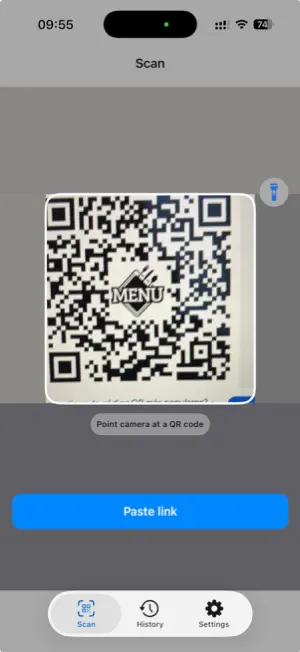
TrustLens helps you decide before you tap. Scan QR codes and analyze links to spot phishing and scam signals before opening a page. TrustLens shows the real destination, explains risk indicators in plain language, and keeps your checks private on your device. How it works: - Scan a QR code or paste a URL - Expand short links and follow redirect chains safely - Score risk from 0-100 and label it Safe, Caution, or Danger - Show clear reasons (HTTP, suspicious keywords, unusual domains, too many redirects, and more) - Recommend what to do next: Open normally, Open with caution, or avoid and use the official site Key features: - QR scanner with torch and large viewfinder - “Analyze” confirmation step before any link opens - Safe Open flow with extra warning for high-risk links - Share Sheet extension: analyze links from other apps - Save analysis history with date, domain, and risk level - Share a readable safety report - Trusted domain whitelist to reduce false alarms - Multilingual support Privacy first: - On-device analysis: scanned and shared URLs are processed locally - No scanned URLs are uploaded to our servers - Personalized ads are optional and off by default - ATT permission is requested only if you choose personalized ads Important: TrustLens provides risk indicators to help reduce risk. It is not antivirus software and cannot guarantee total protection. Always verify sensitive actions on official websites.
App privacy
The developer, SANTIAGO MARTINEZ ANTEQUERA, reported these privacy practices to Apple.
Data Used to Track You
The following data may be used to track you across apps and websites owned by other companies:
- Identifiers: Device ID
Data Not Linked to You
The following data, which may be collected but is not linked to your identity, may be used for the following purposes:
- Identifiers: Device ID
- Usage Data: Advertising Data
Used for: Developer’s Advertising or Marketing, App Functionality