

Frame Grabber & Video to Pic
Jonathon Norton Photo & Video iPhoneiPadiPod touch
Frame Grabber & Video to Pic is a free Photo & Video app for iPhone and iPad by Jonathon Norton. Requires iOS 17.0. Updated February 4, 2026.
- Price
- Free
- on the App Store
- Size
- 37 MB
- Age 4+
- Updated
- Feb 4
- 2026 · v1.0
Screenshots
About Frame Grabber & Video to Pic
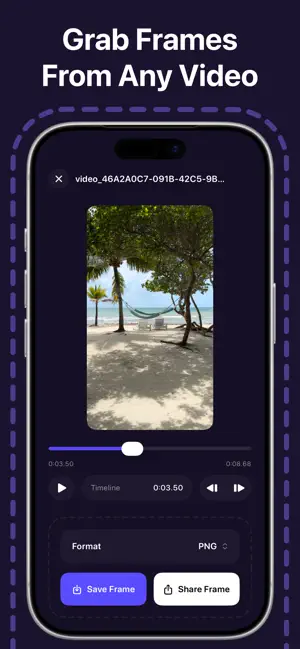
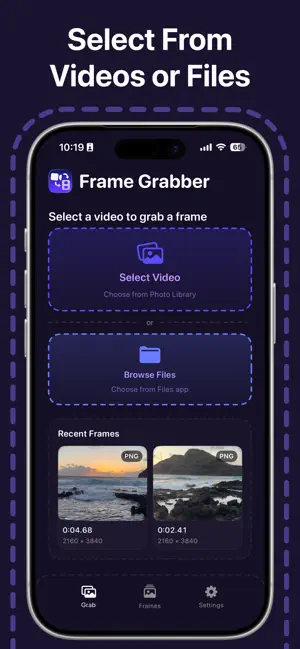
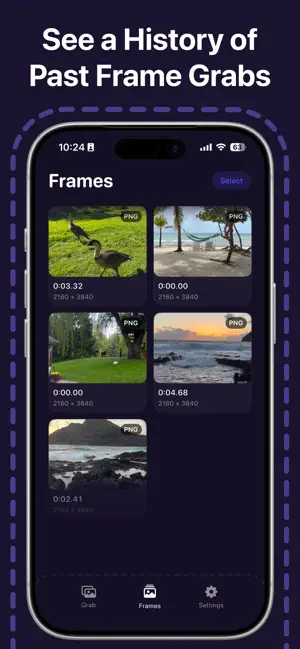
HOW TO USE FRAME GRABBER: 1. Select a video from your photo library or files 2. Scrub through the timeline to find the perfect moment 3. Export the frame in PNG or JPG format If you want to capture the perfect still from any video, Frame Grabber will help you extract high-quality frames in seconds. We aren't another complicated video editor. We want to empower everyone to grab stunning frames from their videos with minimal effort. Whether you're saving a memorable moment from a family video or extracting a clean still for social media, we've got you covered. NOTE: Frame Grabber extracts frames at the original video resolution for maximum quality. *FRAME EXTRACTION REQUIRES A SUBSCRIPTION TERMS: https://www.apple.com/legal/internet-services/itunes/dev/stdeula/
App privacy
The developer, Jonathon Norton, reported these privacy practices to Apple.
Data Not Collected
The developer does not collect any data from this app.
Alternatives to Frame Grabber & Video to Pic
Looking for apps like Frame Grabber & Video to Pic? Here are 6 similar apps on the App Store. The highest rated is Video to Photo Frame Grabber (5.0/5), and all 6 are free to download.
-
 Screen Shot App, Frame Grabber
-
 Video to Photo Frame Grabber
5.0
Video to Photo Frame Grabber
5.0
-
 Frame Grabber | Video to Pic
-
 Movie2Shot Mobile
-
 Find My Frame: Frame Grabber
5.0
Find My Frame: Frame Grabber
5.0
-
 FreeFrame
| App | Rating | Price | Last updated | Compare |
|---|---|---|---|---|
| Frame Grabber & Video to Pic | – | Free | February 4, 2026 | |
| Screen Shot App, Frame Grabber | – | Free | Jan 9, 2026 | Compare |
| Video to Photo Frame Grabber | 5.0 / 5 (5) | Free | Jun 18, 2026 | Compare |
| Frame Grabber | Video to Pic | – | Free | May 19, 2026 | Compare |
| Movie2Shot Mobile | – | Free | Jul 26, 2025 | Compare |
| Find My Frame: Frame Grabber | 5.0 / 5 (2) | Free | Jun 2, 2026 | Compare |
| FreeFrame | – | Free | Jan 6, 2026 | Compare |