

Learn Rust Coding Tutorials
Muhammad Umair Education iPhoneiPadiPod touch
Learn Rust Coding Tutorials is a paid Education app for iPhone and iPad by Muhammad Umair. Requires iOS 15.6. Updated October 24, 2026.
- Price
- 2.99 USD
- on the App Store
- Size
- 73 MB
- Age 9+
- Updated
- Oct 24
- 2026 · v1.1
Screenshots
About Learn Rust Coding Tutorials
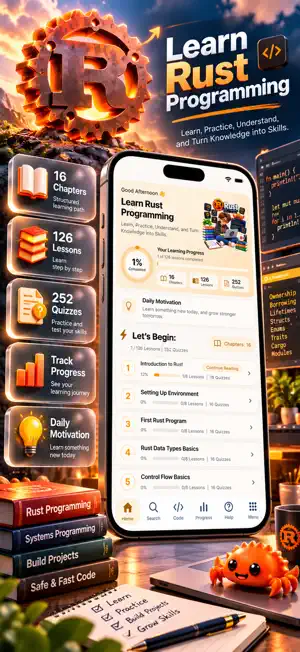
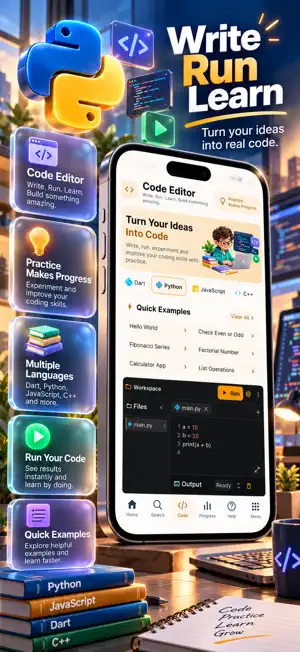
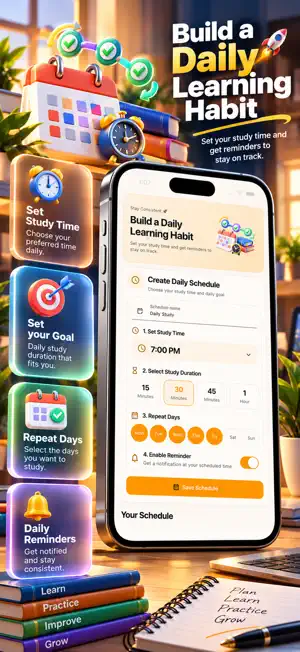
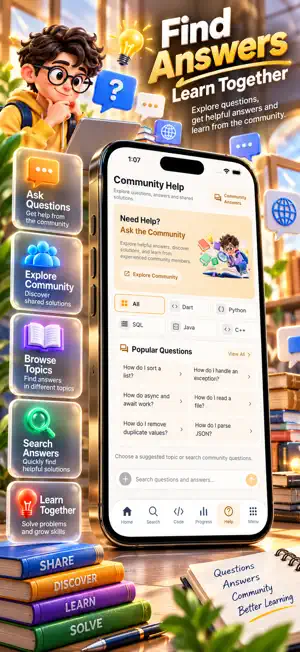
Learn Rust Programming is a structured learning app designed to help you explore Rust coding, understand essential programming concepts, practice with quizzes, and track your learning progress. Whether you are starting with Rust basics or exploring ownership, borrowing, and systems programming concepts, the app provides an organized way to develop your knowledge. With 16 chapters, 126 lessons, and 252 quizzes, Learn Rust Programming brings together educational content, coding practice, progress tracking, and study tools in one learning experience. LEARN RUST STEP BY STEP Explore a structured Rust programming course with lessons covering introductory topics and more detailed programming concepts. Visible course topics include: • Introduction to Rust • Setting Up Environment • First Rust Program • Rust Data Types Basics • Control Flow Basics • Rust Syntax • Ownership and Borrowing • Lifetimes • Strings in Rust • Structs in Rust • Variables in Rust • Error Handling • Concurrency • Cargo and Modules Each chapter organizes its lessons into a clear learning path, helping you follow topics at your own pace. 126 LESSONS AND 252 QUIZZES Study Rust programming through 126 organized lessons across 16 chapters. Reinforce your understanding with 252 quiz questions designed to complement the learning material. View lesson completion, quiz information, reading estimates, and chapter progress as you move through the course. PRACTICE WITH THE CODE EDITOR Explore programming concepts using the integrated code editor. The editor includes a coding workspace, example programs, a Run option, and an output section. Visible coding tools include: • Code editing workspace • Quick programming examples • File navigation • Run controls • Output display • Multiple programming language options Use the coding workspace to experiment with programming examples and support your learning through practice. TRACK YOUR LEARNING PROGRESS Follow your educational journey through the dedicated progress dashboard. Monitor completed lessons, overall completion percentage, chapter statistics, and learning activity. Progress features include: • Overall learning progress • Completed lesson tracking • Chapter and lesson statistics • Quiz statistics • Daily learning streak • Completion rate • Learning activity overview Stay informed about your progress and see which lessons are completed, in progress, or not yet started. SEARCH LESSONS AND TOPICS Find learning material using the built-in search feature. Explore course categories, discover lessons, browse popular topics, and access recent searches. Search tools help you navigate the course and find relevant Rust programming content. COMMUNITY HELP AND ANSWERS Explore programming questions and community answers through the Community Help section. Browse popular questions, search for answers, and discover shared solutions related to programming topics. Use community resources to support your learning and explore different programming questions. PERSONALIZE YOUR LEARNING EXPERIENCE Adjust your learning environment with available settings and study preferences. Personalization features include: • Light and dark appearance options • App language preferences • Adjustable text size • Learning notifications • Daily learning schedule • Bookmarked lessons • Personal study notes Create a learning experience that fits your reading preferences and daily routine. BUILD A DAILY LEARNING HABIT Create a study schedule by choosing your preferred study time, session duration, and repeat days. Enable learning reminders to help maintain a consistent study routine. The daily learning streak feature also lets you follow your study consistency. SAVE NOTES AND BOOKMARK LESSONS Keep useful information organized with personal notes and bookmarked lessons. Return to saved learning material and review important concepts whenever needed.
What’s new
Version 1.1 · Updated October 24, 2026
New User Interface Fixed Bugs Added new Features
App privacy
The developer, Muhammad Umair, reported these privacy practices to Apple.
Data Not Collected
The developer does not collect any data from this app.