

Voice Real Estate Docs - Wit
Saul Holding Productivity iPhoneiPadiPod touch
Voice Real Estate Docs - Wit is a free Productivity app for iPhone and iPad by Saul Holding. Rated 5.0/5 from 10 ratings. Requires iOS 16.4.
- Rating
- 5.0
- 10 ratings
- Price
- Free
- on the App Store
- Size
- 89 MB
- Age 4+
- Updated
- Aug 18
- 2026 · v3.0.7
Screenshots


About Voice Real Estate Docs - Wit
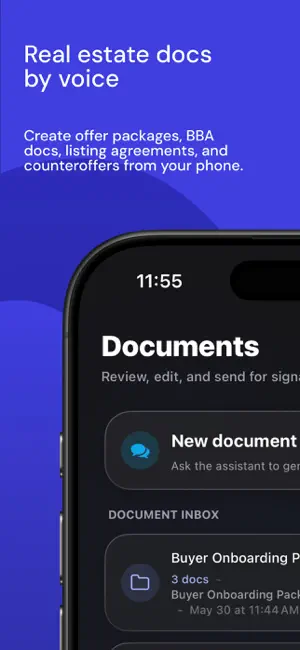
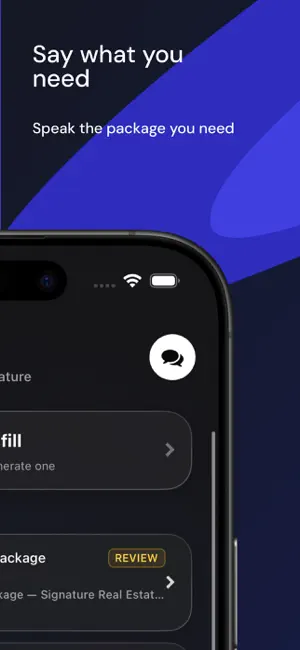
Meet Wit, the voice-first document assistant for real estate agents. Wit helps approved real estate teams create document packages from approved templates, review generated documents, and route supported packages for signature. Just say what you need: “Create the buyer brokerage agreement for Zach.” “Generate the offer package for 123 Main Street.” “Create a counteroffer and send it for signature.” Wit turns your request into a guided document flow. It can ask for missing details, use approved package templates, generate the documents, and give you a clear review step before anything is sent. Built for agents on the move, Wit is designed for the moments when you are between showings, in the car, or trying to get an offer out quickly. Core features: - Voice-first real estate document generation - Approved template and package support - AI-guided field collection - Mobile document review - Signature routing for supported packages - Generated and signed document access - Deal-aware document workflows Wit is currently available for approved real estate teams, brokerages, and pilot users. Access is provisioned through approved business relationships and is not publicly purchasable inside the app. Terms of Use (EULA): https://www.apple.com/legal/internet-services/itunes/dev/stdeula/
Ratings & reviews
5.0
10 ratings
What’s new
Version 3.0.7 · Updated August 18, 2026
Wit now lets you know when a new App Store version is available, while keeping updates smooth and optional.
App privacy
The developer, Saul Holding, reported these privacy practices to Apple.
Data Linked to You
The following data, which may be collected and linked to your identity, may be used for the following purposes:
- Contact Info: Email Address, Name
- User Content: Emails or Text Messages, Photos or Videos, Audio Data
- Identifiers: User ID, Device ID
- Usage Data: Product Interaction
- Diagnostics: Crash Data, Performance Data, Other Diagnostic Data
Used for: Analytics, Product Personalization, App Functionality